 Advertisement
Public Wi-Fi is everywhere these days; you can’t avoid it. The internet is free, convenient, and often necessary. VPN for public WiFi are not always a safe network if you work from a coffee shop, wait at an airport, stay in a hotel, or browse at a shopping mall. Hackers can tap into unsecured WiFi to steal passwords, monitor your internet activity, or even access your sensitive personal information.
That’s where a Virtual Private Network (VPN) comes into play. A VPN encrypts your internet traffic, making it harder for hackers or your network administrator to see what you’re doing online. It creates a secure tunnel between your device and the internet so you can stay safe on unsecured public hotspots.
If you use public WiFi frequently, then investing in a top VPN is one of the smartest decisions you can make. In this guide, we’ll break down the best VPN for public WiFi, highlight their key features, and help you select the perfect one for your needs.
Read More: HDFC BANK Mobile Loan Guide
Free WiFi: Dangerous?
Public WiFi networks are convenient, but they’re not always as secure as your home network. If security isn’t set up properly, anyone on that same network could try to intercept data.
Common threats are
- Fake WiFi hotspots: Hackers create fake networks that appear to be real WiFi networks to lure people into connecting.
- Man-in-the-middle attacks: Hackers insert themselves between your computer and websites to eavesdrop on conversations.
- Password Theft: If connections are not properly encrypted, login credentials can be stolen.
- Session hijacking: Attackers hijack active sessions of websites.
- Malware attacks: Some public networks may deliver malicious files or software.
You can greatly reduce these risks by using a trusted VPN because your internet traffic is encrypted
What is the best VPN for Public WiFi
A VPN, or Virtual Private Network, is a service that encrypts your connection and sends your data through secure servers.
When you connect to a VPN:
- Your traffic online is secure.
- Your IP address is masked.
- Hackers on the same WiFi network can’t easily see what you’re up to.
- Your browsing history belongs to you.
- Passwords, banking info, and other sensitive data are even more protected.
There are VPN apps for Android phones, iPhones, Windows PCs, Macs, and even smart TVs.
Best Public Wi-Fi VPNs – Side-by-Side Comparison
Here’s a side-by-side of the most important features of the best VPNs for securing public WiFi.
| VPN | Overall Score | Average Speed | Ease of Use | Network Suitability | Security & Privacy | Best For |
|---|---|---|---|---|---|---|
| NordVPN | 9.4/10 | 202 Mbps | 9.6 | 10/10 | 9.5 | Overall security |
| Surfshark | 9.2/10 | 196 Mbps | 9.1 | 9.7 | 9.5 | Budget users |
| TotalVPN | 8.3/10 | 180 Mbps | 9.4 | 6.2 | 9.1 | Value users |
| Proton VPN | 7.4/10 | 169 Mbps | 9.6 | 3.2 | 9.3 | Privacy |
| ExpressVPN | 7.4/10 | 135 Mbps | 9.0 | 6.4 | 9.2 | Speed and travel |
| IPVanish | 7.4/10 | 150 Mbps | 8.1 | 6.5 | 8.7 | Security |
| CyberGhost | 7.4/10 | 133 Mbps | 9.1 | 6.3 | 8.9 | Beginners |
The scores above are based on publicly available comparison data and may vary as VPN providers continue to update their services.
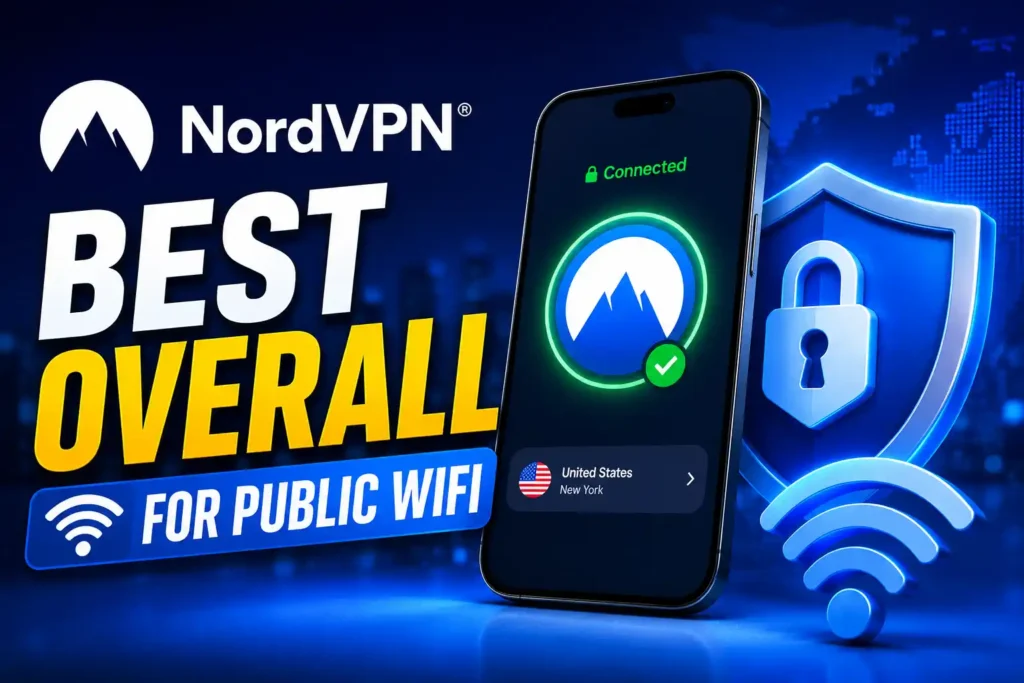
1. NordVPN – Best VPN for Public WiFi
NordVPN is one of the most popular VPNs out there today and is widely considered the best VPN for public WiFi users. It has great features in terms of speed, security, and ease of use. NordVPN uses AES-256 encryption, as well as the NordLynx protocol, to provide great speeds while keeping your privacy intact.
Key Features
- Military-grade encryption
- Kill Switch protection
- Malware Protection from threats
- Double VPN servers
- 7,000+ servers in the world
- Supports 10 devices at the same time.
Benefits
- Very fast speeds
- Strong security features
- Easy-to-use apps
- Reliable connection
The cons
- More expensive than some competitors
If security is your number one priority, you can’t go wrong with NordVPN.
2. Surfshark – Best Cheap VPN
Surfshark is good value for money. It’s cheaper than many competitors and also includes things that are usually reserved for premium VPNs.
Unlimited simultaneous connections is a big bonus. Which means you can cover all your devices on one subscription.
Features
- An infinite number of devices
- Encryption using AES-256
- Switch to Kill
- Ad blocker for CleanWeb
- Multiple-hop servers
- Mode of camouflage
Advantages
- Reasonably priced plans
- Unlimited connections
- Quick and steady
- Simple to use
Drawbacks
- Some servers may be slower during peak hours
Surfshark is perfect for families or those who have multiple devices.
3. TotalVPN: Best VPN for Public WiFi
TotalVPN is made for people who want a straightforward and reasonably priced VPN without having to pay for sophisticated features they might never use.
It is appropriate for casual browsing on public WiFi because it provides strong encryption and respectable speeds.
Features
- Encryption that is secure
- A user-friendly interface for beginners
- Stable connections
- Reasonably priced
Pros
- Cost-effective
- Easy setup
- Fundamentals of good security
Cons
- A network of smaller servers
- Less sophisticated features
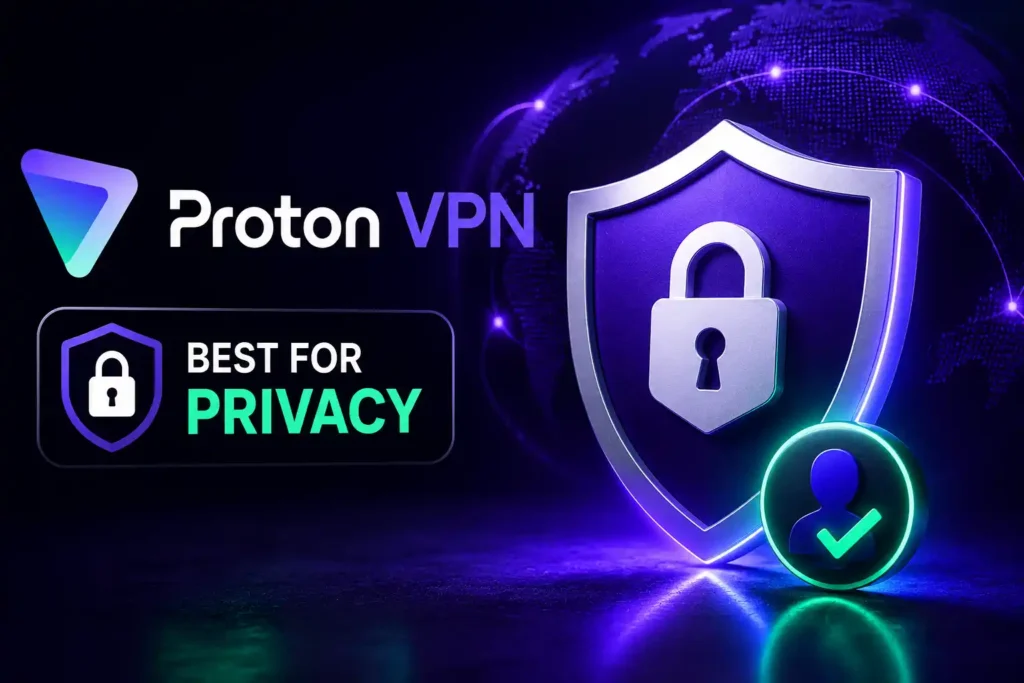
4. Proton VPN: The Best VPN for Privacy
Switzerland, a nation renowned for its strict privacy regulations, is home to Proton VPN.
The business has established a reputation for security and openness. One of the few companies that offers a truly helpful free version is Proton VPN.
Features
- Safe core servers
- Open-source software
- The policy of no logs
- Privacy protection in Switzerland
- Robust free plan
Advantages
- Outstanding privacy
- An open business
- There is a free version.
- Sophisticated security measures
Drawbacks
- The cost of premium plans is higher.
- A lower score for network appropriateness
Proton VPN is a great option if privacy is your top priority.
5. ExpressVPN – Best VPN for Speed and Travel
ExpressVPN is predictable when it comes to performance and has easy-to-use apps.
Best VPNs for 2026 (by category). ExpressVPN – Best overall VPN: price, speed, and security all at the right price. The Lightway protocol gives you fast connections and great security and is perfect for travelers using hotel or airport WiFi.
Key Features
- Lightway Protocol
- Kill Switch
- Servers in many countries
- Split Tunnelling
- TrustedServer Technology
Benefits
- Fast and reliable
- Great for streaming
- Simple setup
- Excellent mobile apps
Cons
- More expensive subscription.
ExpressVPN is great for travelers and speed freaks.
6. IPVanish: Strong Security and Adaptability
IPVanish is known for good encryption and the ability to connect to multiple devices at the same time. Users love its flexibility and ability to access settings easily.
Key Features
- AES-256 encryption
- Switch Off
- Connect unlimited devices
- Fast servers
- More features
Pros
- Excellent security
- Unlimited device connection
- Decent speeds
Cons
- The user interface can be a little cluttered for newbies
7. CyberGhost: Best VPN for Public WiFi
CyberGhost is one of the easiest VPNs to use. The apps are easy to use, making it a good choice for VPN beginners.
Key Features
- One-click connection
- Optimized servers for streaming
- Large server network
- Automatic WiFi security
- Good encryption

Pros
- Easy to learn
- Fast & Easy install
- Cheap plans
Cons
- Less advanced options
If you want simple protection and don’t want to mess with technical stuff, CyberGhost is just right.
What to Look for in Public WiFi VPNs
If you’re choosing a VPN to use on public WiFi, here are some key features to consider. ### The Break-Up
kill switch
If your VPN suddenly drops out, your data could be vulnerable. A kill switch stops your internet connection until your VPN is back up and running, preventing accidental data leaks.
Connect automatically
The best VPN apps can be configured to turn on automatically when you’re on an insecure or public WiFi network. That means you’re always protected without having to remember to turn the VPN on manually.
Strong Encryption
Choose VPNs that use AES-256 encryption, the industry standard for protecting sensitive information.
Policy on Logs
A good VPN won’t keep a record of your browsing activity or online habits.
Fast Speeds
Encryption does slow down your internet speed a little, so choose a VPN with fast servers to maintain a smooth browsing experience.
Best Practices for Securing Public WiFi
Best Practices for Securing Public WiFi Practice safe browsing habits; a VPN is not the be-all and end-all.
Disable Auto-Connect
Turn off automatic Wi-Fi connections on your device. This prevents your phone or laptop from connecting to unknown networks without your knowledge.
Avoid Sensitive Transactions
Do Not Make Sensitive Transactions Avoid logging into banking sites or sharing sensitive financial information on public WiFi unless it’s necessary.
Website Security
Confirm Website Security Always make sure websites use HTTPS encryption. Look for the padlock icon in your browser’s address bar.
Device Up-to-Date
Keep Your Device Up-to-Date Make sure you’ve installed the latest security updates for your OS, browser, and VPN app.
Two-Factor Authentication
Turn on two-factor authentication. Turn on two-factor authentication for additional security on important accounts.
Free VPN vs Paid VPN
Many people ask themselves if a free VPN is sufficient to protect them on public WiFi.
The answer depends on your needs.
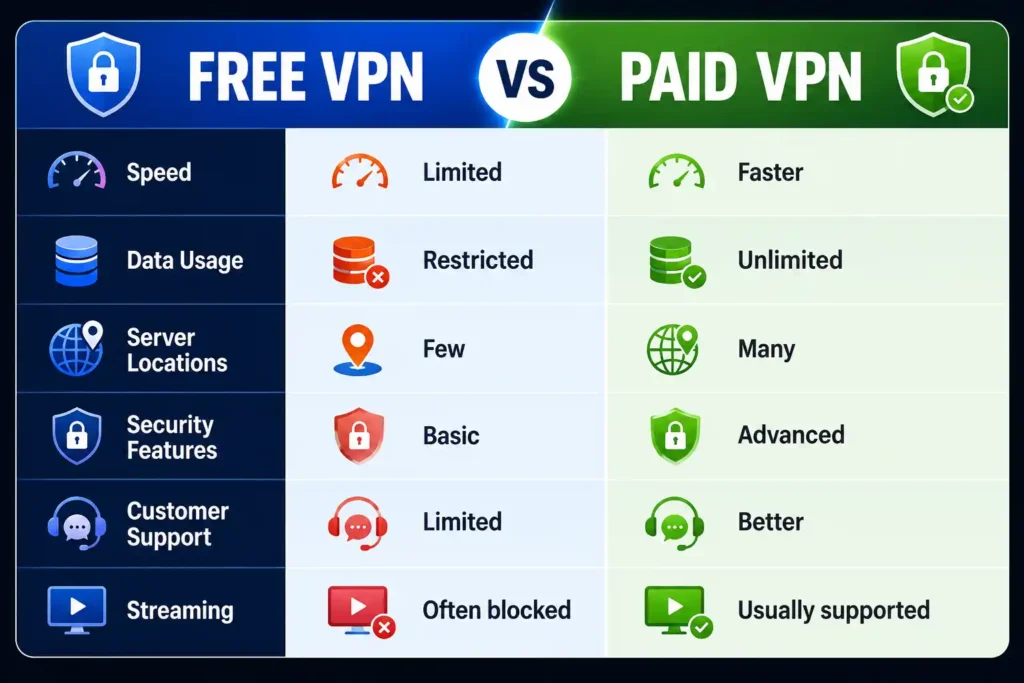
Free VPNs are okay for light browsing, but paid VPNs usually provide better security, more servers, and faster speeds.
Closing Remarks
Public Wi-Fi is handy, but it also presents some real security threats. A good VPN can protect your personal information, scramble your web traffic, and keep hackers from spying on what you do online.
NordVPN is our top VPN for public Wi-Fi thanks to its strong security, fast speeds, and user-friendly apps. If you’re looking for a cheaper option, Surfshark is great value, and for privacy-conscious users, Proton VPN is a great choice.
Whichever VPN you choose, using one regularly is one of the simplest, most effective ways to remain safe when you connect to public WiFi.
Frequently Asked Questions (FAQ)
Yes, a VPN encrypts your internet traffic and keeps your personal information safe from hackers and network snoopers.
The two best options are NordVPN and ExpressVPN, as they both offer strong security and fast speeds.
Yes. Attackers can access passwords, emails, and browsing activity on unsecured public WiFi networks.
Although some popular free VPNs are safe, many free VPNs have limitations and weaker privacy protections.
Encryption can slow your speed down a bit, but a good VPN will typically have fast and stable connections.