One of the most important parts of our digital lives is Mobile Security. These days, smartphones are more than just ways to send texts and make calls. They keep our private pictures, bank information, emails, passwords, social media accounts, and even files from work. This is why hackers are going after mobile devices more and more to steal information or get in without permission.
Mobile security includes the ways, tools, and habits that are used to keep smartphones, tablets, and wearable tech safe from risks like malware, data breaches, phishing scams, unauthorised access, and theft. Whether you have an iPhone or an Android phone, if you take the right security steps, you will be much less likely to lose important data or have your privacy violated.
The good news is that you don’t need to know a lot about technology to make your cell phone safer. It can make a big difference to do simple things like using strong passwords, keeping your software up to date, and being careful about the apps you install. This guide tells you everything you need to know about protecting your phone from threats and the best ways to do it.
Read More: Mobile EMI Without Cradit Card
What is Mobile Security?
Mobile security keeps phones, tablets, and other movable electronics safe from hackers and other people who shouldn’t be able to use them. It has security features, user habits, and software tools that work together to keep your device and personal data safe.
A huge amount of private data is stored on modern mobile devices. Smartphones have become digital vaults that need strong security because they hold everything from private conversations and work papers to banking apps and digital wallets.
Mobile security is mostly about a few main things:
*Keeping private and financial information safe.
- Keeping bots and viruses from getting in.
- Stopping phishing and other scams.
- Keeping internet connections safe.
*Keeping things safe from being stolen or accessed by people who shouldn’t be able to. - Making sure your information is protected when you use apps and the internet.
A safe mobile device not only keeps your data safe, but it also gives you peace of mind while you use social media, browse the web, or shop online.
Why is Mobile Phone Security important?
Since smartphones are becoming more and more common, protecting them is becoming more and more important.
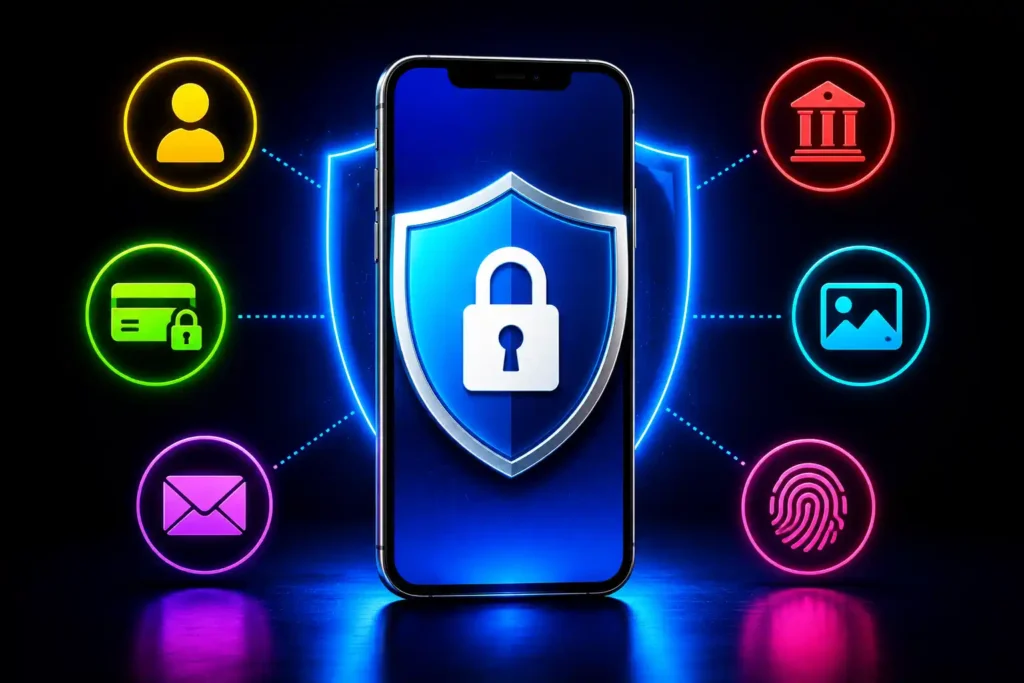
Keeps personal information safe
You might not know how much data your phone saves. A lot of the time, contacts, emails, documents, photos, and videos are saved right on the device or tied to cloud services. Hackers could get to this private data if the right security steps aren’t taken.
Stops Identity Theft
Cybercriminals can pretend to be users by using stolen passwords, login information, and personal information. Identity theft can lead to lost money, fraudulent deals, and online accounts that aren’t safe.
Protects your privacy
A lot of apps want to use your location, camera, microphone, contacts, and other features. These rights can make apps work better, but giving them access they don’t need may put your private information at risk.
Keeps online payments safe
Mobile wallets and banking apps make it easy to pay, but they need to be very safe. If someone gets into your device, they could see your credit card numbers, UPI data, or banking credentials.
Common Threats to Mobile Security
The first thing you can do to make your smartphone safer is to learn about typical threats.
Viruses and malware
Malware is software that is meant to harm your device, steal information, or watch what you do. Some common types are:
- Trojans that look like real apps.
*Spyware that watches what you do without you knowing. - Adware that shows ads you don’t want to see.
*Ransomware shuts down your files and asks for money to unlock them.
Some signs of malware attack are:
*The battery dies quickly.
- Lots of pop-up ads.
- The device works less quickly.
- Too much burning.
Getting apps you don’t know on your phone.
Attacks by Phishing
A lot of people get scammed online through phishing. Attackers make emails, messages, or websites that look real in order to get people to give them their passwords or banking information.
Some common ways to do phishing are:
*Fake bank alerts.
- Sending fake SMS messages.
- Scam messages on social media.
- Fake pages to log in.
Always make sure a website is real before giving out personal information.
Public Wi-Fi Networks Are Not Safe
Airports, coffee shops, and shopping stores all have public Wi-Fi networks that can be useful, but they can also be dangerous.
Cybercriminals can make fake hotspots or listen in on data sent over public networks that isn’t secured. This could make passwords, emails, and payment information public.
If you have to use public Wi-Fi:
*Don’t use banking apps to log in.
*Don’t do any business with money.
- Use a VPN you know and trust for extra safety
Malicious Applications
You can’t always trust the apps you find online. Some fake apps try to look like real ones to get people to download malware.
Watch out when:
*Getting APK files from places you don’t know about.
- Putting apps on your phone from unofficial shops.
- Giving rights that aren’t needed.
Before installing an app, you should always read reviews and look up information about the creator.
Basic Rules for Protecting Your Mobile Security
If you follow a few simple security habits, you’ll be much less likely to be attacked online.
Keep your software up to date
When you update your app or operating system, you get more than just new benefits. A lot of the time, they come with security patches that coders use to fix bugs.
When you can, set your device to receive changes automatically so that it has the most up-to-date security.
Some benefits of constant updates are:
- Better protection against malware.
- Made privacy settings better.
- Fixed bugs and made the program run better.
- Defence against new threats.
Manage App Permissions
Carefully read over the permissions an app asks for before you launch it.
You should only let people use features that are important for the app to work, like
- Camera.
(1) Place. - Voice recorder.
*Get in touch. - Space for storage.
Regularly check your rights and take away any access you don’t want to share.
Make use of strong authentication
Strong security helps keep people from physically getting into your device without your permission.
You can keep your phone safe by:
- PIN numbers.
- Strong passwords.
- Locks by pattern.
- Recognition of fingerprints.
- Recognising faces.
Biometric authentication makes things easier and adds an extra measure of security.
Secure Network Connections
When you can, don’t connect to public Wi-Fi networks that aren’t safe.
You can use a public network if you have to:
*Use a VPN.
- Turn off automatic Wi-Fi links.
*Don’t put your password on websites you don’t know.
** Turn off Wi-Fi when you don’t need it.
Taking these simple steps lowers the chance that your info will be stolen.
Important Mobile Security Features
There are security measures built into modern smartphones that are meant to keep your data and privacy safe.
Protect Your Screen
The first line of defence is a strong screen lock.
The choices that are available are:
- PIN lock.
- Protected by a password.
- Lock by pattern.
- A fingerprint reader.
- Face yourself.
Don’t use easy PINs like “1234” or your birthday.
Two-Factor Authentication (2FA)
Two-factor security adds one more step to the sign-in process to make sure you are who you say you are.
When you enter your password, you might be asked to
*Type in an OTP code.
- Give your OK to a message.
*Use an app that verifies you.
2FA makes it much harder for people to get into your accounts, even if they get your password.
Automatic Security Updates
With automatic updates, you can be sure that your device gets important security fixes as soon as they are made available.
Leaving updates turned on helps protect against:
- Attacks by malware.
- Zero-day security holes.
- Security holes in apps.
- Concerns about privacy.
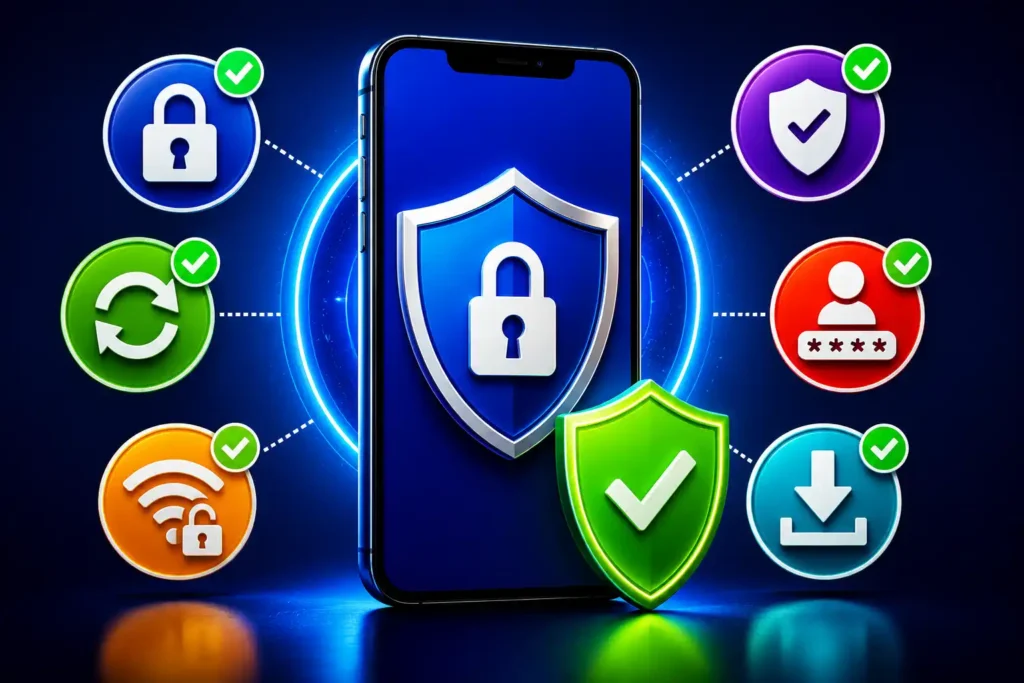
Mobile Security and Antivirus Apps
Even though the built-in security is strong, some users like to add an extra layer of protection by using trusted antivirus and mobile security apps.
A good mobile security app might have features like
- Scan for malware in real time.
- Finding bugs and files that are harmful.
- Web security to keep you safe from dangerous sites.
- Protection against scams.
- Monitoring privacy in apps.
*Tracking devices from afar.
*Locking devices and wiping info from afar.
Even though security apps aren’t required for all users, they can be helpful for extra safety, especially for people who install apps often, visit strange websites, or keep private data on their devices.
Instead of getting unknown antivirus software, pick security apps that you know and trust.
Mobile Security features built into the operating system
Modern operating systems have high-tech security features that are meant to keep people safe.
Features for Android Security
There are many layers of security on Android devices that find and stop threats before they can damage your device.
Some important security tools on Android are the following:
- Always up-to-date protection.
*Google Play Protect checks apps. - Controls for app permissions.
- Find My Phone.
- Find scams and phishing.
- Threat protection driven by AI.
Android constantly checks loaded apps for threats and alerts users about software that could be harmful.
Features for iPhone Security
Apple products are made to protect your privacy and safety very well.
Some important iPhone security tools are the following:
- Touch ID and Face ID.
- Openness about app tracking.
- Protect your gear with Secure Enclave.
- Always up-to-date protection.
- Encrypted services from end to end.
- Look for my iPhone.
Malicious apps are less likely to get to users because of the strict review process and sandboxed environment.
Best Mobile Security Tips
Getting into safe habits is often the best way to make your phone safer.
Use Strong Passwords
Make sure your passwords are:
- Long and one of a kind.
- Hard to figure out.
*Each account is different.
Do not use:
- Birthdays.
- Numbers of phones.
- Simple sets of steps.
A password generator can help you make strong passwords and keep them safe.
Download apps from Trusted sources
Only get apps from approved stores.
Do not:
- APK files not known.
- Apps that were stolen.
*Download sites that look sketchy.
Just before you open any app:
*Look at reviews.
*Look at the developer’s information.
- Carefully look over the rights.
Enable Find My Device (Mobile Phone Security)
You can use this tool to find a lost phone.
In it, you can:
*Find out where your device is.
*Make your phone ring from far away.
- Put the device away.
- Get rid of private info.
This feature is free on both the iPhone and Android.
Backup Important files
If you back up your files often, they will be safe if you lose or have bugs on your phone.
Return:
- Picture
*Videos
*Get in touch - Records
- Important things to say
It’s much easier to get back to normal after a cloud backup.
Symptoms of a Compromised Mobile Phone
There are often signs that your phone has been stolen or infected.
Keep an eye out for:
*The battery dies quickly.
- Often getting too hot.
*There are too many pop-up ads.
*Unknown apps were added on their own.
*Weird use of info. - Performance that is slow.
- Text messages from your phone that don’t make sense.
- Unexpected alerts to log in to an account.
If you see more than one of these signs, you should look into it right away.
What to Do If Your Phone Is Hacked
Do something right away if you think your phone has been hacked.
1. Turn off your internet connection
Turn off Wi-Fi and mobile data to stop talking to malicious sites any further.
2. Get rid of any suspicious apps
Get rid of any newly installed or unknown programs that might be causing issues.
3. Change your passwords
Change the passwords right away for
- Email addresses.
- Apps for banking.
- Accounts on social networks.
- Storage in the cloud.
Make sure your passwords are strong and unique.
4. Keep your device up-to-date.
Get the most recent updates for your working system and apps.
Hackers may be able to get rid of security holes with security patches.
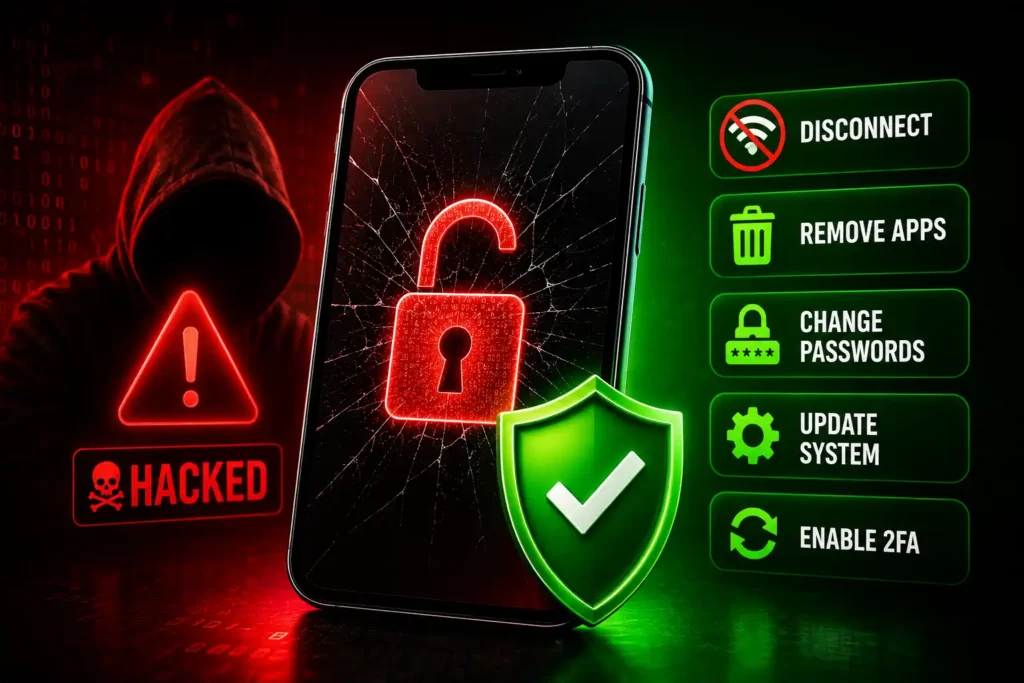
5. Turn on two-factor authentication
Protect important accounts even more to keep people from getting in without permission.
6. Do a factory reset if you need to
If the issues don’t go away, a factory restart can get rid of any malware and return your device to the way it was before the problems.
Don’t forget to save a copy of important files before you restart.
The Future of Mobile Security
Mobile security is always changing because online threats are getting smarter.
New tools include the following:
- Threat detection driven by AI.
- Authentication without a password.
*High-tech fingerprint safety.
*Operating systems that focus on privacy. - Keep hardware chips safe.
- Finding scams in real time.
It’s possible that smartphones of the future will have even better security features and make them easier for daily users to use.
End of Story
No longer is mobile protection a choice. Cybercriminals are interested in smartphones because they store important personal and financial information. Luckily, keeping your device safe doesn’t have to be hard. You can make your security much better by managing app access, using strong passwords, turning on two-factor authentication, and staying away from apps that look sketchy.
Today’s iPhones and Android phones come with strong security features that come standard. If you need extra protection, you can download security apps. You can get the most out of mobile technology while keeping your data, privacy, and online accounts safe if you follow safe habits and stay up to date on new threats.
Frequently Asked Questions (FAQ)
Protecting phones and computers from malware, hacking, unauthorised access, and data theft
Use strong passwords, turn on two-factor authentication, keep your phone up to date, and only install apps from sources you know you can trust.
Yes. Malware, phishing attempts, and bad apps can affect both Android and iPhones, but they tend to target Android phones more.
Most people can stay safe with their browser’s built-in security features and safe viewing habits, but security apps can give you extra protection against malware and phishing.
Malware, phishing scams, fake apps, public Wi-Fi networks that aren’t safe, and data theft are all common risks.