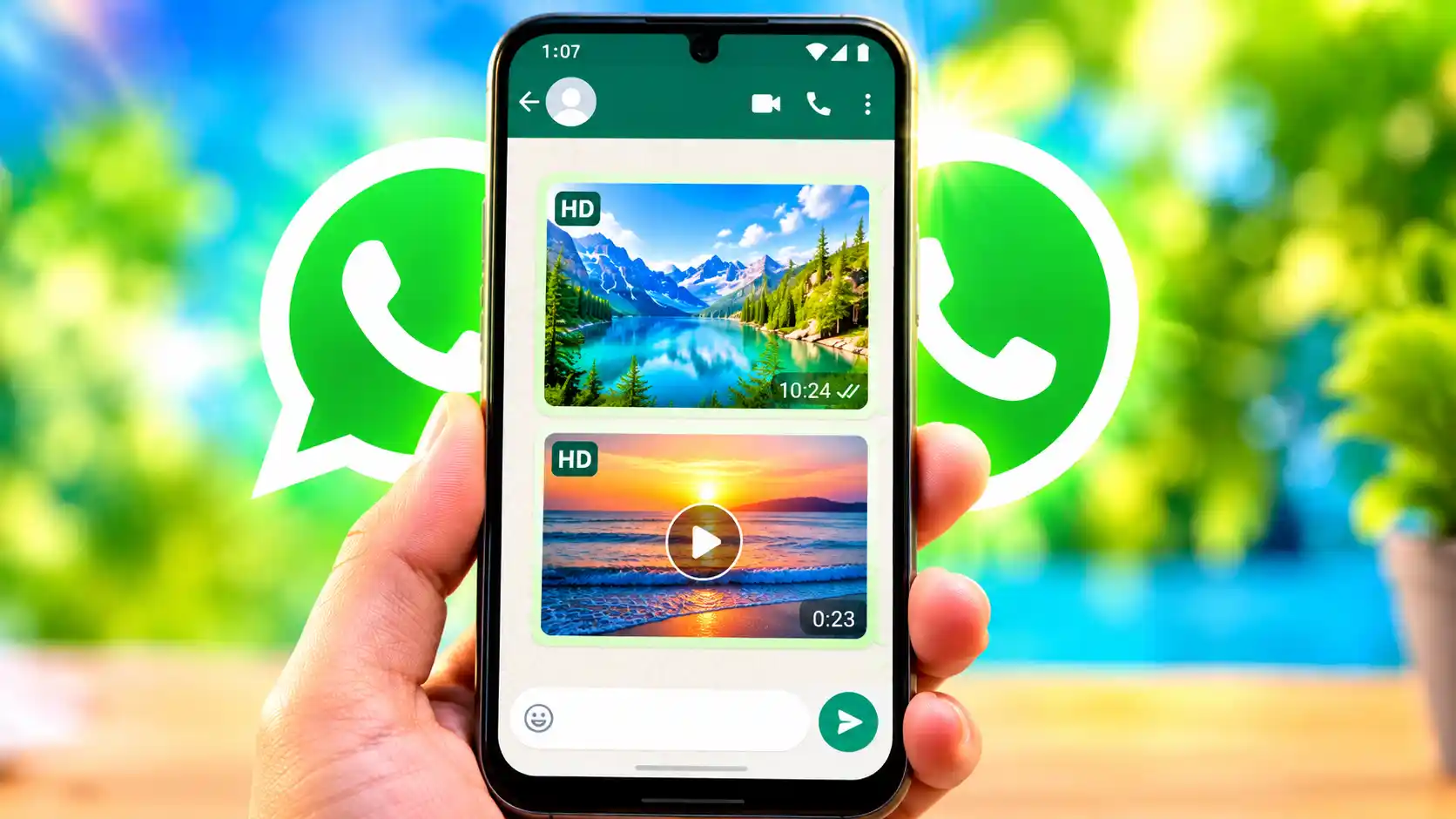
WhatsApp says that, like other media and text messages sent via the app, high-quality photographs and videos are end-to-end encrypted. Back in August 2023, WhatsApp added the option to exchange high-quality photos and videos. The new feature included a new “HD” button in the chat windows of individual and group chats. WhatsApp has now given its customers an option to adjust the compression level while sharing photographs and videos to their friends on the instant messaging platform. Meta’s default compression technique can degrade the quality of images and videos, since it shrinks the file size to transfer them swiftly over the internet. But lower compression also means higher file sizes. And photographs and videos retain greater information, since that’s what they were originally supposed to contain.
Read More: How to move your WhatsApp chats from Android to iPhone
If you are wondering how to send high-quality photographs and videos to your friends, family members, and other contacts over WhatsApp, we have come up with a step-by-step guide for you to help you out with the same.
Benefits of Sending High-Quality Photos and Videos on WhatsApp
Sending the best high-quality photos and videos on WhatsApp has its own benefits. For reference, HD photos and movies are supposed to have more details, textures, and depth. WhatsApp utilizes a compression method to compress files to smaller file sizes and sends them rapidly over the internet. But when a media file is provided in high quality, the compression level is significantly reduced.
In the same way, lesser quality photographs and videos could be pixelated and fuzzy. However, if transmitted as high-quality files, these problems could be eliminated considerably. The capability also comes in handy when you want to transmit an image or video to another user to edit. An HD media file would be preferable for editing and cropping; it would lose far less detail as it is sent.
If you wish to retain a record of your significant and legal documents and send them to one of your contacts for reference, it is advisable to use an HD file for similar reasons as before. Such documents are accessible and readable. Also, lesser-resolution photographs and movies are better for long-term storage, in case you want to see them years later.
Also, if you’re giving an image to somebody for printing, then it’s better to provide an HD photo. But it is essential to keep in mind that HD photographs and movies are much bigger in size than regular media files. That’s why they need more space on your device, take longer to send, and use up more Internet data than non-HD images and video.
How to Send High-Quality Photos and Videos on WhatsApp
- Open the WhatsApp application on your smartphone.
- Then, find the contact you want to send the HD photo or video to.
- Now, open their chat window by tapping on the icon.
- You may also follow steps 2 and 3 to send HD photos and videos to group chats.
- Once the individual or group chat window opens, you will need to tap on the “+” at the bottom-left of the screen, near to the text field.
- Next, press on the Photos icon located at the add menu right corner.
- A new window will pop up. Here you have to choose an image or video you want to transmit.
- Select the media file.
- Now, you can turn on the HD option.
- Then you have to press on the submit option to send a high-quality photo or video on WhatsApp.
FAQs
If you want the image you are sending to retain its details as it was originally intended, you must send the media file in high quality over WhatsApp.
Read More: How to stop WhatsApp from automatically downloading photos and videos.