 Advertisement
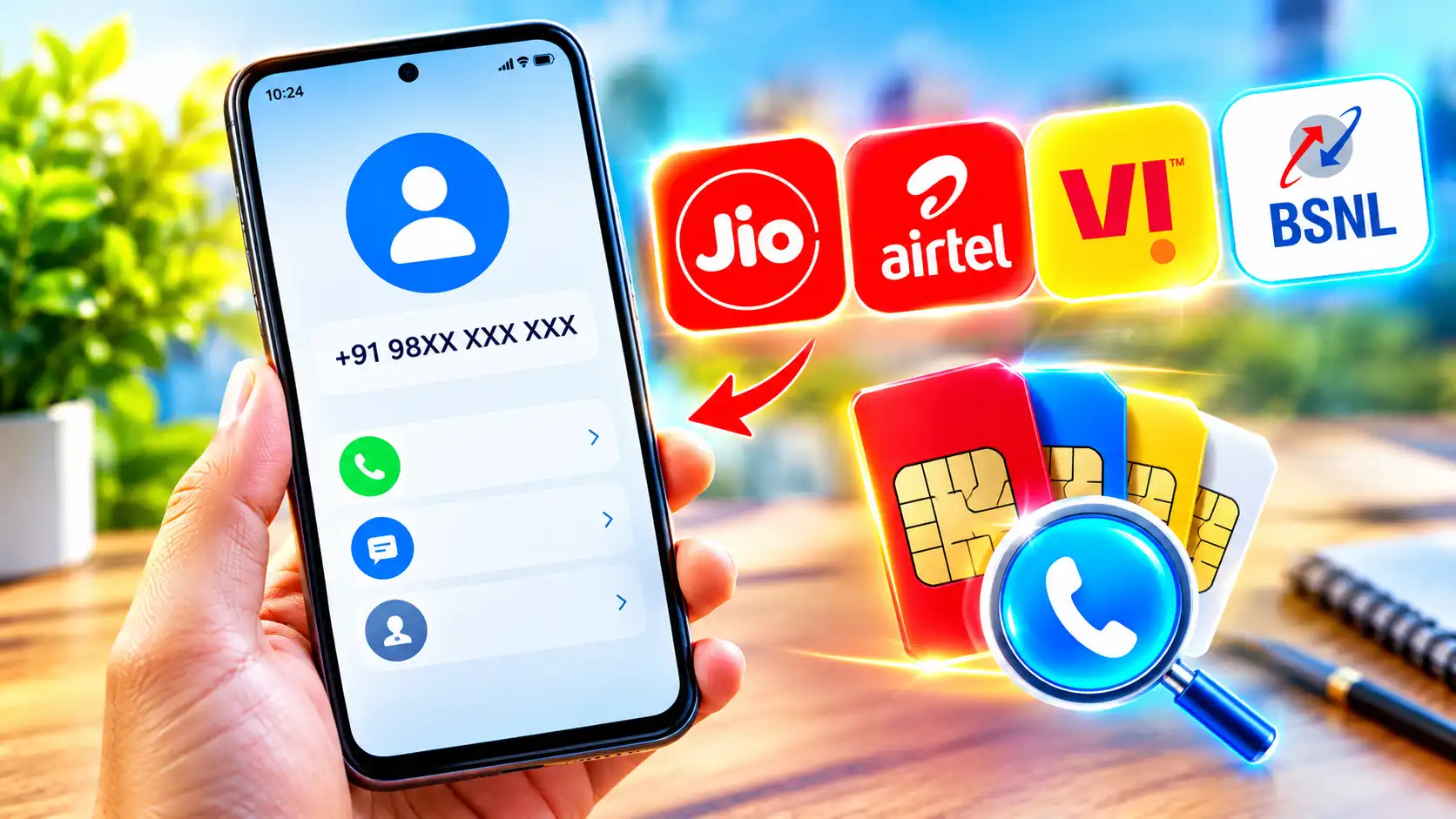
Did you change your SIM card or just forget your mobile number? We’ve got you covered. Most of us can easily recall our mobile numbers. Sometimes we change our SIM cards and forget which number is associated with which card. We obtain a new SIM card for a second number, and in the midst of the hustle and bustle of life, it’s hard to remember something new. Sometimes you don’t have a physical SIM card, but you have numerous eSIMs installed on your smartphone. Some senior users may have difficulty in tracking and recalling their mobile numbers with the increasing use of smartphones. With that in mind, here are a couple fast ways to check your phone number, depending on your operator.
Read More: How to port your mobile number from one network to another
Also More: How to activate a new Sim Card on your phone
The simplest approach to check your mobile number is to call a trustworthy friend or relative. This works if you have their number saved on your SIM card, on a piece of paper, or even have it memorized.
How to Check Your Mobile Number on Your Android or iPhone
You can also search your phone for the phone number of a trusted person if you don’t have it or don’t remember it.
If you have an iPhone:
- Locate and choose the mobile service.
- Locate and open the Settings app on your iPhone
- Your number will be displayed on My Number
On Android devices:
- Open the Settings app and locate it
- Tap on Network and Internet
- Remove SIMs
- Here you will find all your SIM or eSIM numbers on your device. You will find individual toggles to turn on or off particular numbers on your device.
Or you can also:
- Launch the Settings app on your Android device
- Scroll down a little bit and find About Phone
- Find here your SIM number or the eSIM numbers stored on your device
Finally, if you already have your operator’s app on your device, you might want to check it. However, this is a chicken and egg problem; thus, you will need to know your number to log in to the app.
How to verify your number using operator services
For Users of Jio:
- Open the Phone app from the home screen.
- Select Keypad from the bottom menu bar.
- Dial 1299 by pressing the call button.
- The call will get disconnected
- You will receive an SMS with your number and plan details.
- You can also check your number by dialling 199 and following the IVR.
Airtel customers:
- Launch the Phone app from your home screen.
- On the bottom menu bar, tap Keypad.
- Dial *282# and press the call key.
- You will get a pop-up message with
- your mobile number
Or dial 121 and follow the IVR to check your number.
For Vi users:
- Tap the Phone app on your home screen.
- Choose Keypad on the bottom menu bar
- Call *199# and hit the call button
- Your mobile number will be shown in a pop-up message
- Dial 199 or 198 and follow the IVR to check your number.
For BSNL Users:
- Launch the Phone app from your home screen
- Tap Keypad in the bottom menu bar
- After dialing *222#, tap send
- You will be sent a pop-up message with your mobile number
- Or simply call 1800-180-1503 and follow the IVR to check your number.
Frequently Asked Questions (FAQs)
Yes, but to log onto the app, you will need to know your number.
Read More: Samsung Galaxy A05s FRP UNLOCK
No, each operator has their own codes.
Read More: How to free up iphone storage without deleting your photos
No, few providers offer an SMS service to check your number.
Read More: jio vs airtel vs vi best 365 day recharge plans compared