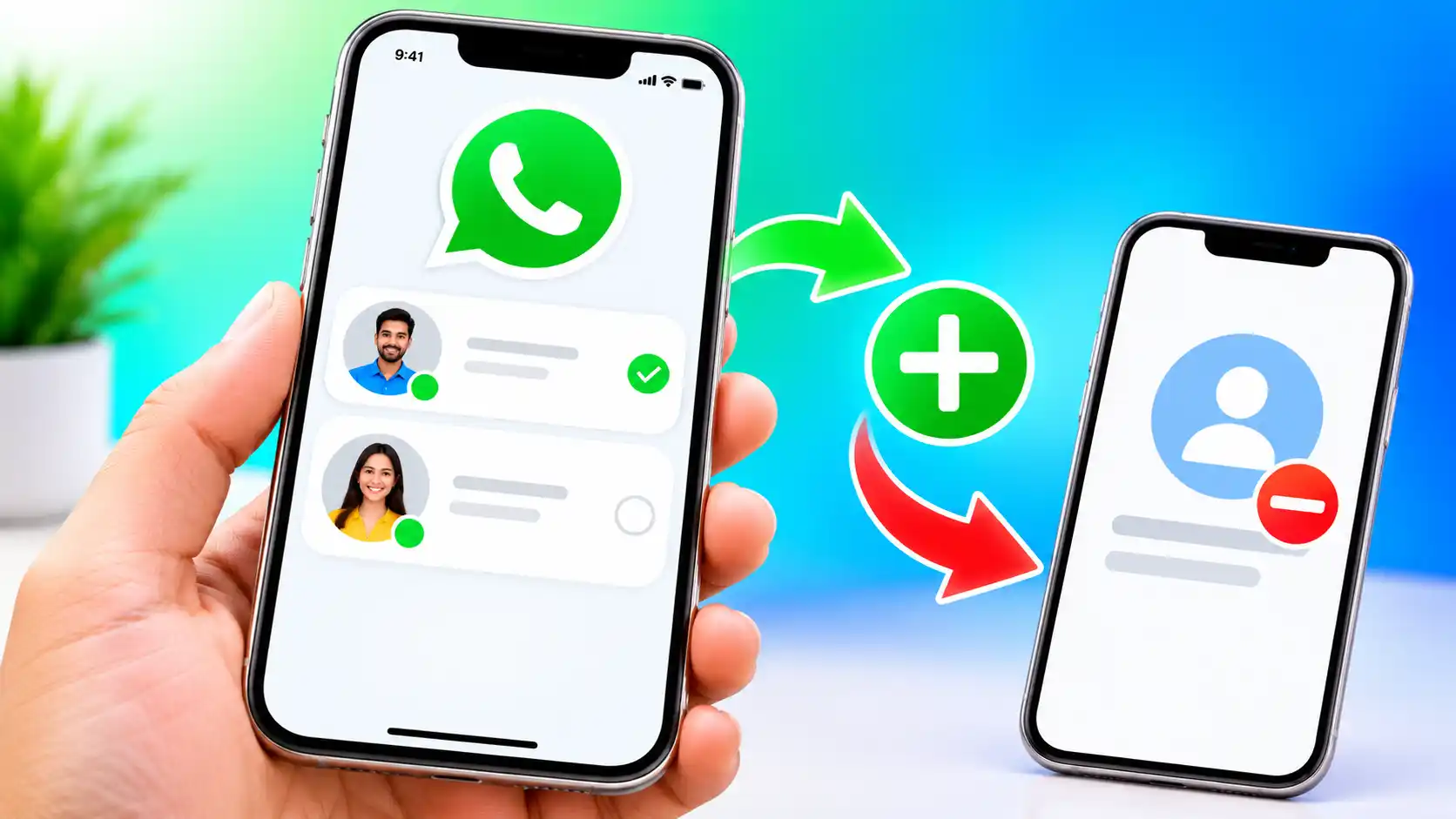
WhatsApp also allows users to choose a username key to govern who is allowed to message them on WhatsApp Usernames.
Read More: How to Check iPhone Warranty Status
WhatsApp has launched a new feature that allows you to reserve your username on the messaging platform. The firm has also said that it expects to launch the Usernames service soon, which will enable users to look for others and vice versa, simply by using their usernames. The business says the planned Usernames feature is its “latest step” in giving its users more privacy options and control over how users look to others in the app. The ability to reserve your username is rolling out in stages and should be available to most users of WhatsApp in the coming days.
But if you are curious to know how you may book a username of your choosing on WhatsApp before someone else makes it his/her own, here is a step-by-step manual to assist you in doing the same. Read more about the feature here. You may also read about the complaints on the planned feature here so that you can make an informed decision.
What are WhatsApp usernames?
The capability to reserve a username on WhatsApp is a forerunner to the forthcoming functionality that will allow you to find other known and unknown WhatsApp users, moving the instant messaging platform closer to the way other social media platforms like Instagram operate. The feature, which has been confirmed as “coming soon,” will mean you don’t have to give out phone numbers to other users if you want them to be able to contact you on WhatsApp.
You may just share your usernames with other people, and they can find you in the app. But if you don’t want everyone contacting you, you can choose to use a unique username key. Without this key, others will not be able to get in touch with you.
How to Reserve Your WhatsApp Username
- Open WhatsApp after updating the app to the latest version from the Play Store or App Store.
- Tap on the Profile button in the bottom-right corner of the screen if you have an iPhone. If you are an Android user, tap on the vertical dotted line in the top-right corner of the screen > Settings.
- Navigate to the Account Settings menu.
- Under the ‘Your account’ section, tap on the Username button.
- Set your existing Instagram username or Facebook username as your WhatsApp username, or tap on the Create username button to set a new username.
- Enter the username you wish to set to check its availability.
- Tap the Save button.
How to Set Your WhatsApp Username Key
- Open WhatsApp and ensure you have reserved or set your login.
- Now click the button Contact me by my username, under your chosen username.
- Choose the people who know my key option.
- A new screen will be opened with a key preset. Here you can click the option “Get a different key” to acquire a new username key.
- Now tap on the Save Key button.
- Reset your username key by following Steps 2 through 6.
FAQs
Currently, WhatsApp is handing out the ability to reserve usernames in phases. You will see the choice appear in the next few days.
You should reserve a username on WhatsApp in advance to avoid chances of others reserving the username of your choice before you.
Read More: How to Cancel ChatGPT Go Subscription
No, WhatsApp says the forthcoming Usernames function will be optional. You can still use your phone number if you don’t want to set a username on WhatsApp.