 Advertisement
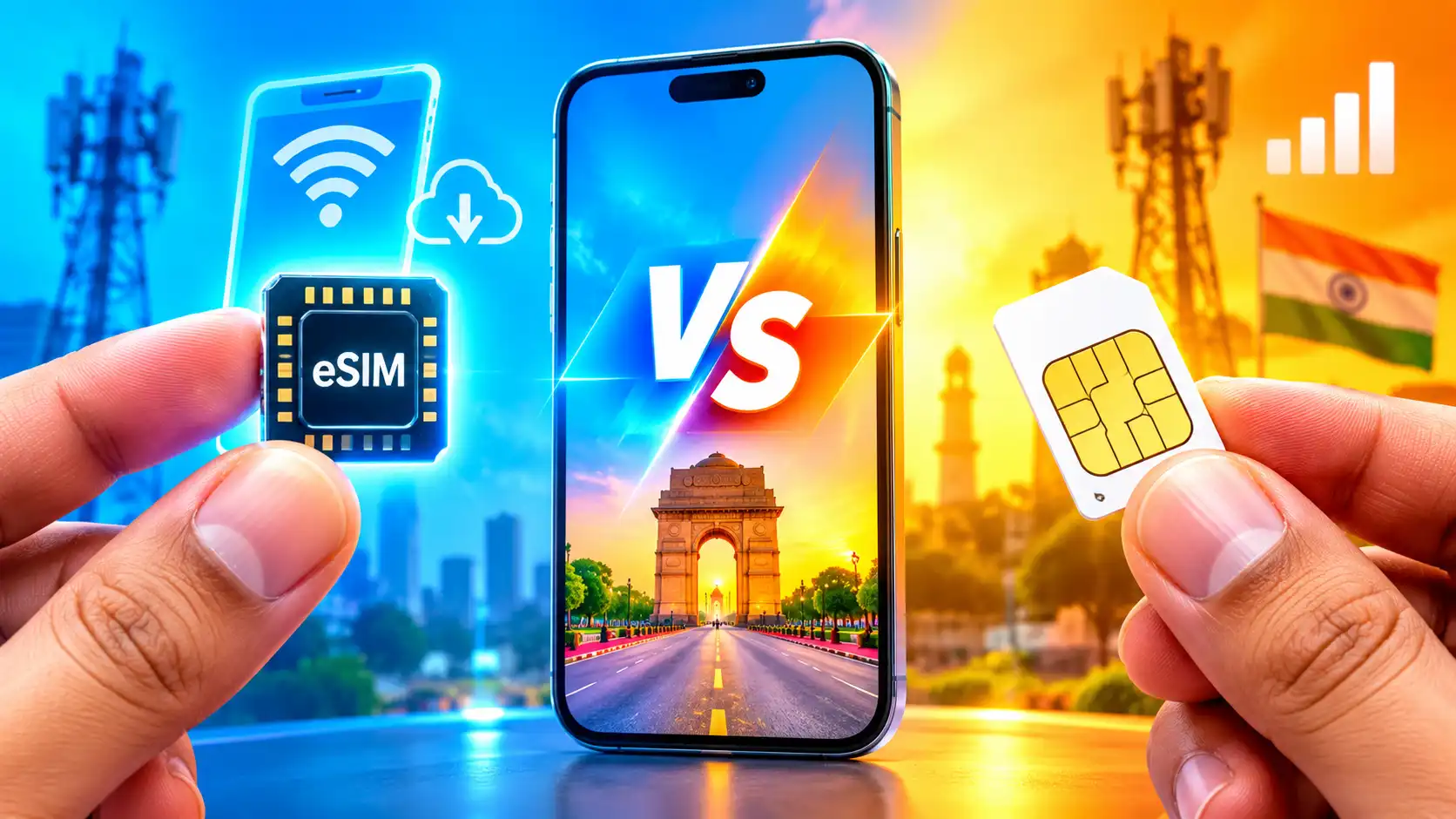
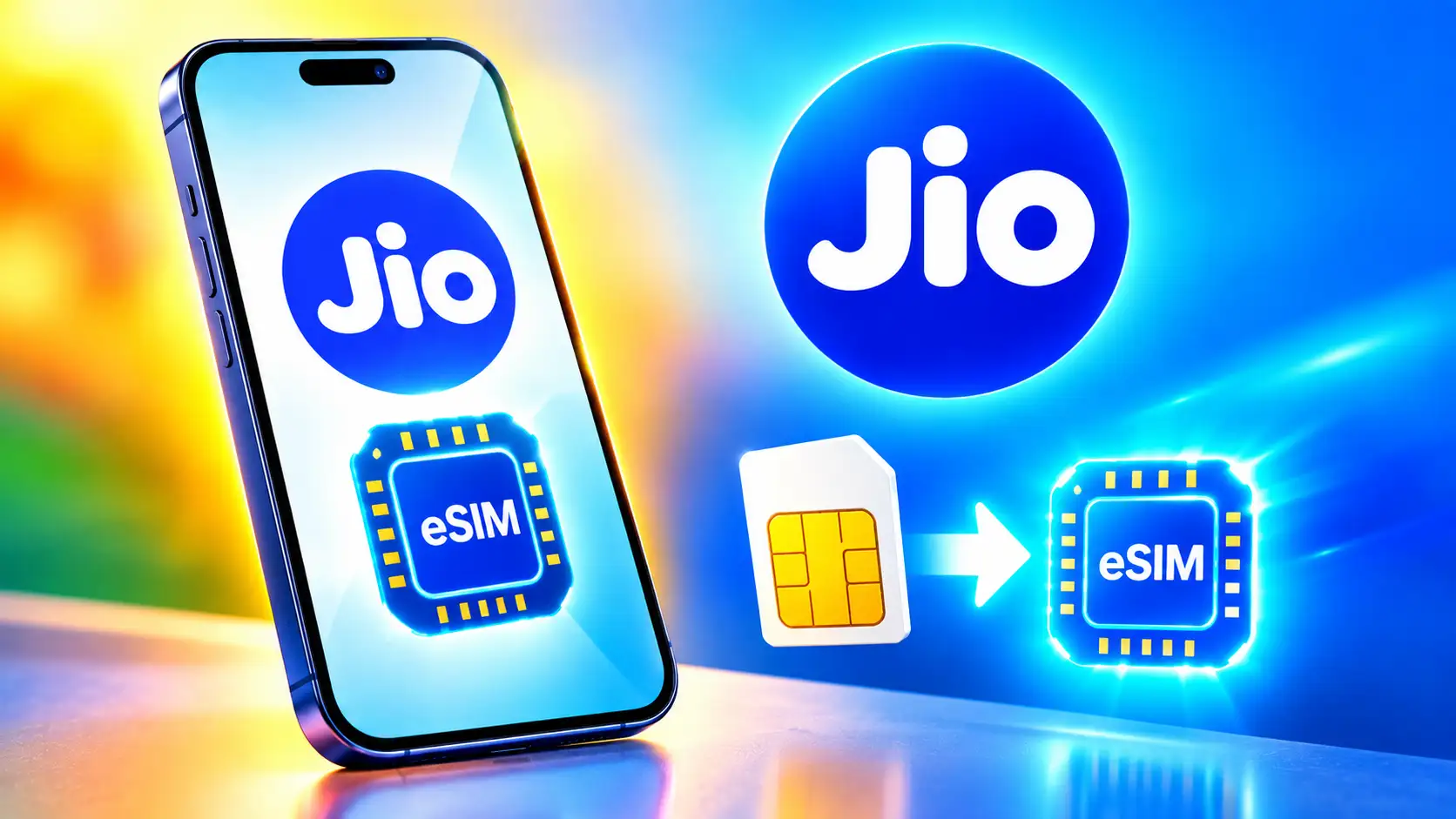
If you recently upgraded to a handset that supports eSIM, here’s a step-by-step guide on how to activate a Jio eSIM. In the last few years, physical SIM cards have been slowly replaced with eSIM technology. Jio, Vodafone Idea (Vi), and Airtel, the three biggest telecom carriers in India, offer eSIM capabilities for supported handsets. It can be activated digitally, instead of the usual SIM cards. Jio allows eSIM activation on a wide range of compatible Android smartphones, iPhones, tablets, and smartwatches. It also allows you to change your physical SIM to eSIM for supported devices.
Read More: How to move your whatsapp chats from Android to iPhone
So, if you’ve recently switched to an eSIM-compatible device or just want to change over from a physical SIM, here’s a step-by-step guide on how to activate a Jio eSIM.
What is Jio eSIM? Which devices support Jio eSIM?
An eSIM (Embedded SIM) is a digital SIM built into your smartphone or wearable. Instead of having a physical SIM card inserted, your cell provider will provision your mobile plan over the air for you. It saves space on a device also (manufacturers don’t have to build a tray or slot for a physical SIM and may use that space for something else) and allows remote SIM provisioning of any mobile device.
So in case it is needed to change or remove a SIM while switching to another circle, changing telecom operators, and others, this can be done remotely by the mobile operator.
Several smartphone makers provide models with eSIM functionality. That includes iPhone XS and newer, Google Pixel 4 and newer, plus several models from Samsung, Motorola, Xiaomi, OnePlus, Oppo, Realme, and Vivo. Before you go further, you may check the full list of supported devices on the official website of Jio.
Jio eSIM Activation: How to activate Jio eSIM on your smartphone
- Connect to Wi-Fi, as your physical SIM will be replaced at activation time.
- Navigate to the official Jio eSIM request page and choose your device manufacturer from the list.
- Choose the specific smartphone model you wish to activate.
- Enter the Jio mobile number you desire to convert to eSIM.
- A One-Time Password (OTP) will be sent to you by Jio on your registered mobile number. Please enter the OTP to confirm your request.
- Once your request is verified, Jio will generate an eSIM activation profile or QR code, depending upon the device you use.
- Now, install the eSIM profile on your phone. If you have an iPhone, go to Settings > Mobile Data > Add eSIM. Scan the QR code and follow the instructions on the screen. On Android, go to Settings > Network & Internet > Add e-SIM. Please scan the QR code on the prompt.
- After the eSIM profile has been downloaded, restart your smartphone if required. Your Jio connection will be activated shortly.
FAQs
Yes, Jio subscribers can convert their physical SIM to eSIM on supported devices.
Read More: How to activate a new Sim Card on your phone
No, currently Jio doesn’t charge users to change a physical SIM into an eSIM.
No, a single Jio mobile number can only be active on one smartphone at a time.
Yes, you can visit a Jio Store or follow the operator’s SIM replacement process to switch back to a physical SIM if required.