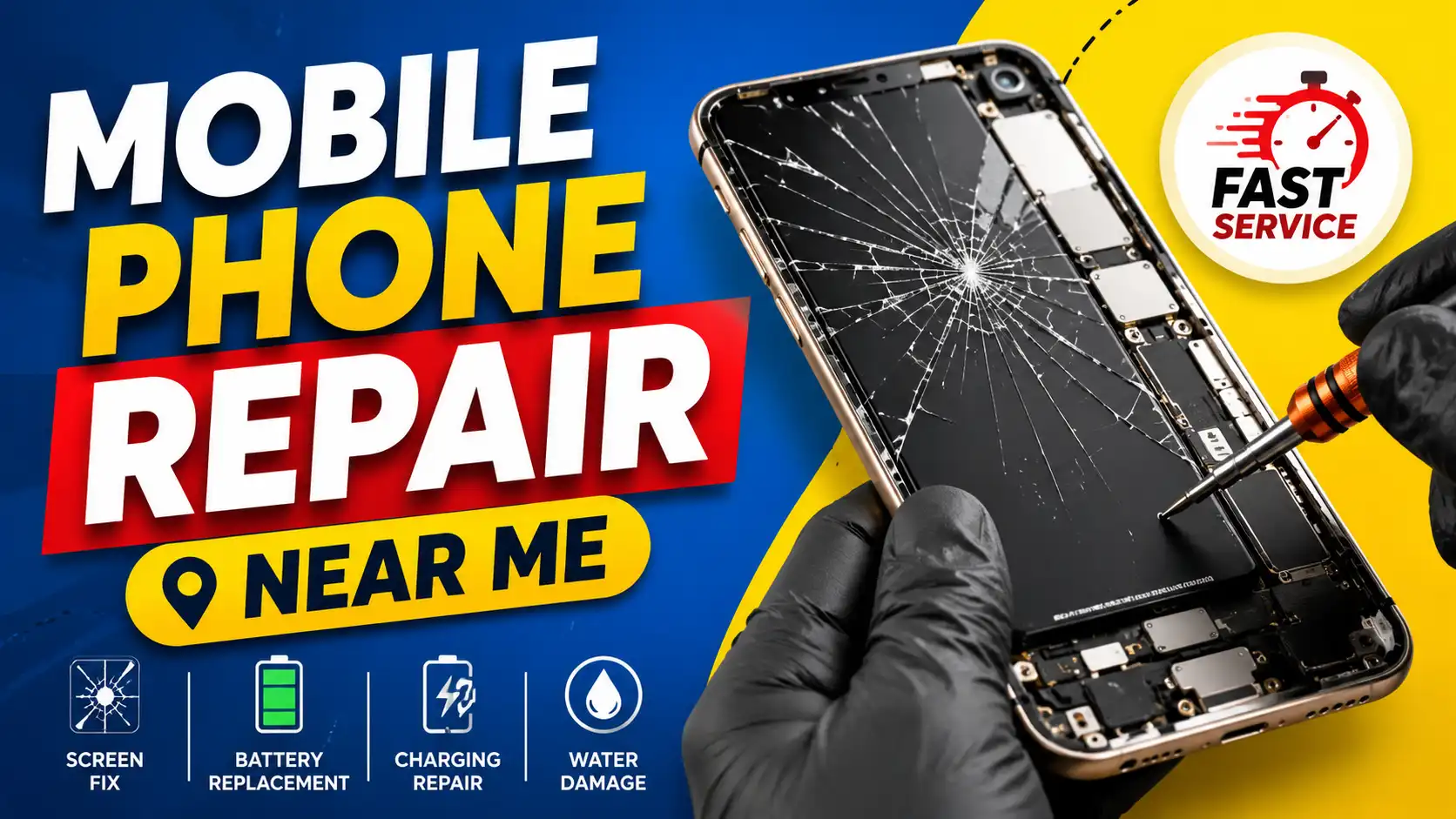
Have you ever typed “mobile phone repair near me” because your phone stopped working all of a sudden? Maybe the screen broke because it was accidentally dropped, the battery started dying too quickly, or the charging port just wouldn’t plug in. These problems can be especially frustrating when we depend on our phones for work, communication, online banking, shopping, entertainment, and keeping in touch with family and friends.
There is some good news. Many problems with phones can be fixed without replacing the whole phone. A trusted local mobile repair shop can fix common problems in just a few hours, saving you time and money. But choosing the right repair service is as important as having the repair. Experienced technicians, quality replacement parts, and transparent pricing can make all the difference in the performance and life of your smartphone.
In this guide, you will discover all the information you need to know on how to find the best mobile phone repair near me, the services offered by repair centers, common smartphone problems, and how to choose a repair shop you can rely on.
Read More: Airtel Sim Replace near me
Choose a Local Mobile Repair Shop?
There are a number of benefits to finding a repair service near you, rather than sending your device off to a repair center far away.
Faster fix-ups
Many local repair shops offer same-day service for common repairs like screen repairs, battery repairs, or charging port repairs. Rather than waiting for days, you could have your phone back within hours.
Competitive Rates
Independent repair shops usually charge less than official service centers and still do quality work. Hence, they are an excellent option for older cell phones or devices that are no longer under warranty.
Prime Location
Going to a repair shop near you saves on travel time and lets you talk to the technician about what’s wrong with your phone. You can also ask about the cost of repairs, the warranty coverage, and how long the repair will take.
Personalised Service
Local businesses usually focus on pleasing their customers. They often guide you through the repair process, recommend the best solution, and provide after-service support if needed.
Mobile Phone Problems: Require Professional Repair
Cellphones are sophisticated machines with sensitive components. Some things may seem minor at first, but if you ignore them, they can become major and costly repairs later on.
Broken or cracked screen
One of the most frequent problems of smartphones is a cracked screen. Over time, small cracks may develop, which can affect the performance of the touchscreen. If your screen is difficult to use or if the display flickers, replace it quickly to avoid further damage.
The battery drains too quickly
Does your phone run out of juice within hours of a full charge? Batteries naturally wear out after hundreds of charges.
Here are some signs that you might need to replace the battery:
- Sudden battery percentage drop
2. Phone shutting down unexpectedly
3. Device overheating during charging
4. Battery swelling
5. Charging speed slow
Replacing the old battery is often a simple way to restore your phone’s performance and extend its usable life.
Charging port issues
If the charging cable feels loose or your phone only charges at certain angles, the charging port may be damaged or blocked by dust and debris.
Typical symptoms are the following:
- Device not charging.
2. Slow charging.
3. Constant interruptions in charging
4. USB connection loose
This is usually fixed when a professional cleans or replaces the charging port.
Water Damage Mobile Repair
Getting your phone wet is stressful, but acting fast can greatly improve the chances of a successful repair.
Signs of water damage are:
- Screen discolouration
2. No Display
3. Speakers Distorted
4. Camera fogging or misting
5. Charging problems
6. The phone does not power up
Don’t turn on the device repeatedly or charge it immediately. Instead, get it to a repair technician as soon as you possibly can.
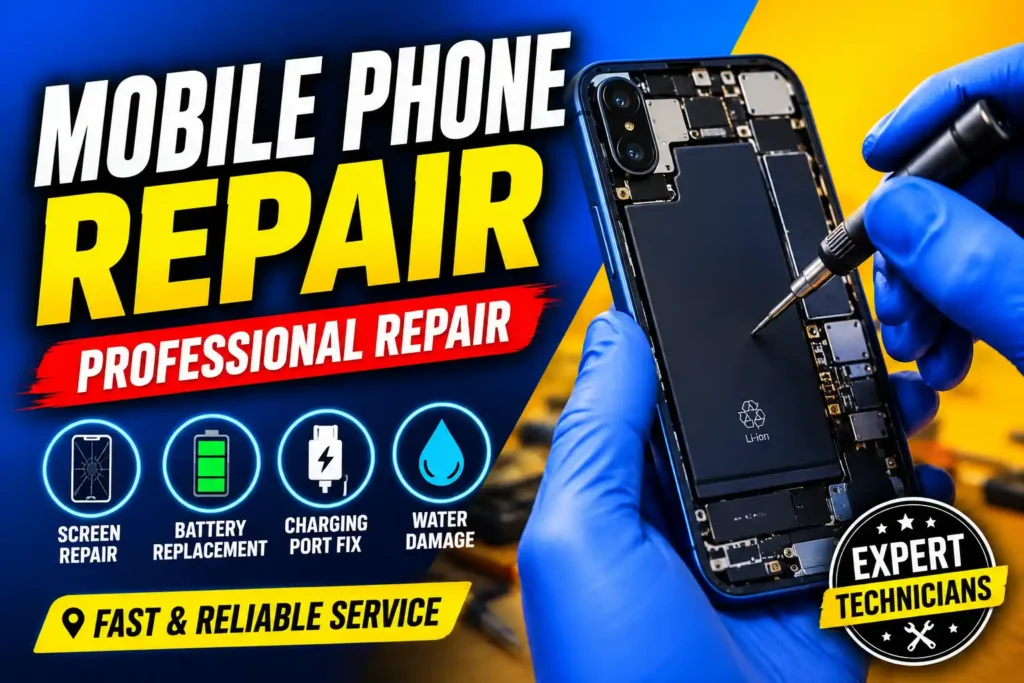
Camera Does Not Work
High-quality cameras are an important feature of modern smartphones. If your camera is blurry, won’t focus or keeps crashing when you open it, it could be a software problem or a hardware problem with your camera.
A technician can determine if the camera needs to be cleaned, recalibrated, or replaced.
Speaker and microphone problems
If callers can’t hear your voice or your phone makes static-y noises, your speaker or microphone may need to be fixed.
Possible causes might be the following:
- Dust build-up
2. Exposure to water
3. Physical injury
4. Internal failure of hardware
Typically, a professional cleaning or replacement of defective parts will restore normal audio quality.
Software issues
Some phone problems aren’t caused by broken hardware. Software problems can also cause serious performance problems.
Examples are:
- Phone stuck on start up logo
2. Restarting on and off
3. Slow performance
4. Crashing application
5. Operating System errors
6. Boot Loop issues
Skilled technicians can reinstall software, upgrade firmware, or repair corrupted system files without having to replace the hardware.
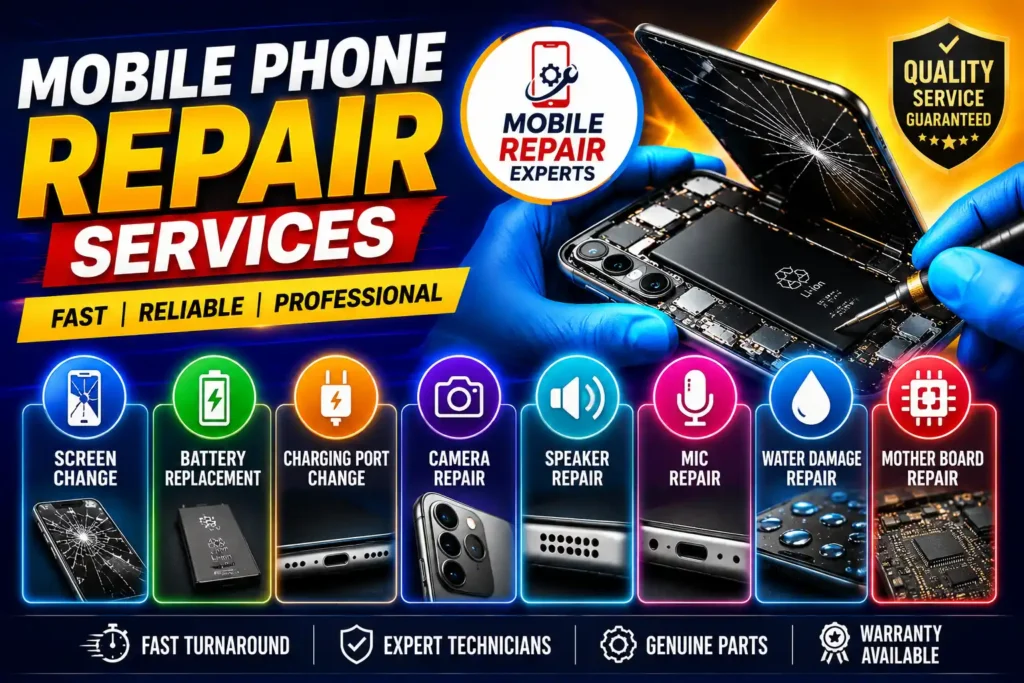
You can expect mobile phone repair services
Repair shops for professionals often offer a wide range of services for smartphones of different brands and models.
Change Screen
Touchscreen problems, cracked glass, broken screens, and OLED or LCD replacement.
Battery Replacement
Old batteries, swollen batteries, overheated Poor battery backup
Charging Port Repair
Fixing charging ports, replacing USB connectors, fixing loose charging ports, and fixing charging circuits.
Camera Repair
Camera front replacement Camera rear replacement Autofocus issues, lens cleaning.
Speaker and Mic Repair
Speaker replacement, mic repair, earpiece repair, loudspeaker problems.
Repair Button
Volume button. Fingerprint sensor. Side buttons. Power button.
Water Damage Repair
Cleaning inside, cleaning the corrosion Checking the motherboard.
Motherboard Repair
Power IC replacement, charging IC repair, CPU rework, and circuit-level diagnosis.
Data Collection
Recovery of photos, videos, contacts, documents, and important files from damaged devices whenever technically possible.
Branded Mobile Phone Repaired?
Most good repair shops will cover almost every major smartphone manufacturer. You can usually find replacement parts and repair options whether you have a high-end flagship phone or a cheap budget phone.
Popular brands include:
- Apple, iPhone
- Samsung, Galaxy
- Xiaomi, Redmi
- POCO
- Realme
- Vivo
- Oppo
- OnePlus
- Motorola
- Google Pixel
- Nokia
- Infinix
- Tecno
- Lava
- Nothing Phone
Before you take it in for repair, it’s a good idea to make sure they’ve worked on your model before and that they have the parts in stock.
Signs It’s Time to Visit a Repair Shop
Sometimes users overlook minor issues until the phone is no longer usable. If you notice any of the following, you may want to have it professionally repaired:
- Broken or cracked screen
2. Battery draining fast
3. Frequent phone overheating
4. The device restarts itself
5. Charging Issues
6. No sound when calling
7. Camera not working properly
8. WiFi or Bluetooth problems
9. Exposure to Water
10. phone not switching on
Get your device checked early before small issues turn into major repairs.
Can all mobile phones be repaired?
Many smartphone problems can be repaired, but some phones may have severe internal damage from fire, severe corrosion, or multiple failed components. In these cases, it may cost more to repair the phone than to replace it.
A good technician will first look at the device, talk about the problem in simple terms, and tell you if it is worthwhile and cost-effective to fix.
How to Find the Best Mobile Phone Repair Shop Near You
It is easy to find a repair shop nearby, but it is more important to find a reliable one. Before you throw in the towel on your smartphone, take a few minutes to review the following.
Read the customer reviews
Online reviews give you a sense of a repair shop’s reputation. Look for consistent feedback regarding repair quality, customer service, pricing, and turnaround time. If a business has lots of positive reviews, it’s generally a safer bet than one that has lots of complaints.
Enquire About Technician Experience
Smartphones are more sophisticated and require special knowledge to repair them. Select a repair shop that has technicians experienced in working on various makes and models.
Check Replacement Parts for Quality
Ask if the repair shop uses genuine or high-quality compatible replacement parts. Higher-quality parts generally last longer and perform better than lower-quality parts.
Compare the cost of repairs
Don’t seek a repair shop just because they’re cheap. So, fast work may be with cheap parts or incredibly cheap repairs. Get estimates from multiple repair shops—don’t just look at the cost; look at the value as a whole.
Ask About Guarantee
A good repair shop will typically provide some warranty on parts or labor. A warranty provides added confidence in the repair and support if the same problem comes back within the covered period.
Safeguard your personal data
Your smartphone can contain private photos, documents, contacts, and financial data. Before you take your device in for service:
- Backup important files.
2. Remove any sensitive info if you can.
3. Sign out of important accounts if needed.
4. Ask how they will protect your data during the repair process.
Estimated Mobile Phone Repair Costs
Repair costs will vary depending on your phone model, the type of damage, and the quality of replacement parts used. The table below is a general comparison and not fixed prices.
| Repair Type | Typical Cost Level | Repair Time |
|---|---|---|
| Screen Replacement | Medium to High | 1–3 hours |
| Battery Replacement | Low to Medium | 30–60 minutes |
| Charging Port Repair | Low to Medium | 1–2 hours |
| Camera Repair | Medium | 1–2 hours |
| Speaker Repair | Low | 30–60 minutes |
| Microphone Repair | Low | 30–60 minutes |
| Water Damage Repair | Medium to High | Depends on damage |
| Motherboard Repair | High | Several hours to a few days |
Always get a repair estimate before work is started so you know what to expect cost-wise.
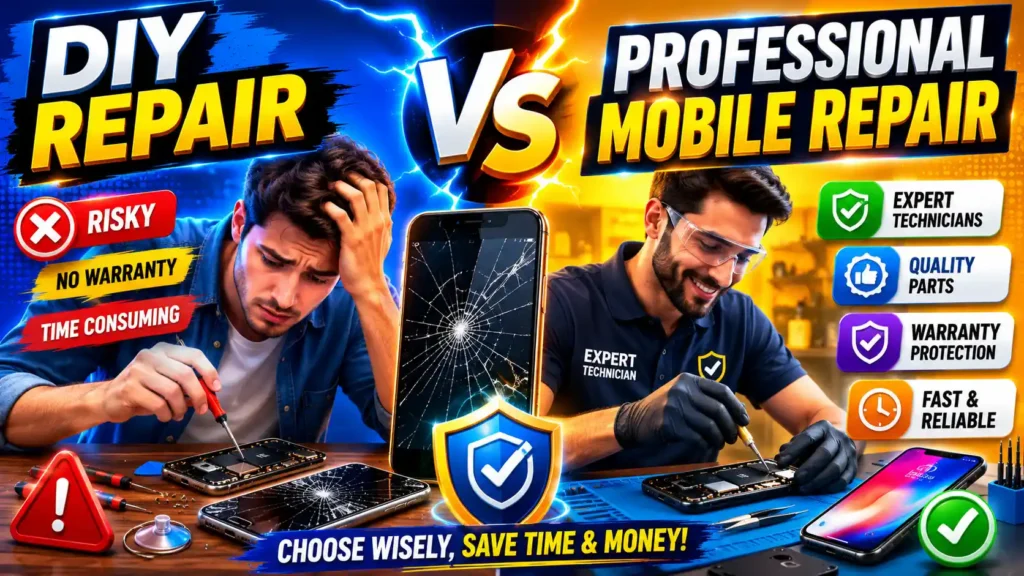
DIY Repair vs. Professional Mobile Repair
There are many videos online on how to fix smartphones at home. DIY repairs can be a cheap option but can also carry risks.
Fix it yourself
Benefits
- Lower initial cost
- Learn basic repair skills
- Works well on simple jobs
Disadvantages
- Risk of internal component damage
2. Requires specialised tools
3. No warranty for fixings
4. Not easy for modern waterproof phones
Professional Mobile Phone Repair
Benefits
- Expert technicians
2. Tools for a good repair
3. Better quality replacement parts
4. Faster fixes
5. Warranty on many repairs.
6. Less risk of accidental damage
For most users, professional repair is safer and more reliable, especially when it comes to screen replacements, battery replacements, and motherboard repairs.
Tips for keeping your phone in good shape
There are some simple habits that can help you avoid costly repairs.
- Use a protective case to minimize damage from accidental drops.
- Get a tempered glass screen protector.
- Keep the charging port clean and free of dust and lint.
- Never expose your phone to water or extreme heat.
- Use a decent quality charger that is compatible with your device.
- Keep your phone’s software up to date.
- Regularly back up your important photos and files.
- Don’t keep your battery charging for long periods.
- Take care of your phone when you’re traveling or outside.
Your smartphone will last longer and perform more reliably with regular maintenance.
Frequently Asked Questions (FAQs)
Most repair shops can replace a broken screen in between one and three hours depending on the model of the phone and availability of parts.
It depends on the age of the device and the cost of the repair. If the cost of repair is reasonable and the phone still works for you, it might be cheaper than buying a new one.
Yes, many phones that are water damaged can be repaired if taken quickly to a repair technician. The chances of success are usually lower if the device remains wet for a long time or is powered on many times.
Not necessarily. Hardware repairs usually won’t touch your stored data. However, some of the software-related repairs might require resetting the device. Always back up your data before any repair
If you notice any of these signs, your battery may need replacing: rapid battery drain, unexpected shutdowns, overheating, slow charging, or a swollen battery. The technician can also test the health of the battery.
Concluding
The first step in the process of getting your smartphone back in working condition is looking up “mobile phone repair near me.” However, what really matters is selecting the right repair shop. An honest repair service can solve issues like cracked screens, battery issues, charging port problems, camera problems, and software issues and save you from unnecessary costs.
Before choosing a repair center, check reviews, inquire about technician experience, examine the quality of replacement parts, and be aware of the warranty. Follow these simple steps to help ensure a smoother repair experience and better long-term performance for your device.
Whether it’s a minor issue or a more complicated repair, acting fast can often prevent further damage and extend the life of your smartphone. Fortunately, with the right repair service, you can keep using your device with confidence without the immediate cost of buying a new one.
SEO Tip: As your site is about mobile repair, you can beef up this article with internal links to relevant posts such as the following:
Android screen replacement tutorials
How to change the battery
Tips for Water Damage Recovery
Charging port repair articles
Specific repair guides by Brand (Samsung, Xiaomi, Vivo, OPPO, Realme etc.)
This gives the content a stronger structure and can help to improve user engagement and visibility on search engines.