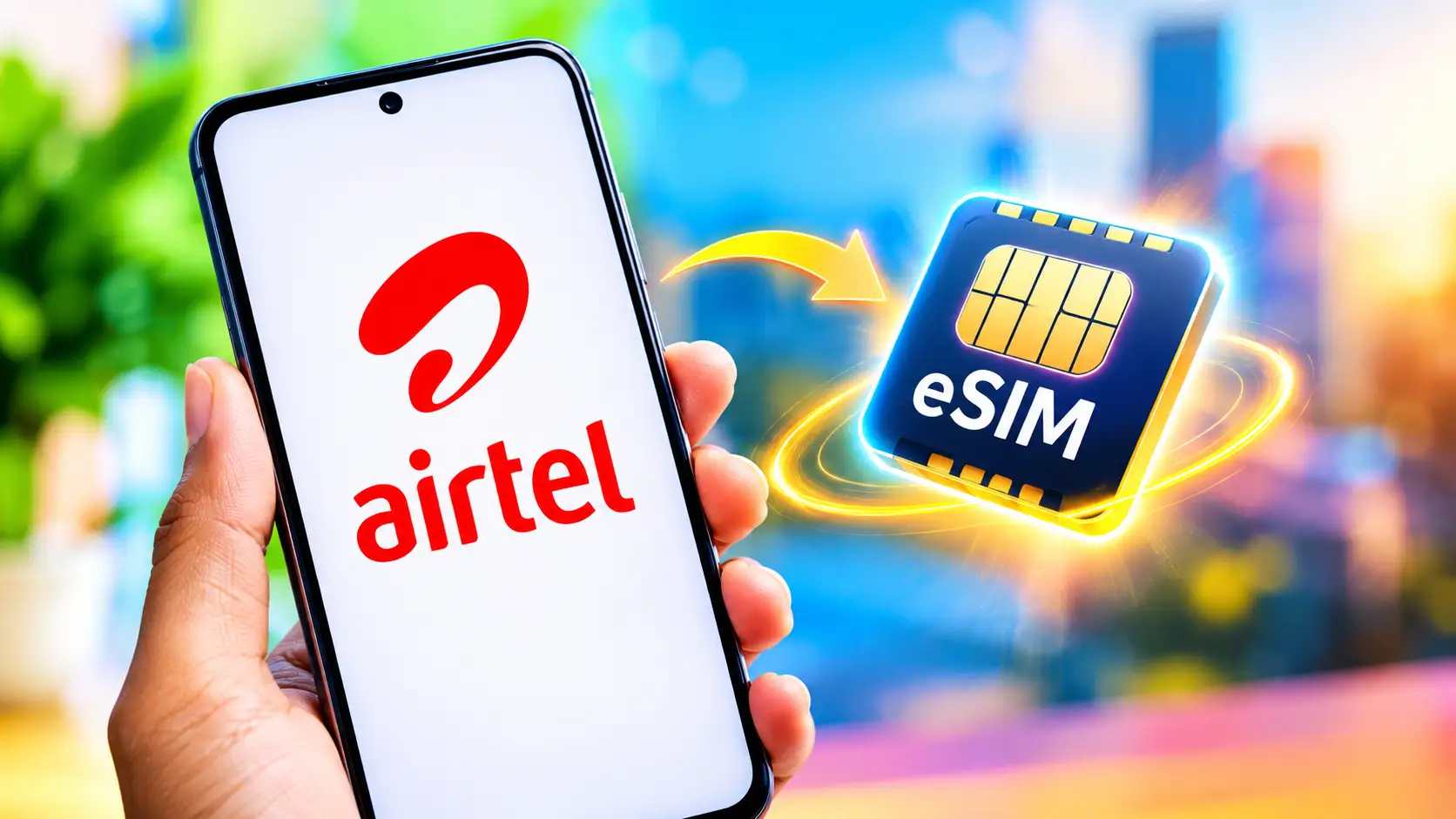
EID is a unique 32-digit code assigned to your Airtel eSIM-capable device. eSIMs (Embedded Subscriber Identity Module) were not a popular feature a few years ago, but the swift uptake of this technology by more smartphone vendors has seen the acceptance of the function by travellers and business users recently. This is a virtual version of a normal SIM card that can be downloaded and installed straight on a compatible smartphone. It does not ask you to physically insert the card like a typical SIM card in your device to get to the functions. It also makes transferring phones easier, as users may move their eSIM profile to a new, compatible phone without dealing with a physical card. Also helps businesses to preserve space in a handset to incorporate additional beneficial features.
Read More: Download your Instagram photos and videos to save on your phone.
Airtel has eSIM compatibility for various handsets from Apple, Google, Samsung, Motorola and Vivo in India. Airtel’s eSIM can be used with or without a real SIM card. If you have purchased a new eSIM-enabled smartphone or wish to migrate from a physical SIM to an eSIM, here are step-by-step instructions on how to activate an Airtel eSIM.
How to Activate Airtel eSIM
- Download the Airtel app and login using your phone number.
- Select Shortcuts on the Homepage.
- Tap the upgrade to eSIM symbol.
- Choose this device or another device if you feel like it.
- Enter the 32-digit EID number of the device to produce the OTP.
- OTP received on your registered Airtel number.
Airtel will call you for verification after the eSIM request is submitted. During the call, confirm your request to complete your request. Soon the Airtel eSIM request will be ready for setup, and users can download the eSIM on their smartphone. The eSIM will be enabled within 2 hrs after profile download. Switch from a physical SIM to an eSIM. Activate the new eSIM profile. Remove the physical SIM and restart your device.
Once activated, users must maintain the EID confidential to avoid unauthorised access. In case of loss of an Airtel eSIM-equipped device, consumers can walk in to the nearest Airtel Store for assistance.
FAQs
eSIM is a digital SIM card built into compatible smartphones.
Read More: BGMI Lite: How to Register, Download, and Play Minimum Requirements
Apple’s iPhone, Google’s Pixel smartphones, Samsung, Motorola and Vivo devices are compatible with the Airtel eSIM card.
Also Read: How to check your own mobile number on Jio, Airtel, Vi and BSNL
No, users can request and activate an Airtel eSIM through the Airtel app.