
 Advertisement
Learn the latest 2025 working methods for Vivo Android 15 FRP Bypass. Step-by-step guide for bypassing Google account lock on Vivo phones without PC, TalkBack, or Activity Launcher.
Vivo Android 15 in 2025 is one of the most searched topics among users who are locked out after a factory reset. Many users face Google account verification issues, especially when TalkBack or Activity Launcher doesn’t work. In 2025, Vivo introduced stronger FRP protection sequrity patched, but new working methods have emerged through simplified bypass tools and updated APK solutions. This article helps you understand how to perform a Vivo Android 15 FRP bypass safely without requiring a PC or complex ADB commands.
Android 15 Bypass 2025 New Method
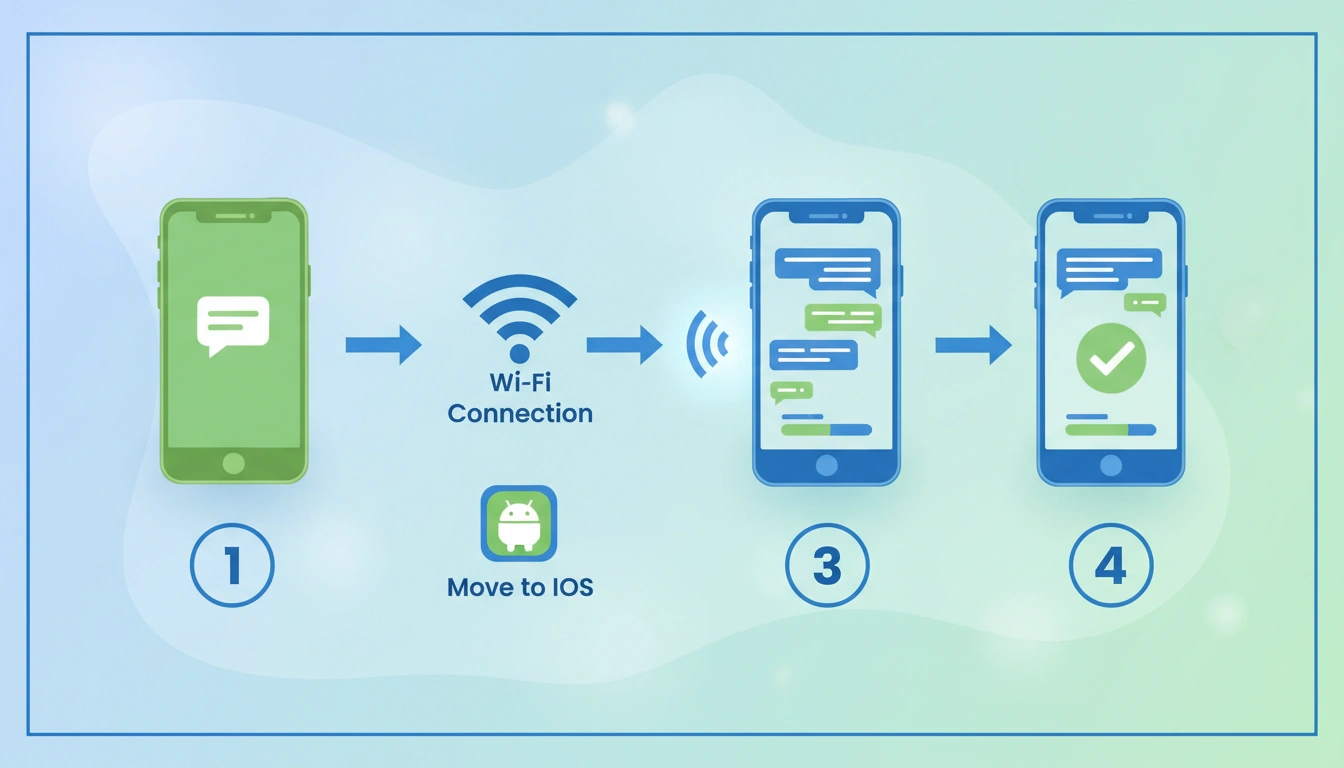
The new 2025 method focuses on bypassing Google verification without needing a computer. Vivo users can use Subrata Service Center FRP Bypass APK, a popular and lightweight tool that works on most Android 15 builds. The process involves:
- Connecting the device to Wi-Fi
- Opening emergency call or settings option via accessibility shortcut
- Installing the FRP bypass APK from external storage
- Completing sign-in steps through temporary access points
This method works when TalkBack and Activity Launcher fail due to restricted patches.
Read More: HyperOS FRP Bypass 2025
Vivo FRP Bypass Android 15 Without PC
Without a PC, users can download an FRP Bypass APK such as “Subrata Service Center FRP Tool 2025” using a secondary device and install it via OTG or sharing apps. It helps create a shortcut to Settings, where you can perform a factory reset again or add a new Google account. Always ensure the APK is downloaded from a verified source and device security is not compromised.
FRP Bypass When Play Store Not Working Android 15
In some cases, users cannot access Play Store or browser to install APKs. Alternate methods now include Google Assistant access or Wi-Fi QR code tricks to reach temporary browser windows. Once done, users can install FRP Unlock APK to bypass the verification process successfully.
FAQ
✅ Yes, this method works 100% without PC. You only need Wi-Fi and phone accessibility features.
This method supports most Vivo phones running Android 15, including:
• Vivo Y16 / Y27 / Y28
• Vivo S series
• Vivo V series
• Vivo T series
✔️ Yes, this method is updated for 2025 security patches, but Google may block old tricks anytime. Always follow the latest steps.
Try:
Another Wi-Fi network
Different TalkBack gesture
Updated APK version
Comment your model + Android version for help
Yes, once you add your own Google account, you can update software normally without issues.












Frp bypass download file
Download Files from Subrata Service Center