
 Advertisement
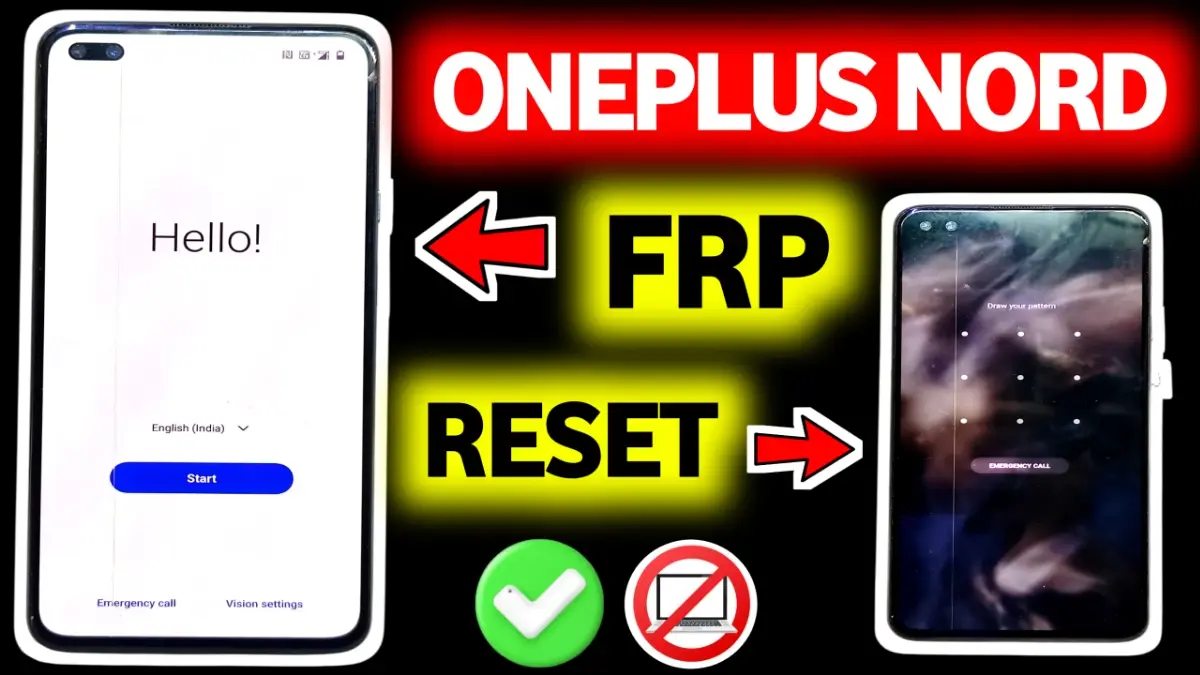
OnePlus Nord FRP Bypass 2025 guide for Android 11, 12, 13 & 15. Learn working methods including Clone Phone trick, without PC method, and reset-not-working solution. Latest FRP unlock tips to remove Google verification easily.
If your OnePlus Nord is stuck on Google verification, this OnePlus Nord FRP Bypass guide will help you unlock it safely on Android 11, Android 12, Android 13, and even the latest Android 15. FRP (Factory Reset Protection) often appears after a hard reset, and many users face issues like reset not working, settings not opening, or no PC method not working. In this article, we share 100% working methods such as Clone Phone trick, Easy Share method, and FRP bypass without PC, fully tested in 2025.
Read More: Vivo FRP Bypass Android 15 2025
OnePlus Nord FRP Bypass Methods (2025 Updated)
1. OnePlus Nord FRP Bypass Android 11
Android 11 security patch allows several working tricks such as emergency dialer menu access, YouTube browser method, and older APK installation methods.
2. OnePlus Nord FRP Bypass Android 12 (Reset Not Working Fix)
On Android 12, many users face reset not working or Settings not opening. The latest method includes:
Wi-Fi connect
Go to Keyboard → Help & Support
Browser Sign-in trick
3. OnePlus Nord FRP Bypass Android 13
Android 13 uses a strict security patch, but Clone Phone method + Quick App Transfer still works in some builds.
4. OnePlus Nord FRP Bypass Android 15 (Clone Phone Working Trick)
Android 15 supports the latest Clone Phone tool.
Steps:
Pair with another OnePlus device
Transfer temporary settings
Access settings → Remove Google account
Restart device
5. OnePlus Nord FRP Bypass Without PC (2025)
You can unlock using Share App, Clone Phone, or Chrome browser sign-in—no software or computer needed.
Final Tips Before Bypassing FRP
Ensure stable Wi-Fi.
Do not update firmware during FRP lock.
Follow methods exactly to avoid errors.
FRP (Factory Reset Protection) is a Google security feature that activates when a Google account is added to the phone. After a factory reset, OnePlus Nord will ask for the previously synced Google account to prevent unauthorized use.
Yes, in many cases OnePlus Nord FRP can be bypassed without using a PC by using Wi-Fi setup tricks, TalkBack, accessibility settings, or system app settings
Most methods work on Android 10, Android 11, and Android 12. On newer security patches
FRP bypass is legal if you are the real owner of the device and forgot your Google account. Using it on stolen or unauthorized phones is illegal.
If one method fails, try an updated method or wait for a new security workaround. You can also visit subrata service center
















