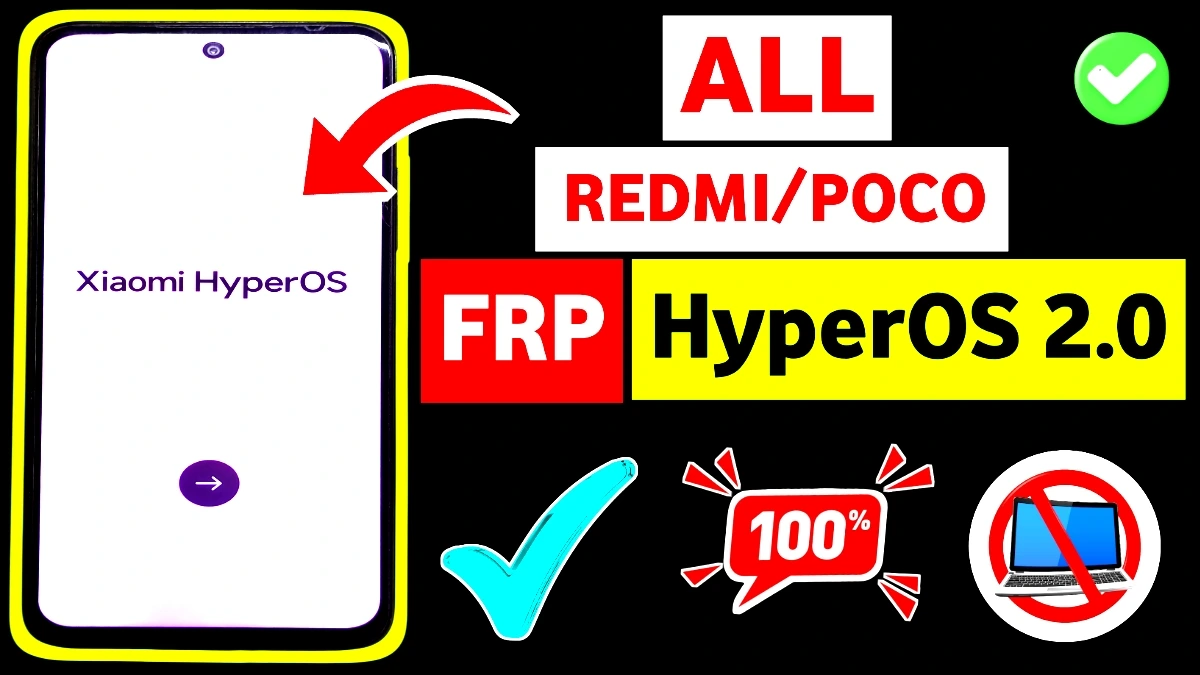
Complete HyperOS FRP Bypass 2025 guide for Xiaomi, Redmi, and POCO phones. Learn Share Apps, Activity Launcher, Second Space, and Android 15/14 working FRP unlock methods with full steps.
FRP Bypass APK Download
Working Xiaomi HyperOS FRP Bypass Methods (2025 Updated)
1. Share Apps Method (Most Successful in 2025)
Open Emergency Call
Dial #0# (if supported)
Use Share Apps to open browser or settings
Install an FRP bypass APK using the sharing window
Sign in with a new Google account
Works on: Redmi 12C, 13C, 14C, Redmi 12 5G, 13 5G, POCO M6 Pro 5G.
2. Activity Launcher Method (For HyperOS 2.0 / Android 15)
Access app info via permissions or notifications
Launch Activity Launcher
Open settings activities blocked in normal mode
Add a new user or open Google login screen
Perfect for: HyperOS 2.0 Android 15 FRP bypass.
3. Second Space FRP Bypass Method
Create a hidden Second Space
Add a new Google account
Delete the old space
Reboot the device
Works on most Xiaomi/Redmi/POCO HyperOS FRP models.
4. Settings Trick (If Settings Not Opening)
If “Settings Not Working” appears:
Use Share Apps → App Details
Force stop settings
Clear data
Reopen via Activity Launcher
Supported Devices (2025)
Xiaomi HyperOS 2.0 / Android 15
Xiaomi/Redmi/POCO HyperOS
POCO M6 Pro 5G
All Xiaomi HyperOS FRP 2025 models
FRP (Factory Reset Protection) is a security feature in Xiaomi HyperOS that requires the previously synced Google account after a factory reset. It helps protect the device from unauthorized access.
Yes, Xiaomi HyperOS FRP can be bypassed without a PC by using built-in settings, accessibility options, Google services loopholes, or specific APK methods, depending on the HyperOS and Android version.
Not always. Some methods work on early HyperOS versions, while newer security patches may block older tricks. Results depend on:
• HyperOS version
• Android version
• Security patch level
Common reasons include:
• Latest security patch
• Method patched by Xiaomi
• Wrong steps
• Internet connection issues