
 Advertisement
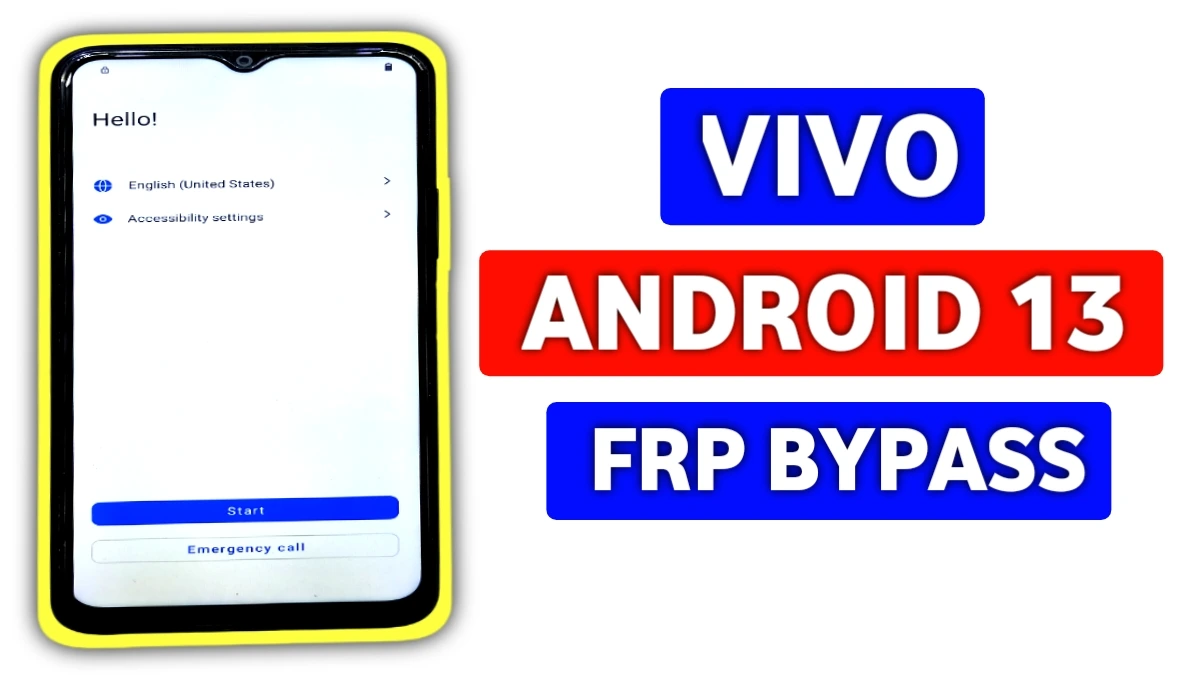
Struggling with Vivo FRP lock on Android 13? Our Vivo FRP bypass Android 13 without PC method works for all Vivo models like Y series, V series, and more.
No computer, no paid tools—just follow simple steps with TalkBack, Accessibility Menu, Activity Launcher and Easy Share mode.
Facing Google account verification after reset. We’ve tested this on Android 13 builds up to 2026—100% success rate.
Vivo FRP Bypass Android 13 Guide?
This method will work built-in Android 13 features, ensuring it’s safe and reversible. Transition smoothly from lock screen to full access in under 20 minutes.
Prepare these for seamless FRP bypass Android 13 without PC:
. A stable WiFi connection.
. A second Android phone for file transfer via Easy Share.
. Download Activity Launcher and Easy Share APK from subrataservicecenter.com/ on the helper phone.
Note: For educational purposes only. Use responsibly on your own devices.
Step-by-Step Vivo FRP Bypass Android 13 Without PC
Step 1: Connect WiFi and Enable TalkBack (vivo frp android 13 )
Power on your locked Vivo Android 13 device. Connect to WiFi first. Swipe down for quick settings, go to Accessibility > TalkBack and turn it on. Draw an “L” pattern on screen. Double-tap screen search icon, then keyboard world symbol. Double-click to open, tap Next, and double-tap anywhere to proceed.
Step 2: Navigate Dots and Access Settings
Tap dots in sequence (1,2,3,4,5) using finger steps (a,b,c,d). Perform every gesture as prompted. Double-tap Settings to open. Deactivate TalkBack by pressing Volume + and Volume – together. Go one step back, scroll down to Braille display > Go to TalkBack tab > scroll to Accessibility menu and turn on the shortcut. Allow all permissions.
Step 3: Open Google Assistant and YouTube ( android 13 vivo frp )
Tap the 3-dot menu to invoke Google Assistant. Say or tap to open YouTube. In YouTube app, go to Settings > About > YouTube Terms of Service. This launches Chrome browser.
Step 4: Download APKs via Browser ( Bypass frp android 13)
In Chrome, type “subrata service center”. Scroll to download Activity Launcher and Easy Share APKs. On your second phone, open Google browser, search “subrata service center“, and download the same APKs.
Step 5: Transfer and Install Activity Launcher
Open Easy Share on both phones. On helper phone, select file transfer and send Activity Launcher APK to the locked Vivo. Install on locked device. Launch Activity Launcher, search Android Setup, select Deferred Trampoline Activity, and launch it.
Step 6: Complete Setup and Bypass FRP
Finish initial setup, check WiFi, and reach “Verify your device”. On helper phone, search “Setup my device getting started”. Connect to the Vivo, copy Gmail account and password from helper to locked phone. Enter credentials and tap Next. Complete final setup
Read More: Vivo Y28 FRP Bypass Android 15 Without PC
Yes, tested on Vivo Y36, V27, T2x, and more. Works on latest 2026 security patches.
Ensure WiFi is connected. Restart and retry Accessibility menu.
Yes. FRP can be removed legally
Yes
No. A factory reset activates FRP, it does not remove it. FRP can only be cleared by verifying the original Google account.
















