
 Advertisement
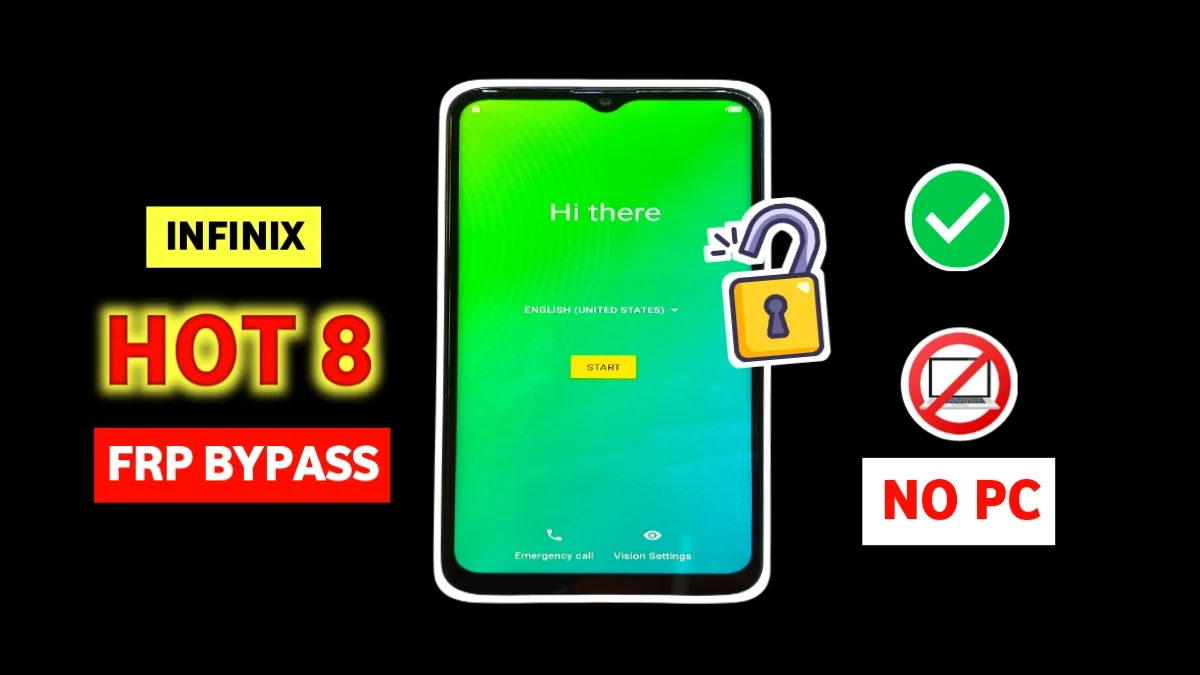
If you are searching for Infinix Hot 8 FRP bypass without PC, then you are in the right place. Many Infinix Hot 8 users get stuck on Google account verification screen after a factory reset.
However, by following the correct steps, you can easily remove this lock without using any computer, paid software, or technical tools.
This guide is written for people who need a real, working solution. This method uses only WiFi, keyboard settings, and browser access, so anyone can do it safely at home.
What is FRP Lock on Infinix Hot 8?
FRP (Factory Reset Protection) is a security feature added by Google. It protects your phone if it is reset without logging out of the previous Google account. Therefore, when you forget your old Google ID, your Infinix Hot 8 becomes locked. However, this method will help you unlock it easily.
Requirements
Before starting, make sure you have:
Infinix Hot 8 (Android 9 or 10)
WiFi connection
On-screen keyboard access
No PC, OTG cable, or paid tool is required.
Step-by-Step Infinix Hot 8 FRP Bypass Without PC
🟢 Step 1: Connect to WiFi
First, power on the phone and connect it to any WiFi network.
🟢 Step 2: Select Malayalam Language
Go back to the first screen and select Malayalam from the language list. Then continue to the WiFi screen again.
🟢 Step 3: Open Keyboard Settings
Click Add WiFi, tap the keyboard, and press the Earth (🌐) icon. Hold it and select Malayalam again.
🟢 Step 4: Enable Voice Typing
Now tap the 3 dots in the top corner and choose Use Advanced Voice Typing Features.
🟢 Step 5: Open Phoenix Browser (Bypass Infinix hot 8)
Click the Share icon, then select Phoenix Browser. Search for Subrata Service Center website.
🟢 Step 6: Set Screen Lock
On the website, tap the 3 dots and set a PIN Lock.
🟢 Step 7: Verify PIN
Go back to the FRP screen. Now you will see Verify PIN. Enter the same PIN you just created.
🟢 Step 8: Skip Google Account
Google sign-in will appear. Simply click Skip and complete the setup.
🎉 Your Infinix Hot 8 FRP lock is now successfully removed.
Final Words
So, if you were struggling with Infinix Hot 8 FRP bypass without PC, this proven method is your best solution. It is simple, safe, and works on Android 9 and 10. Therefore, you don’t need to worry anymore about Google account lock.
For more working FRP solutions, always visit Subrata Service Center.
Read More: Redmi 11 Prime 5G Hyperos FRP Bypass
Yes, you can bypass FRP on hot 8 without using any PC.
Yes, this method works on Hot 8 running Android 9 and Android 10 security patches, including most 2025 and 2026 updates.
No. This process does not delete any additional data. It only removes the Google account verification lock so you can use the phone normally again.
Yes. This FRP bypass works on Infinix Hot 8 X650, X650C and other variants running Android 9 or 10.
















