
 Advertisement
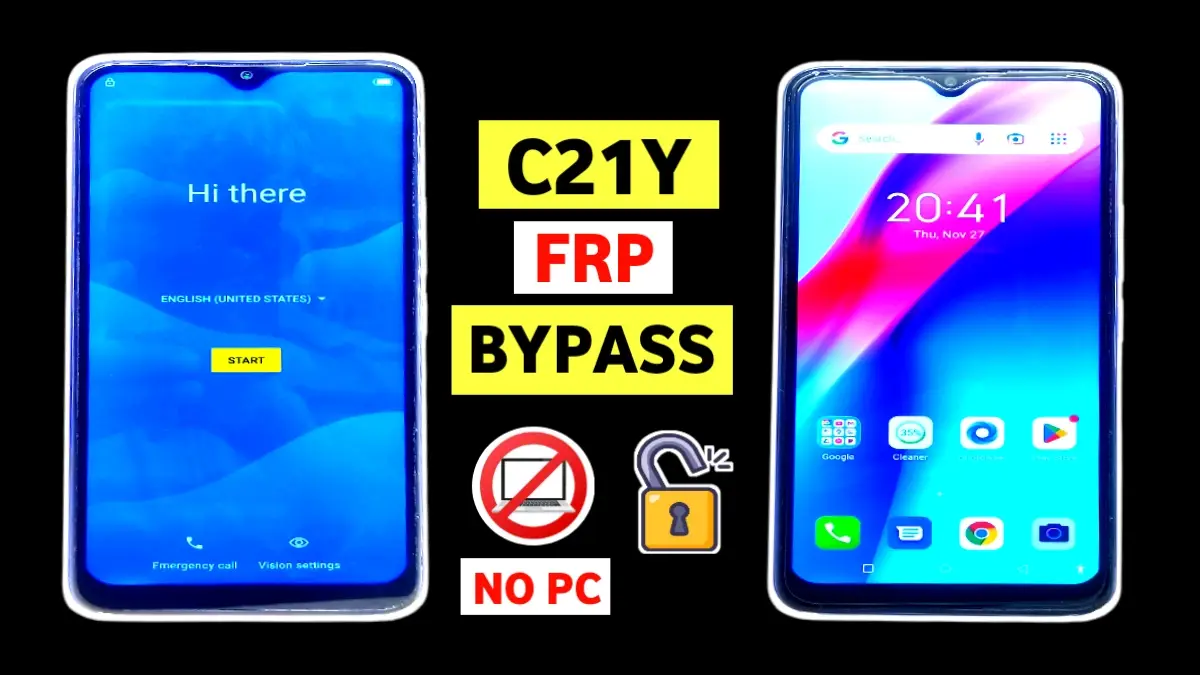
If you are stuck on the Google account verification screen after a factory reset, this Realme C21Y FRP bypass without PC. This guide will help you unlock your device safely. Many users face this issue after forgetting their Google account credentials, and unfortunately, Realme devices do not offer an official skip option. However, using accessibility features and Google Assistant, you can bypass FRP without using a computer.
In this guide, we will explain the Realme C21Y FRP bypass without PC method in a clear and easy way so even beginners can follow it successfully.
🔑 What Is FRP Lock on Realme C21Y?
Factory Reset Protection (FRP) is a Google security feature that prevents unauthorized access after a reset. However, if you forget your Google account, FRP can lock you out of your own phone. That’s why this method is useful for genuine users.
🧩 Requirements Before You Start
• Realme C21Y device
• Working Wi-Fi connection
• One active SIM card
• No PC or laptop required
🔧 Step-by-Step Realme C21Y FRP Bypass Without PC
👉 Enable Accessibility & Google Assistant
- First, connect your phone to Wi-Fi.
2. Go back to the Home screen and open Vision Settings.
3. Turn on TalkBack.
4. Draw an L-pattern on the screen and tap Allow.
5. Open Voice Assistant and say “Open Google Assistant”.
6. When Google Assistant appears, say “Open Settings”.
▶️ Disable TalkBack & Enable Accessibility (Bypass c21y)
- Go to Accessibility.
2. Turn TalkBack OFF.
3. Enable Accessibility Menu Shortcut.
▶️ Battery & App Trick (Important Step) {c21y frp bypass}
- Go to Settings → Battery → Battery Usage (no apps will appear).
2. Now open Apps → See all apps → Show system apps.
3. Find Google Play Services and tap it 10–20 times.
4. Do the same with Android Setup.
5. Go back to Battery → 3-dot menu → Battery Usage.
6. Restart the phone.
After restart:
• Use Google Assistant again → Open Settings
• Go to Battery Usage
• Now you will see Google Play Services and Android Setup
• Force stop & disable both apps
📱 SIM & Emergency Call Trick (Frp c21y)
- Insert a working SIM card.
2. Tap Emergency Call.
3. Add a contact like “Hello Jio”.
4. Tap Message → Open.
5. Press Volume Down + Power to take a screenshot.
6. Open Gallery, share screenshot to Hello Jio.
7. Open message again → 3 dots → Privacy Policy.
8. Google search opens – search Subrata Service Center.
9. Open Download FRP Bypass menu → Open Settings.
✅ Final Steps (Very Important)
- Go to Battery → Battery Usage.
2. Enable Google Play Services again.
3. Return to setup and complete initial settings.
4. Reset settings if required.
🎉 Congratulations! Realme C21Y FRP bypass without PC is successfully completed.
📌 Final Words
This Realme C21Y FRP bypass without PC guide is one of the most reliable methods available right now. If you followed each step carefully, you should be able to unlock your device without any tools or PC.
For more FRP bypass, Android tips, and unlocking tutorials, visit Subrata Service Center regularly.
✅ Share this guide to help others who are stuck on FRP lock.
Read More: Vivo Android 15 frp bypass latest
FRP (Factory Reset Protection) is a Google security feature that activates automatically when a Google account is added to your Realme C21Y. After a factory reset, the device asks for the previously synced Google account to prevent unauthorized access.
Yes, Realme C21Y FRP bypass without PC is possible. This guide uses Google Assistant, Accessibility settings, Battery usage tricks, and a SIM card—no computer or USB cable is required.
Yes, this method is safe if used by the original device owner. It does not require flashing firmware or installing third-party APKs, so there is no risk of hardware damage.
If this method fails:
Try again carefully (90% failure is due to missed steps)
Check your Android version
Visit Subrata Service Center for updated FRP solutions
Yes, this method works on current security patches (2026 tested).
Yes, this method is for educational purposes and genuine users only.
















