
 Advertisement
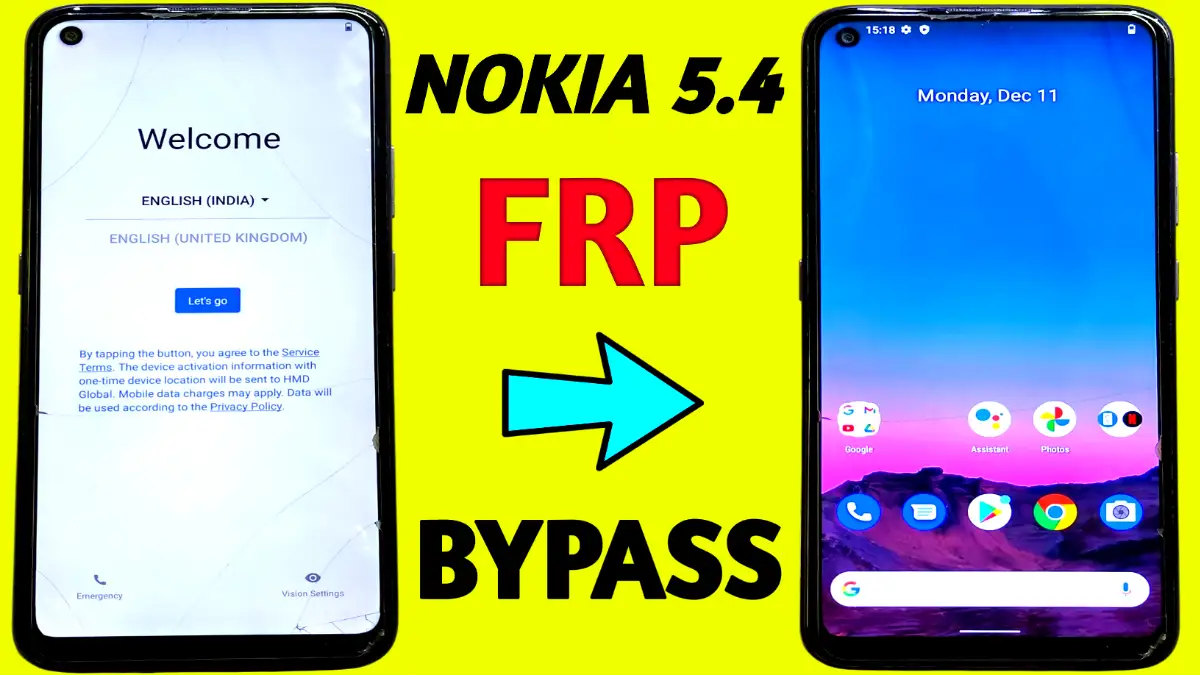
Struggling with FRP lock on your Nokia 5.4 after a factory reset?. This Nokia 5.4 FRP bypass guide provides a simple, no-PC method that works seamlessly in 2026.
Why Choose This Nokia 5.4 FRP Bypass Method?
This method Required only stable WiFi and on-screen gestures—no extra tools or paid tool required. First, it activates accessibility features. Then, it navigates to essential apps via voice commands. Finally, it disables restrictions and sets a pattern lock to complete the bypass. Thousands search for “Nokia 5.4 FRP bypass step-by-step tutorial” yearly, and this tutorial is the real results without any complications.
Read More: Vivo FRP Bypass Without PC Android 15
Preparation Steps
Before starting, ensure your Nokia 5.4 is charged above 50%. Connect to a stable WiFi network immediately after powering on—this is crucial for Nokia 5.4 FRP bypass success. Tap “Start” and proceed to the home screen or main menu.
Activating TalkBack and Voice Commands
Enable TalkBack Mode
From the home screen, press and hold Volume Up + Volume Down buttons together until TalkBack activates. Next, double-tap “Turn On” to confirm. A “Welcome to TalkBack” menu appears—draw an L-shaped pattern on the screen to proceed. Allow all permissions promptly; this unlocks gesture controls.
Open Google Assistant (frp Nokia 5.4)
Use voice commands by saying “Google Assistant” after selecting “Use voice commands.” Turn off TalkBack once the assistant opens. Then, tap the Messages app, type www.youtube.com, and hit send. This launches Chrome via YouTube—search for “Subrata Service Center” to access their FRP bypass files or tools.
Disable Google Play Services
Enter the website and tap the FRP Bypass APK download tab (usually in the right corner). Open the Settings icon to access Apps Manager. Disable Google Play Services here. If it fails, go back to website, select Screen Smart Lock, set any pattern lock, and grant permissions. Return to the phone home screen afterward.
Finalizing the Bypass (Nokia 5.4)
Tap Next on “Getting Ready” and “Checking Information” screens. Draw your newly created pattern lock when prompted. Continue with “Next” until completion—FRP is now bypassed successfully! Your Nokia 5.4 is fully accessible. Restart if needed, and enjoy unrestricted use.
Factory Reset Protection (FRP) is a Google security feature that locks your Nokia 5.4 after a factory reset, requiring the previous Google account credentials. This Nokia 5.4 FRP bypass method helps legitimate owners regain access without them.
Yes, this TalkBack-based tutorial remains effective on Nokia 5.4 running Android 12 or later.
No PC needed! This step-by-step guide uses only built-in features like TalkBack, Google Assistant, and the Subrata Service Center APK.
Simply return to the website and use the Screen Smart Lock option to set a pattern lock. This alternative bypasses method work perfectly.
Absolutely safe when used on your own device.
















