 Advertisement
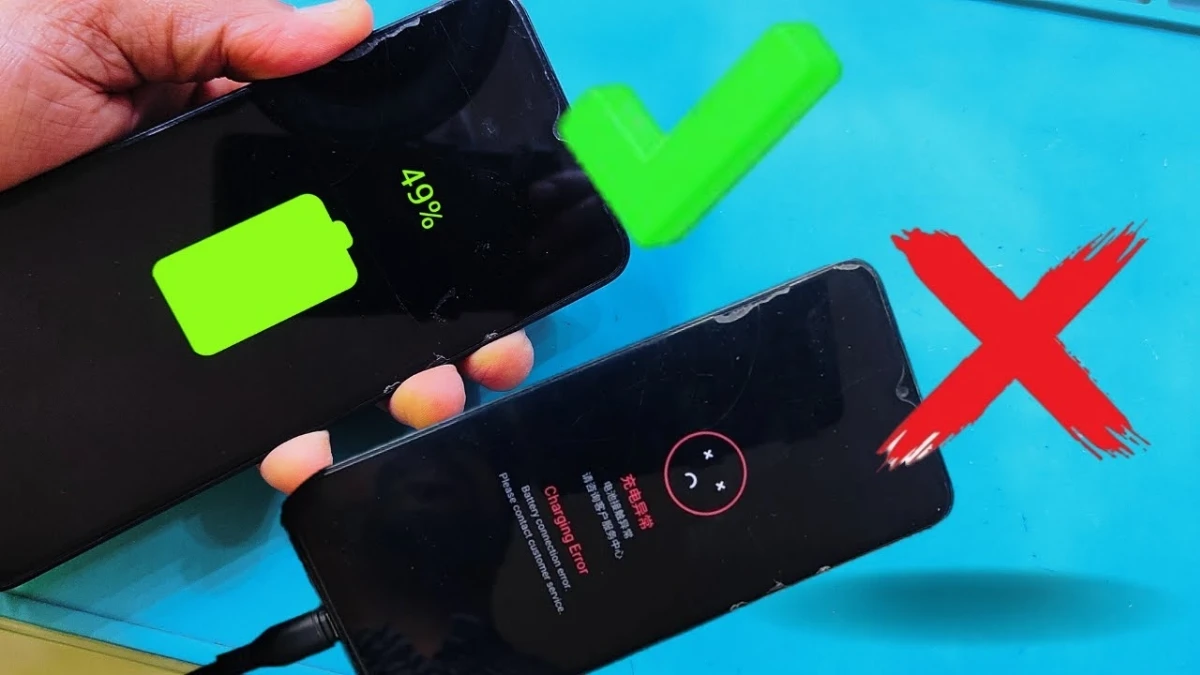
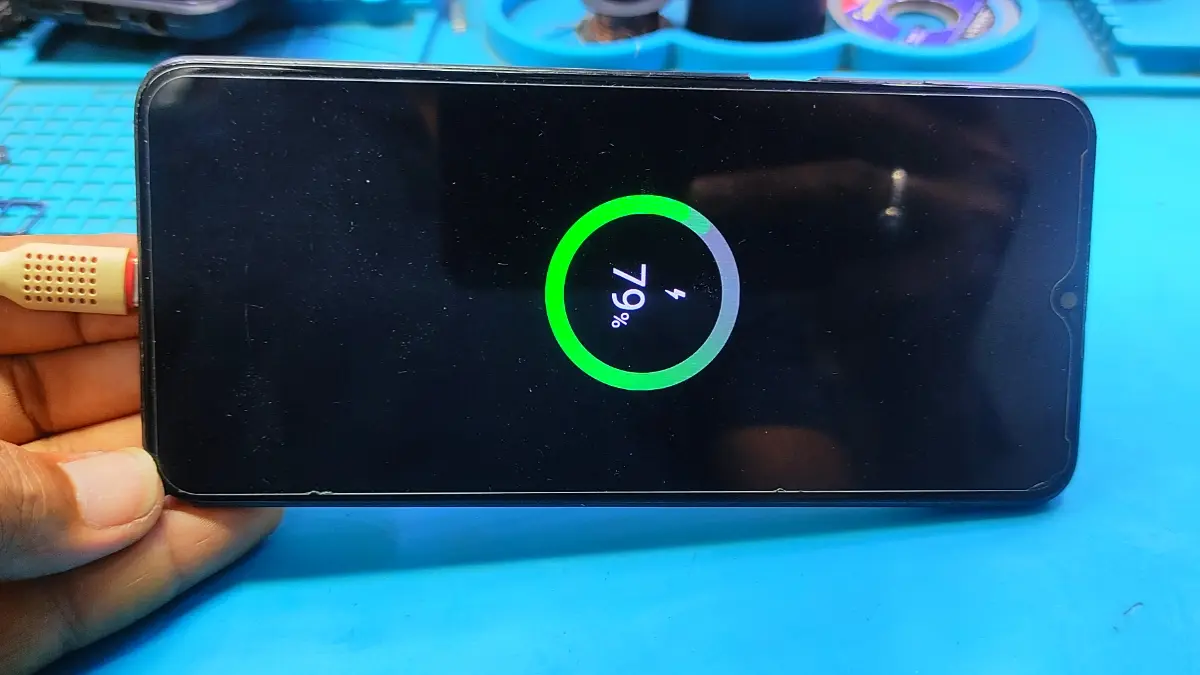
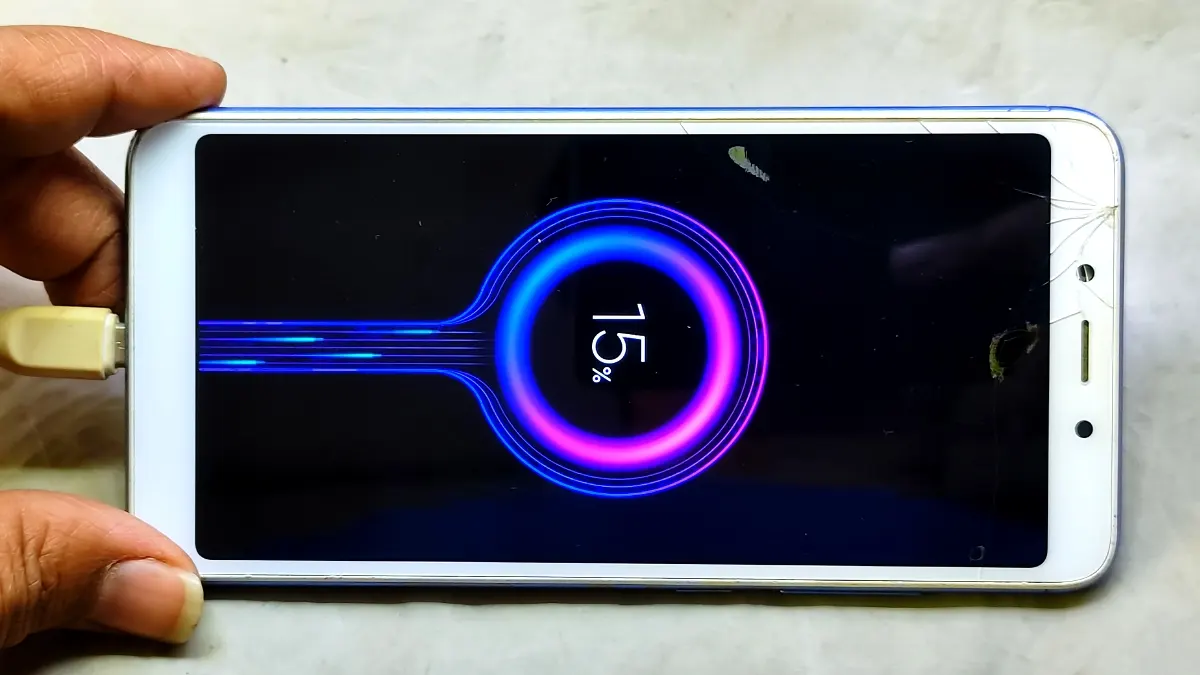
mobile charging problem solution is every smartphone user searches for when their phone suddenly stops charging or charging slowly. In most cases, the issue is not serious and can be solved at home without visiting a service center.
However, understanding the real cause is very important before applying any solution. In this guide, you will learn simple, practical, and safe methods to fix mobile charging problem solution step by step.
Main Reasons Mobile Charging Problem
🔸Charging Cable or Adapter Fault
First of all, check your charging cable and adapter. Sometimes, broken wires or low-quality chargers cause charging failure. always try a different charger to confirm charging issue.
🔸 Dust or Dirt in Charging Port (charging problem)
Over time, dust collects inside the charging port. As a result, the charger does not connect properly. Gently clean the port using a soft brush or toot brush.
READ MORE: Vivo Android 15 FRP Bypass
Mobile Charging Problem Solution Steps
🔸 Restart Your Phone
Sometimes, software glitches block mobile charging. So Restart the phone can instantly fix the charging problem issue.
🔸 Check Power Source
Next, make sure the power socket or extension board is working properly. Also, avoid charging from damaged power points.
🔸 Safe Charging Practices (charging problem solution)
Avoid using your phone while charging. Excess heat can slow down charging speed and damage the battery.
🔹 Advanced Charging Issues Fixes
🔸 Mobile Software Update
software can also cause charging bugs, always keep your phone updated.
🔸 Battery or Charging IC or Port Damage
If none of the above mobile charging problem solutions work, the issue may be hardware-related. Sometimes, charging port may be replace or can damage mobile charging ic. In that case, visit a trusted mobile repair technician or also visit SUBRATA SERVICE CENTER for mobile repair in India at Kolkata 700132.
🔹 Final Thoughts
conclusion, a mobile charging problem solution does not always require expensive repairs. Most issues can be solved by changing the charging cable or charger, cleaning the charging port, or following safe charging habits. By applying these proven methods, you can protect your phone battery and avoid future charging problems.
Sometimes the problem is not the charger. Dust inside the charging port, a damaged charging port, software issues, or battery problems can also stop the phone from charging properly. checking the charging port and battery is important.
If the charger feels loose, mobile charging but charging persentage doesn’t increase, or charging disconnects frequently means charging port replacement may be required.
Yes. Even a small amount of dust or lint can block the charging pins. As a result, the charger cannot connect properly, and the phone may not charge at all.
Yes, but carefully, Use a soft brush or tooth brush. However, avoid metal pins or sharp objects because they can damage the charging port.
If cleaning but does not solve the issue and the phone still shows unstable charging, then charging port replacement becomes necessary.