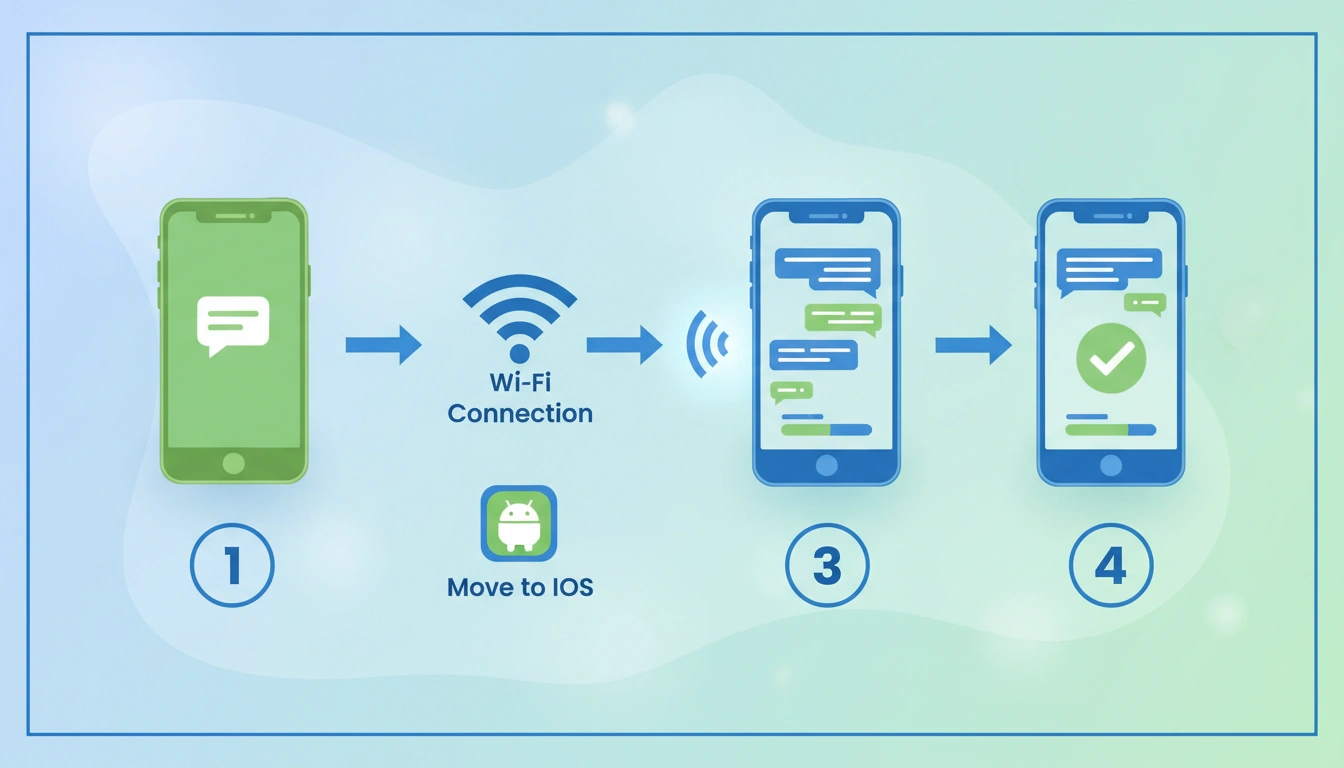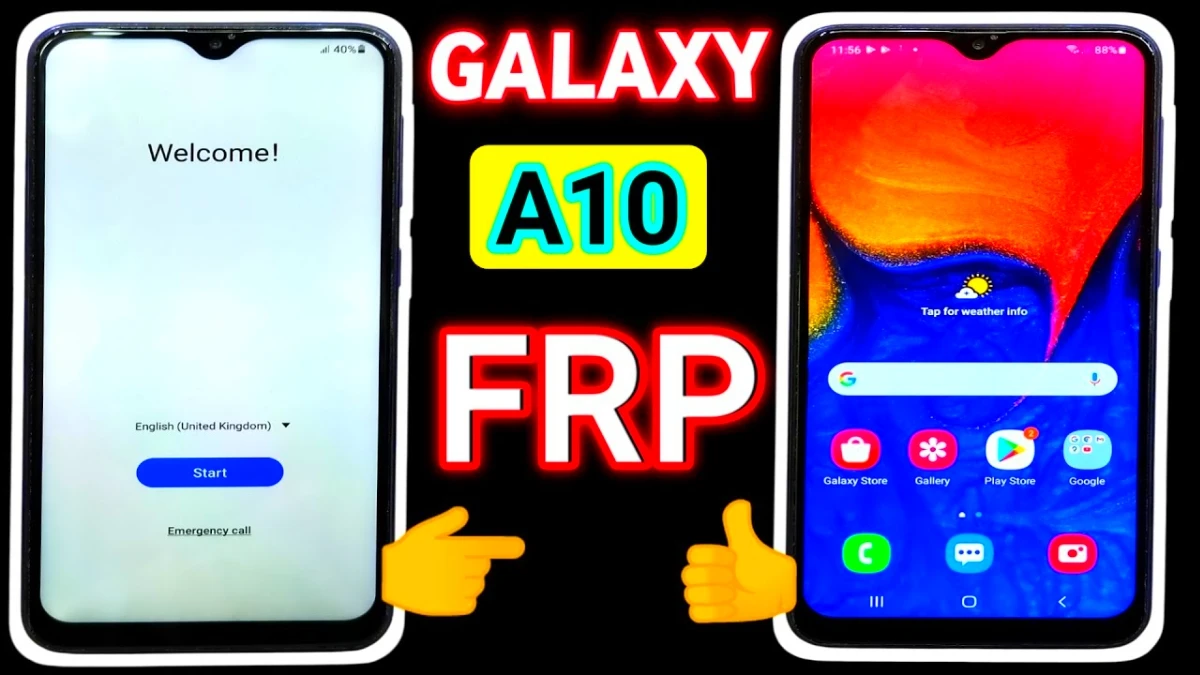
If you are searching Samsung A10 FRP Unlock Removal After Reset issues, don’t panic. This updated 2026 FRP lock fix will help you unlock your phone without box, PC, or flashing.
Using only Wi-Fi and simple on-screen steps. This guide is written for people who want an actual working solution, Samsung A10 FRP Unlock, not theory.
✅ What Is FRP Lock on Samsung A10?
Factory Reset Protection (FRP) is a Google security feature that activates after a reset. If you forget the old Google account, the phone gets locked. This guide shows how to bypass Samsung A10 FRP safely using built-in features like TalkBack, YouTube, Chrome, Samsung Cloud, and Smart Switch.
Read More: Hyperos FRP Unlock 2026
Requirements Before Starting
• Stable Wi-Fi connection
• Another Samsung phone
• Patience (some apps take time to open)
🔑 Samsung A10 FRP Unlock After Reset – Step-by-Step
Step 1: Enable TalkBack & Open YouTube
- Connect your Samsung A10 to stable Wi-Fi
2. Turn on TalkBack
3. Draw L shape → tap Use Voice Commands
4. Say “Google Assistant”
5. Say “Open YouTube”
6. Turn TalkBack OFF
Step 2: Open Chrome via Subrata Service Center
- From YouTube, open Chrome
2. Search: Subrata Service Center
3. Open the website
4. Tap 3 dots (menu) → download FRP APK
5. Tap Open Settings
3: Samsung Account & Cloud Setup(Samsung A10 frp)
- Go to Accounts & Backup
2. Open Samsung Cloud
3. Sign in or create a Samsung Account
4. Update Samsung Cloud
5. If it doesn’t open, wait and retry
6. Tap Bring Data from Old Device → Download
7. Galaxy Store opens → Update Galaxy Store
⚠️ If Galaxy Store doesn’t open instantly, wait patiently and retry.
Step 4: Use Smart Switch (Key Step)
- Go to Biometrics & Security
2. Tap Other Security Settings
3. Samsung Smart Switch opens
4. Accept terms & permissions
5. Choose Receive Data on This Phone
6. Select Galaxy / Android → Wireless
7. Tap Cancel → Get Connected screen appears
Step 5: Transfer Account Using Another Samsung Phone
- On second Samsung phone, install Smart Switch
2. Open it → Send Data
3. Select Wireless
4. Connect to Galaxy A10
5. Choose Accounts only
6. Start transfer and wait until complete
🎉 FRP Successfully Removed!
After transfer:
• Go to Home Screen
• Continue setup
• Choose Don’t Copy
> When Google Sign-In appears → Skip option shows
> Tap Skip and finish setup
✅ Samsung A10 FRP lock removed successfully
FAQ
Samsung A10 FRP lock is a security feature activated after a factory reset. If you don’t remember the previously synced Google account, the phone becomes locked and cannot be accessed without verification.
No. This Samsung A10 FRP lock fix works without PC, without box tools, and without any paid software. You only need Wi-Fi and another Samsung phone.
The Samsung A10 FRP unlock cost usually ranges between ₹300 – ₹1,500 at local mobile repair shops. Using this guide, you can remove FRP for free at home without paying any service charge.
This Samsung A10 FRP unlock method is permanent. Once setup is completed and a new Google account is added, the FRP lock will not return unless the phone is factory reset again.
Yes. This guide is written for non-technical users. If you can follow steps carefully, you can remove Samsung A10 Google account lock at home.
The fastest method in 2026 is using Samsung Smart Switch + Samsung Cloud, as shown in this guide. It avoids PC tools and works directly on the phone.
Because local phone repair shops often charge high service fees. Many users now prefer at-home Android unlock solutions to save money and time.