
 Advertisement
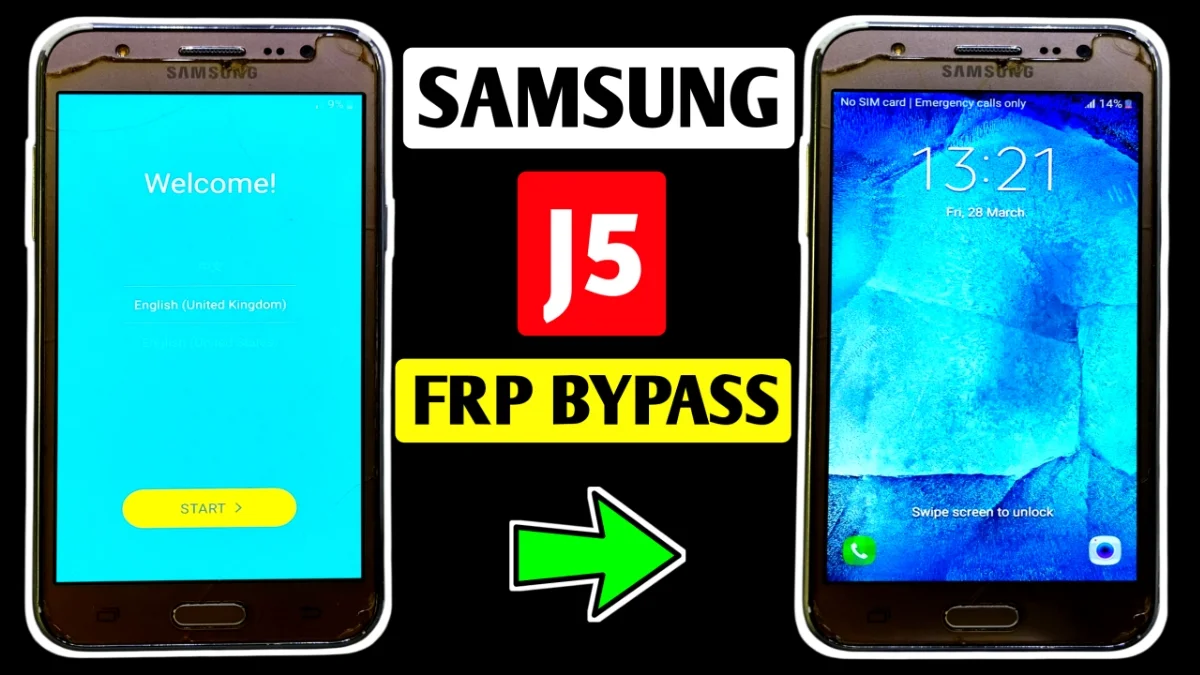
If your phone is stuck on Google account verification, this Samsung Galaxy J5 FRP Bypass After Factory Reset (2026) Without PC guide will help you unlock it easily.
Factory Reset Protection (FRP) is a security feature added by Samsung to protect devices after a reset. However, many users forget their previous Google account and cannot access the phone again.
Fortunately, there is a simple solution. By following the steps below carefully, you can remove FRP lock and regain access to your device. This method works without using a computer and can be done directly on the phone.
Read More: SAMSUNG GALAXY A10 FRP UNLOCK WITHOUT PC
What is FRP Lock on Samsung Galaxy J5?
Factory Reset Protection is a security system linked with your Google account. When a device like the Samsung Galaxy J5 is reset without removing the Google account first, the phone will ask for the previously synced account during setup.
Therefore, if you forget that account, the device becomes locked. In this situation, the Samsung Galaxy J5 FRP bypass method can help restore full access.
Requirements Before Starting
Before starting the bypass process, make sure you have the following:
• A stable Wi-Fi connection
• Your Samsung Galaxy J5 device
• Access to the internet browser on the phone
These simple requirements will help complete the FRP unlock process smoothly.
Samsung Galaxy J5 FRP Bypass Without PC (Step-by-Step)
1. Connect to WiFi
First, turn on the phone and connect it to a stable WiFi network from the setup screen.
2. Open Add Network
Next, tap More Options in the WiFi menu and select Add Network.
3. Trigger Google Assistant
Type any random text in the network name field. After that, press and hold the text until the Google Assistant icon appears. Then tap the icon.
4. Open Internet Browser (samsung galaxy j5)
Now the Google search page will open. Search for Internet, then open the phone’s internet browser.
5. Visit the Website
Type Subrata Service Center in the browser search and open the website.
From there, download the following files:
• Google Account Manager Android 10 APK
• FRP Bypass APK
6. Install the APK Files (samsung galaxy j5)
Return to the WiFi page again and repeat the Add Network trick to open Google search.
Search for My File and open it. Then install:
• Google Account Manager APK
• FRP Bypass APK
7. Sign in with a New Google Account
Open the FRP Bypass APK.
Tap the three dots in the corner, then choose Browser Sign-In.
👉 Now log in using any new Gmail account.
8. Complete the Setup
After signing in, go back to the FRP screen and tap Next.
Allow all permissions and wait for Checking Info. Finally, the Skip option will appear.
Tap Skip and complete the device setup.
Samsung Galaxy J5 FRP Unlock Successfully Completed
Once the setup is finished, the Samsung Galaxy J5 FRP lock will be removed, and you can use your phone normally again. This method is simple, effective, and does not require a computer.
FAQ
FRP (Factory Reset Protection) is a security feature developed by Samsung and integrated with Google services. When a device such as the Samsung Galaxy J5 is factory reset without removing the Google account first, the phone will ask for the previously synced account during setup to prevent unauthorized access.
Yes, it is possible to perform Samsung J5 FRP bypass without PC using a simple method through WiFi settings, Google Assistant, and FRP bypass APK tools. This method allows users to unlock the phone directly from the device without using any external computer.
If you follow the correct steps and download files from trusted sources, the FRP bypass process is generally safe. However, it should only be used on devices that you legally own or have permission to unlock.
This happens because of Factory Reset Protection security. When a phone like the Samsung Galaxy J5 is reset from recovery mode or settings without removing the original Google account, the system requires the previous login credentials to verify the device owner.
Most Samsung Galaxy J5 FRP bypass methods work on Android versions from Android 6 to Android 10 depending on the device variant and security patch level.
Usually two files are required for the bypass process:
• Google Account Manager APK
• FRP Bypass APK
These apps help open the Google account login screen so you can add a new Gmail account.
















