
 Advertisement
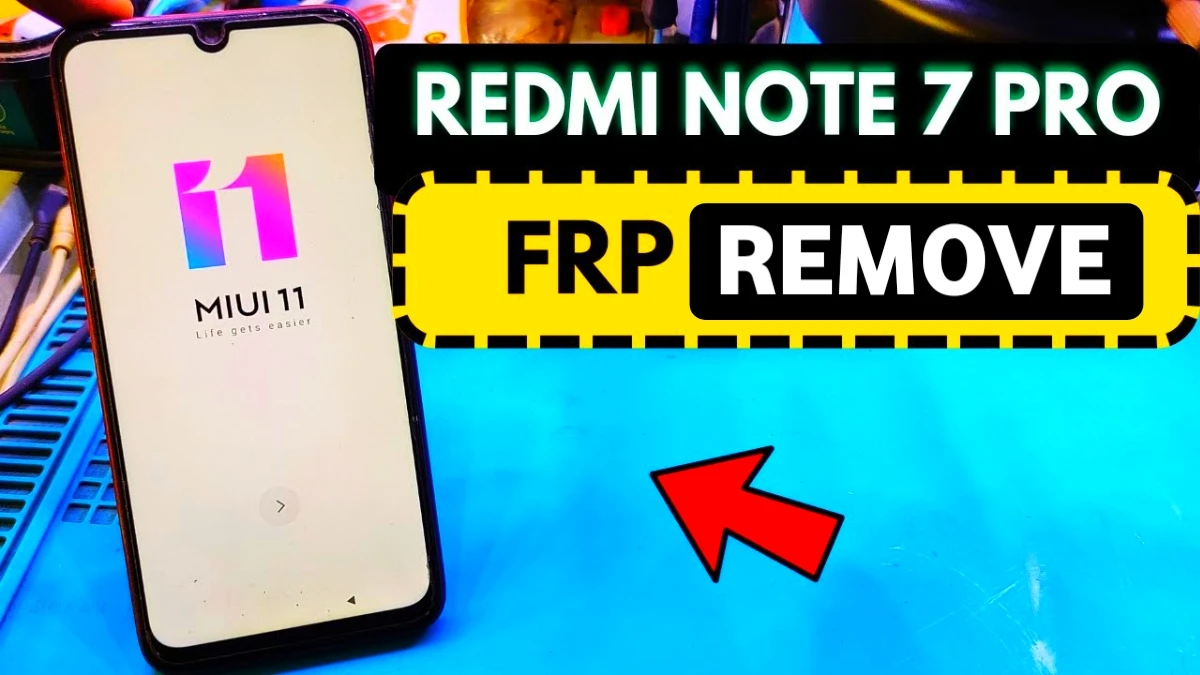
If your Redmi Note 7 Pro is stuck on the Google verification screen after a factory reset, this guide will help you solve the problem. In this tutorial, we explain the Redmi Note 7 Pro Google Account FRP bypass without PC method using a simple step-by-step process.
Many users face the Google account verification screen when they forget their previous account details. However, by following the correct steps, you can remove Google account after factory reset and access your phone again.
This method works without computer software and is useful for people searching for Google Account Verification Fix, Android Phone Unlock Service, or solutions to Google account sign-in problems.
Read More: Honor 9n Google Account Bypass Without PC
What is FRP Lock and Why It Happens?
FRP (Factory Reset Protection) activates automatically when a Google account is added to your device. After a reset, the system asks for the previously synced account to prevent unauthorized access. Therefore, many users search for solutions like Google Account Recovery, Android Phone Unlock Service, or Fix Google Account Sign-In Problem.
How to Bypass FRP Redmi Note 7 Pro Without PC (Step-by-Step)
Step 1: Connect to WiFi
First, turn on your device and connect to a stable WiFi network. This is essential to proceed further.
Step 2: Access YouTube via SSID Trick
Next, go to “Add Network” and type www.youtube.com in the SSID field. Then press and hold the text and tap the link icon to open YouTube.
Step 3: Open Chrome Browser
After that, open YouTube settings and choose Chrome. Accept permissions and continue.
Step 4: Visit Unlock Website (Redmi Note 7 Pro FRP)
Search for a trusted service site (like a subrata service center page offering tools). Then open it and access available shortcuts or APK files.
Step 5: Open Settings Shortcut
Now tap on the Settings shortcut. Immediately, your phone settings will open.
Step 6: Enable Second Space
Go to Special Features > Second Space and turn it on. Wait for the new space to be created.
Step 7: Skip Password Setup (Redmi Note 7 Pro bypass)
When prompted, skip setting a password. Then switch to Second Space.
Step 8: Reboot Device
Finally, restart your phone. After reboot, your device will open normally without Google verification.
Why This Method Works
This trick uses system loopholes to bypass restrictions without needing an Android FRP Unlock Tool or Mobile Phone Repair Software. It is simple, effective, and does not require technical expertise.
Important Tips (Redmi Note 7 Pro FRP)
Use Carefully
• Always try official Google Account Recovery first
• Avoid unknown APKs to prevent malware
> This method is for personal device access only
Alternative Solutions
If this method doesn’t work, you can try:
• Professional Mobile Phone Unlock Software
• Authorized Android Phone Unlock Service
Conclusion
In conclusion, this Redmi Note 7 Pro FRP bypass after factory reset without PC method is one of the easiest solutions available in 2026. It helps users quickly remove Google account after factory reset and fix Google account verification issues without technical tools. Follow each step carefully, and your phone should be unlocked successfully.
FAQ
To fix the Google account verification problem, first try Google Account Recovery using the official recovery page. If you cannot remember the password, resetting the account credentials can help you sign in again and unlock your Android phone.
Yes, you can remove a Google account after factory reset by signing in with the previously used Google account. If you forget the login details, you can recover the account using Google Account Recovery or visit a professional Android phone unlock service.
Many users see Google account verification on second-hand devices because the previous owner did not remove their Google account before resetting the phone. In such cases, contacting the previous owner or using authorized mobile repair services can help resolve the issue.
Factory Reset Protection (FRP) is a security system built into Android devices. It automatically activates after a factory reset and prevents unauthorized users from accessing the phone without the original Google account credentials.
If your Redmi Note 7 Pro asks for a Google account after a factory reset, it means the Factory Reset Protection (FRP) security feature is active. This feature protects the device and requires the previously synced Google account to verify ownership before accessing the phone.
















