 Advertisement
Have you ever wondered how your phone can browse websites, watch videos, or use social media when there is no Wi-Fi connection nearby? The answer is mobile data. It is one of the most important features of modern smartphones, keeping users connected almost anywhere.
Whether you are checking emails on the go, using maps on the road or chatting with friends on social media, mobile data makes all of this possible. But many people still don’t quite know what phone data is, how it works, or how to turn it on properly.
In this guide you’ll learn everything you need to know about phone data, including how it works, the pros and cons, and how to switch on phone data on Android and iPhone.
Read More: Mobile EMI Without Cradit Card
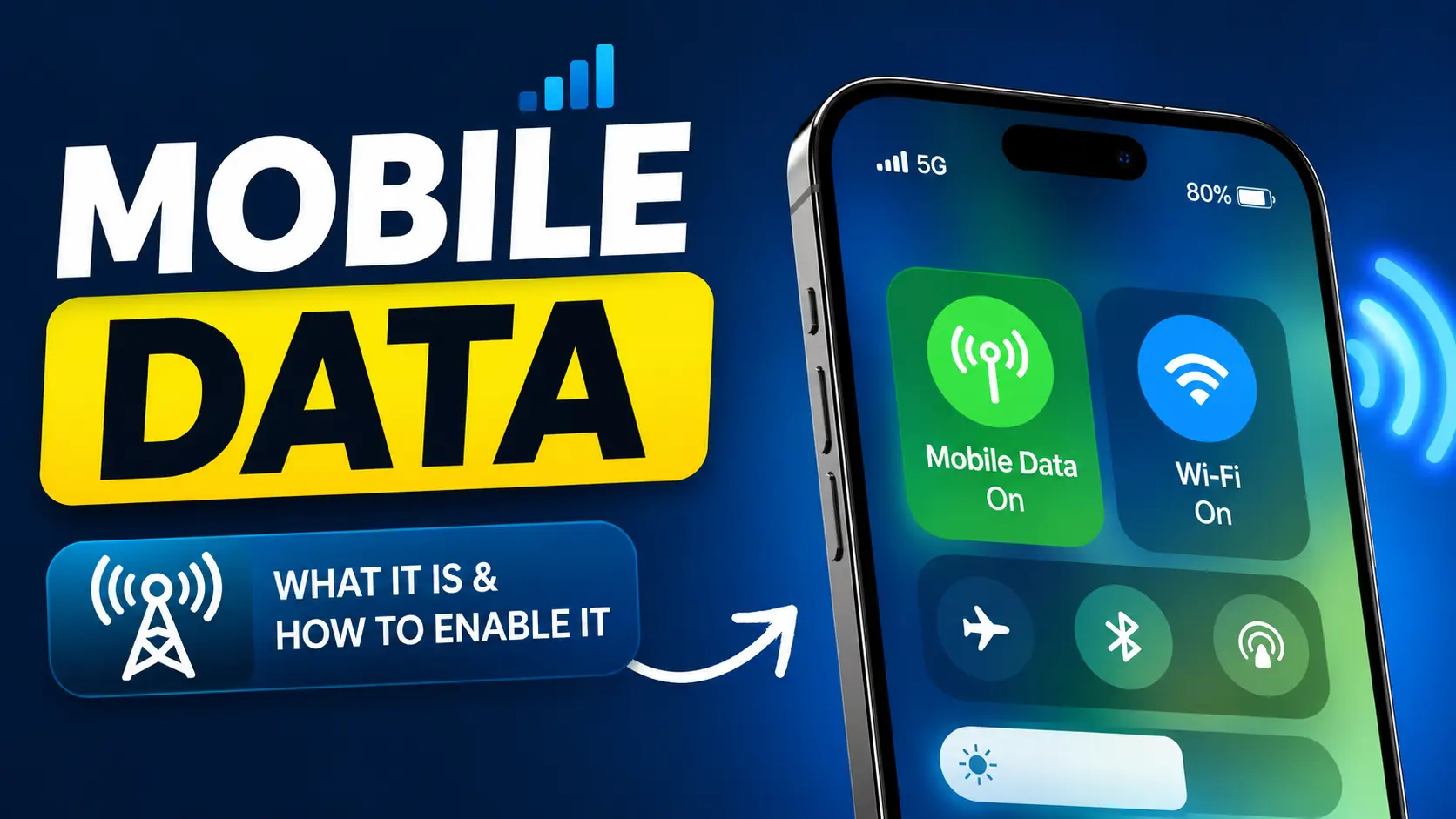
What Is Mobile Data?
Phone data is wireless Internet access provided by your cell network operator. It allows your smartphone or tablet to connect to the Internet without a Wi-Fi connection.
When you turn on data, your phone connects with the network signals from the cellular towers in your area to send and receive data. This enables you to visit websites, stream music, watch videos, use social media apps, send emails, and download files anywhere your carrier has coverage of their network.
Phone data uses your SIM card and your carrier’s network, not a router and local internet connection like Wi-Fi. Most users have a certain amount of data per month, such as 1GB, 5GB, or unlimited data plans, depending on their subscription.
How Does Mobile Data Function?
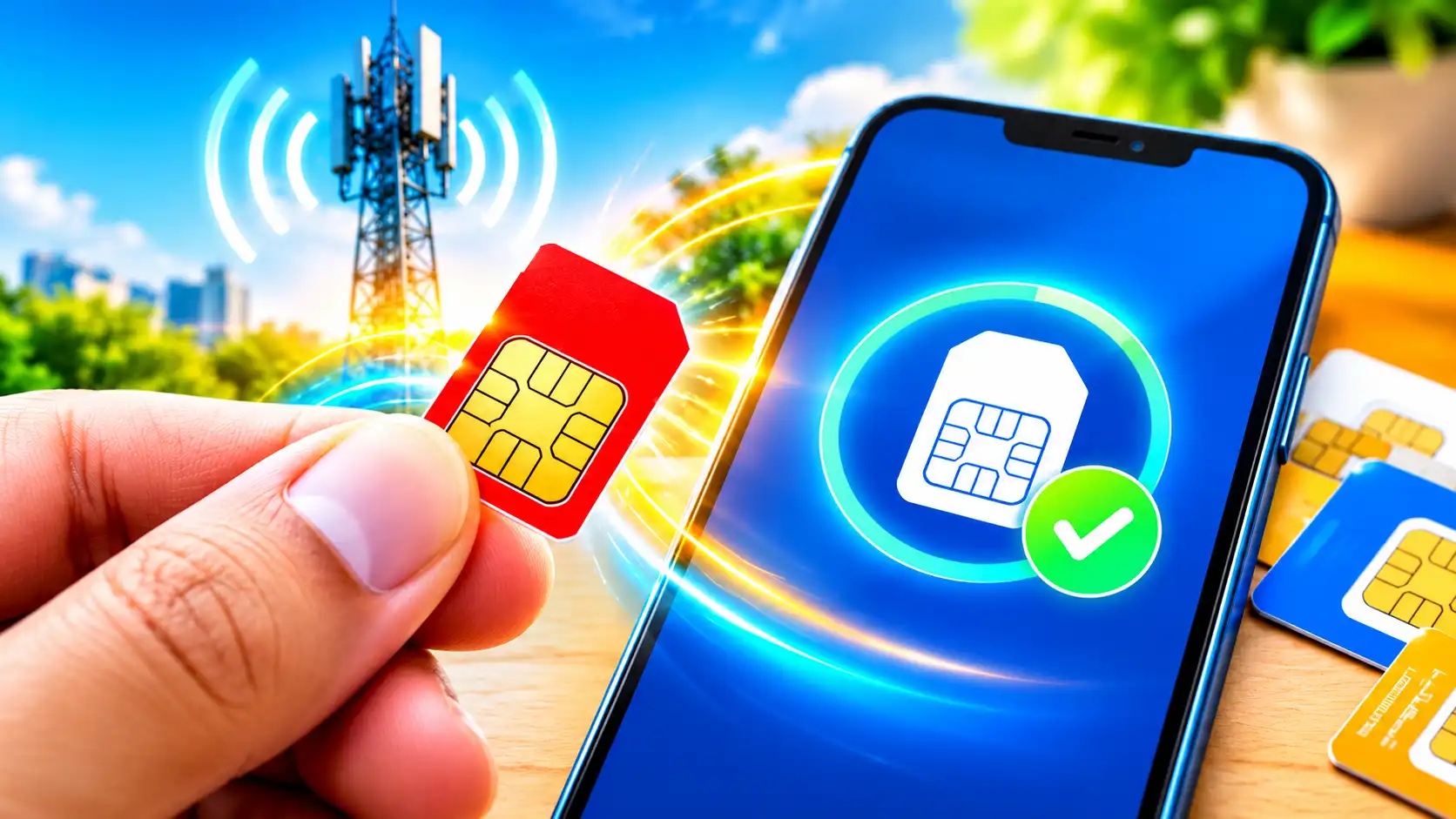
For one thing, your smartphone has a SIM card that identifies your account with your mobile carrier. When you enable mobile data, your phone will look for the closest cell tower.
The tower is like a bridge between your phone and the internet. When connected, it sends data packets back and forth. So for example, when you open a website, your phone sends a request to the internet through the cellular tower. Then the website sends information back via the tower, and your phone shows it instantly.
The speed of this process depends on several factors, for example:
- Network technology such as 3G, 4G LTE, or 5G.
- Signal strength at your location.
- Network traffic. – What your smartphone hardware can do.
Contemporary networks like 4G and 5G are capable of providing excellent speeds that allow streaming videos and gaming online to be smooth and fun.
Types of Mobile Data Network
| Network Type | Speed | Best For |
|---|---|---|
| 2G | Slow | Calls and SMS |
| 3G | Moderate | Browsing |
| 4G LTE | Fast | Streaming and gaming |
| 5G | Very Fast | HD streaming, cloud gaming |
Over the years, the development of mobile networks has been remarkable. Each generation has different speeds and capabilities.
2G network
2G was one of the first mobile internet technologies. It was mainly for text messaging and simple web browsing. Compared to today it is very slow and is now largely obsolete
3G Network
3G showed a noticeable improvement in internet speed. It let users surf the web more comfortably, send emails, and watch low-res videos.
4G LTE Network
Today, 4G LTE is the most common mobile network technology. It provides fast downloading speeds, smooth video streaming, online gaming, and high-quality video calls.
A lot of users around the world still use 4G because it gives a good balance of speed and coverage.
5G Mobile Network
5G is the newest generation of mobile data technology. It gives very high speeds, lower latency, and better network capacity.
5G is very fast, enabling users to stream ultra-high-definition videos, play cloud games with low latency, and download large files within seconds.
Mobile Data vs. Wi-Fi
| Feature | Mobile Data | Wi-Fi |
|---|---|---|
| Coverage | Anywhere with network | Limited to router range |
| Speed | It depends on the network. | Usually faster |
| Cost | Uses data plan | Usually fixed monthly bill |
| Security | Carrier encrypted | Depends on router settings |
Mobile data is transmitted via cellular towers and allows you to get online in almost any place with network coverage. Wi-Fi, however, requires a wireless router and has a limited range.
Wi-Fi is usually faster and cheaper, offering unlimited use of the Internet at home or in offices. Your carrier’s plan may have monthly limits on phone data.
But data is beautiful because it is convenient. You are able to surf the web when you are on the move, commuting or visiting places without Wi-Fi.
Advantages of Mobile Data
Phone data has revolutionized the way people communicate and access information. Here are some of its key benefits.

Internet Everywhere Access
Mobile data has one of the biggest advantages of portability. You’re not tied to a location or a Wi-Fi router. You can access the internet almost anywhere your carrier has service.
Simple Navigation
People use phone data a lot when using apps such as maps and navigation tools. Traveling to a new city? Searching for restaurants nearby? Phone data lets you quickly get directions.
Social Media Connection
Mobile data keeps you in constant touch with friends and family You can send messages, upload photos, watch videos, and join social media discussions wherever you are.
Emergency Communications
In an emergency, mobile data can be a lifeline, giving you access to important news, weather, and communication services when Wi-Fi isn’t around.
Mobile data has its drawbacks
Small data plans
Many carriers have data limits. If you go over your monthly allowance, your internet speed may slow down or you may have to purchase some more data.
Battery Usage
If the signal is weak, your phone may constantly be using mobile data, which will drain the battery at a higher rate than normal.
Network Congestion
It slows down in crowded places like concerts, shopping malls, sports events, etc. because many users are connected at the same time.
Roaming Fees
If you are traveling abroad, phone data can be expensive unless your carrier has cheap roaming packages.
How to enable Mobile Data on Android
It is very easy to turn on mobile data on Android phones. The steps may be a little different depending on the phone brand, but the process is generally the same.
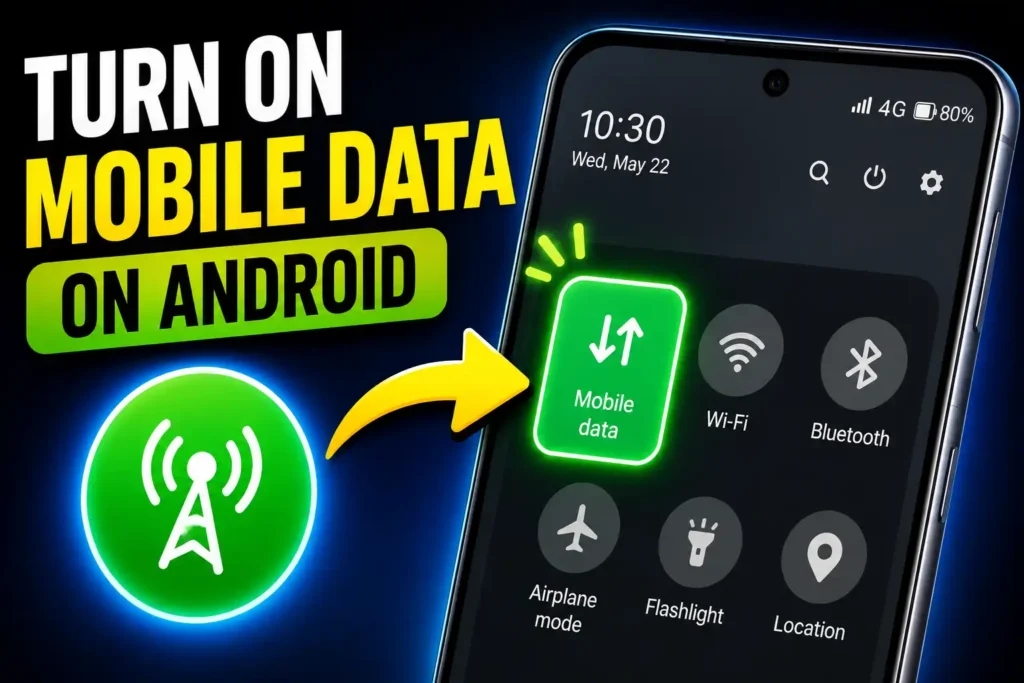
Method 1: Quick Settings
- Pull down from the top of your screen.
- Pull down the Quick Settings panel.
- Search for the Phone Data icon.
- Tap the icon once to switch on phone data.
The icon is highlighted when mobile data is active.
Method 2: Settings App
- Head to the Settings app.
- Press Network & Internet.
- Tap on Mobile Network or SIM Card & Mobile Network.
- Tap on the phone Data option.
- Switch on.
When you switch it on, your phone will immediately connect to your carrier’s network and start using data.
How to enable Mobile Data on iPhone
It’s also easy to turn on mobile data on an iPhone.
Follow these steps:
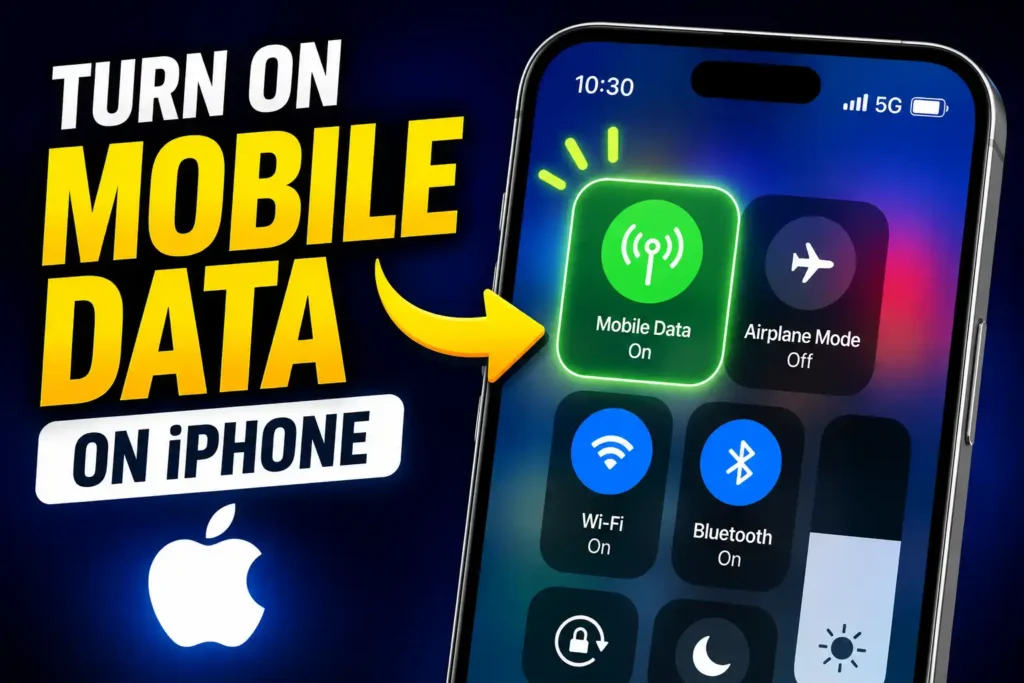
- Launch Settings app.
- Tap Cellular or Cellular Service.
- Locate the Cellular Data option.
- Switch it ON.
When you turn it on, your iPhone connects to the Internet using your mobile carrier’s network.
You are also able to change a setting such as the following:
- Roaming.
- Low Data Mode.
Voice & Data Preferences - Preferred network type (4G LTE or 5G).
These options allow you to customize battery life and data usage according to your needs.
Troubleshooting: Mobile Data
Verify your phone data settings
Ensure that you have the mobile data option turned ON in your phone settings. It may have been switched off by mistake.
Disable Aeroplane Mode
Aeroplane mode turns off all wireless connections, including mobile data. If you have Aeroplane Mode on, turn it off and wait a few seconds for your network to reconnect.
Reboot Your Phone
A quick restart of your phone can often resolve temporary network issues. Turn off your device, wait a few seconds, and turn it back on.
See network coverage
Your mobile data may slow down or stop working altogether if you’re in an area with poor cell service. Try moving to another location for a better signal.
Check APN settings.
APN = Access Point Name Wrong APN settings on your phone can prevent it from connecting to the internet. You can reset your APN settings or contact your mobile carrier for the correct configuration.
Chek data balance
Sometimes the problem is simply that your data pack has expired or you’ve run out for the month. Check your remaining balance in your carrier app or with customer service.
How to Lower Mobile Data Usage
Mobile data can add up if you’re doing a lot of streaming videos or downloading large files. Here is some effective usage reduction.
Use Wi-Fi Whenever You Can
To save on phone data, connect to trusted Wi-Fi networks at home, school, or work.
Turn on mobile data saver mode
Data Saver: Many Android phones have a Data Saver option that restricts internet usage in the background. This will save unnecessary data usage.
Limit Background Apps
Some apps continue to use data even when you are not actively using the app. Disable background data for apps you don’t need.
Download content via Wi-Fi
If you enjoy watching videos or listening to music, download content when you are connected to Wi-Fi instead of mobile data.
Disable Automatic Updates
App updates can be data hogs. Set your device to update apps only when it’s on Wi-Fi.
Can you trust mobile data?
Yes, mobile data is safe and secure generally. Cellular networks use encryption technology to help protect data as it travels between your phone and the carrier’s network. However, you should still practice good security.
Always update your phone to the latest software version. Don’t visit suspicious websites or download unknown apps. Use strong passwords on your accounts and turn on two-factor authentication whenever you can.
If your work involves regular handling of sensitive information, a reputable VPN service can provide an additional security layer.
Summary
Mobile data is one important feature that enables smartphones to connect to the internet without Wi-Fi. It works on your carrier’s cell network, so you can check out websites, stream videos, use social media, and stay connected wherever you go.
Understanding how mobile data works can help you to not only make informed decisions on your data usage but also troubleshoot common connectivity issues. Whether you have an Android phone or an iPhone, it only takes a few seconds to turn on phone data.
With good data management and basic security practices, you can have a fast, reliable, and safe Internet experience wherever life takes you.
Frequently asked questions FAQs
You can access the internet using mobile data without WiFi. It allows users to surf the internet, use apps, view videos, send emails, and use online services anywhere there is cellular coverage.
Yes.” Most mobile operators charge users for data through prepaid data plans, monthly subscriptions, or unlimited packages.
Not always. Wi-Fi is usually faster and more stable, but today 5G mobile networks can offer similar or faster speeds to some Wi-Fi networks.
Your mobile data could be slow for a number of reasons, including poor signal strength, data limits, network congestion, or incorrect settings.
Not generally. To use mobile data services, you will need a valid SIM and an active data plan.