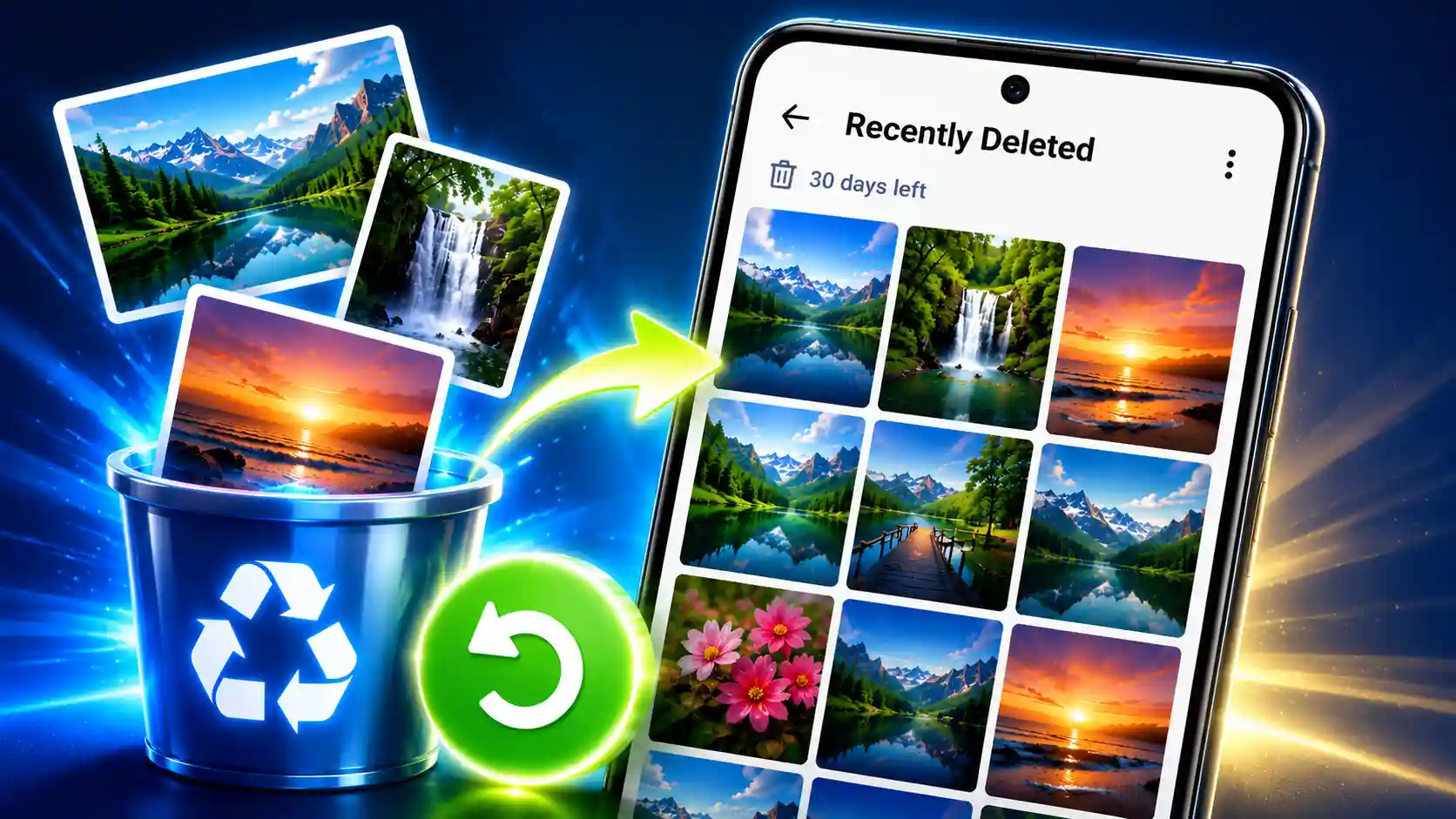
Your Android phone gallery can fill up quickly when you take lots of pictures. But with a large photo collection, you might accidentally delete a shot you wanted to keep. The good news is that deleted images are not immediately destroyed forever. They are usually moved to a Recently Deleted, Trash or Recycle Bin folder where you can attempt to recover them.
Where they are stored and how long they are kept may vary based on your Android phone, Gallery app, and backup settings. If you are wondering how to recover deleted images by accident from an Android phone, we have prepared a step-by-step guide to help you with the same.
Read More: Data Recovery Services
How to restore deleted photos from your Android phone gallery
- In case you want to retrieve an image that you have erased recently, first you need to launch the Gallery or Photos app on your Android phone.
- Then, check in the app for an option like Albums, Library, or something similar to access your photo folders.
- You will need to go through the folders available depending on your type of Android phone and discover Recently Deleted, Trash, or Recycle Bin.
- Tap on the Recently Deleted or Trash folder to open it.
- You will see a new screen with the deleted photographs that can be recovered. Choose the photo you want to recover.
- Once you tap on the image, tap on Restore to recover the deleted photo.
- To recover many photos, select the photos you want and then tap on the Restore option.
- Or, some gallery programs have the “Restore All” option, which allows you to get back all deleted photographs available at once.
- After the process is complete, you may locate the restored photos in the album or folder in which they were originally saved.
How to Recover Deleted Photos on Android Phone Using Google Photos
- Android phone users can also use the Google Photos app to recover recently deleted images if the photos are still available in its Trash.
- First, launch the Google Photos app on your Android phone.
- Now tap Collections at the bottom of the screen.
- A new screen will come up. Tap Trash or Bin here to see the recently deleted photographs.
- Then choose the deleted image or photographs you want to recover.
- Select the photos and then touch on Restore to recover the selected images.
- Or you can click Restore All the options are available to restore all the photographs currently available in the Trash.
- The recovered photographs are then restored to your Google Photos library and may appear in their original place.
- Photos deleted from Google Photos Trash are permanently deleted and can’t usually be restored in Google Photos
Frequently asked questions (FAQs)
How to Recover Permanently Deleted Photos on Android Phones?
If a photo was permanently deleted from your Gallery or from the Trash in Google Photos and you don’t have a backup or another copy, you might not be able to restore it.
How many days are erased photos on an Android phones?
Android phones usually retain recently deleted photos for 30 days
Where can I find the recently deleted photos on my Android phone?
Usually, recently deleted photographs can be found in the Recently Deleted, Trash, or Recycle Bin area of your phone’s gallery or photographs app.