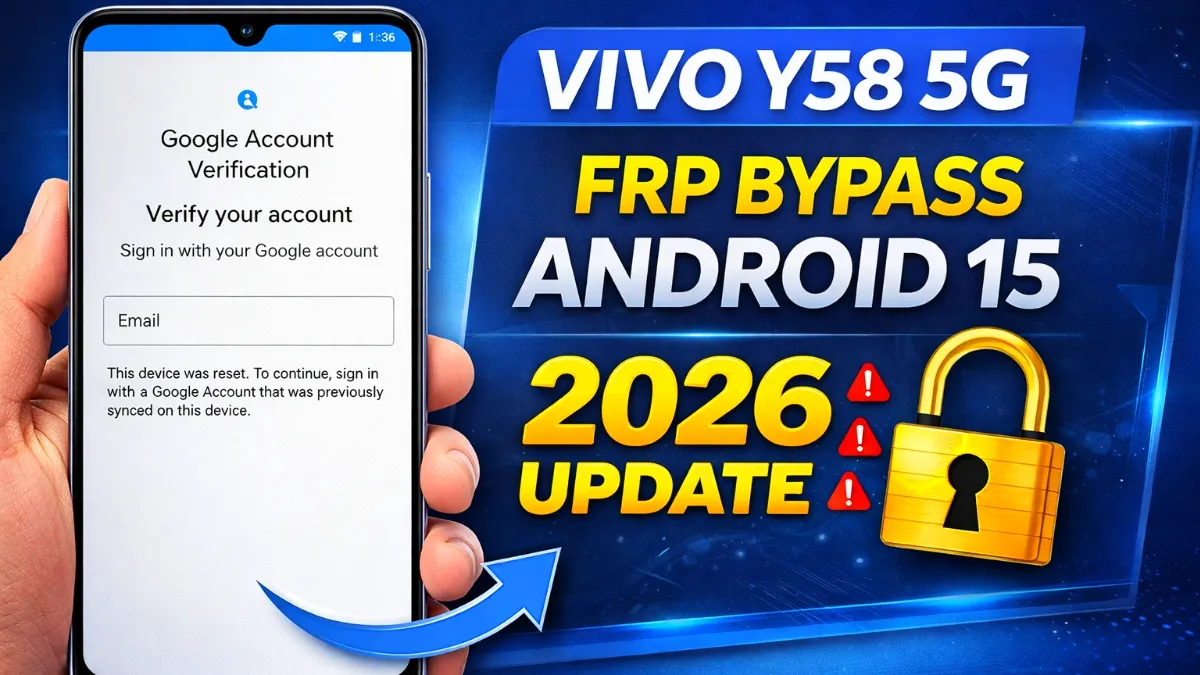
In this guide, you will learn all about FRP bypass, like what Factory Reset Protection is, why it is there, when you may need to bypass it, and the safest ways to get back into your own device. Whether you are using Samsung, Vivo, Realme, Xiaomi, Oppo, Motorola, Tecno, Infinix, or any other brand of Android, understanding FRP can save you from unnecessary problems while setting up your device.
One of the most important security features on Android is Factory Reset Protection, also known as FRP. It prevents unauthorized access to smartphones and tablets after a factory reset. While this feature is meant to safeguard personal data, it can be problematic for legitimate device owners who forget their Google account credentials or for those who buy a second-hand phone that is still linked to the previous owner’s account.
Important: This article is for informational purposes only and to help users regain access to devices they own or are authorized to service. Attempting to circumvent security on other people’s devices without permission may be illegal.
What is FRP Unlocking?
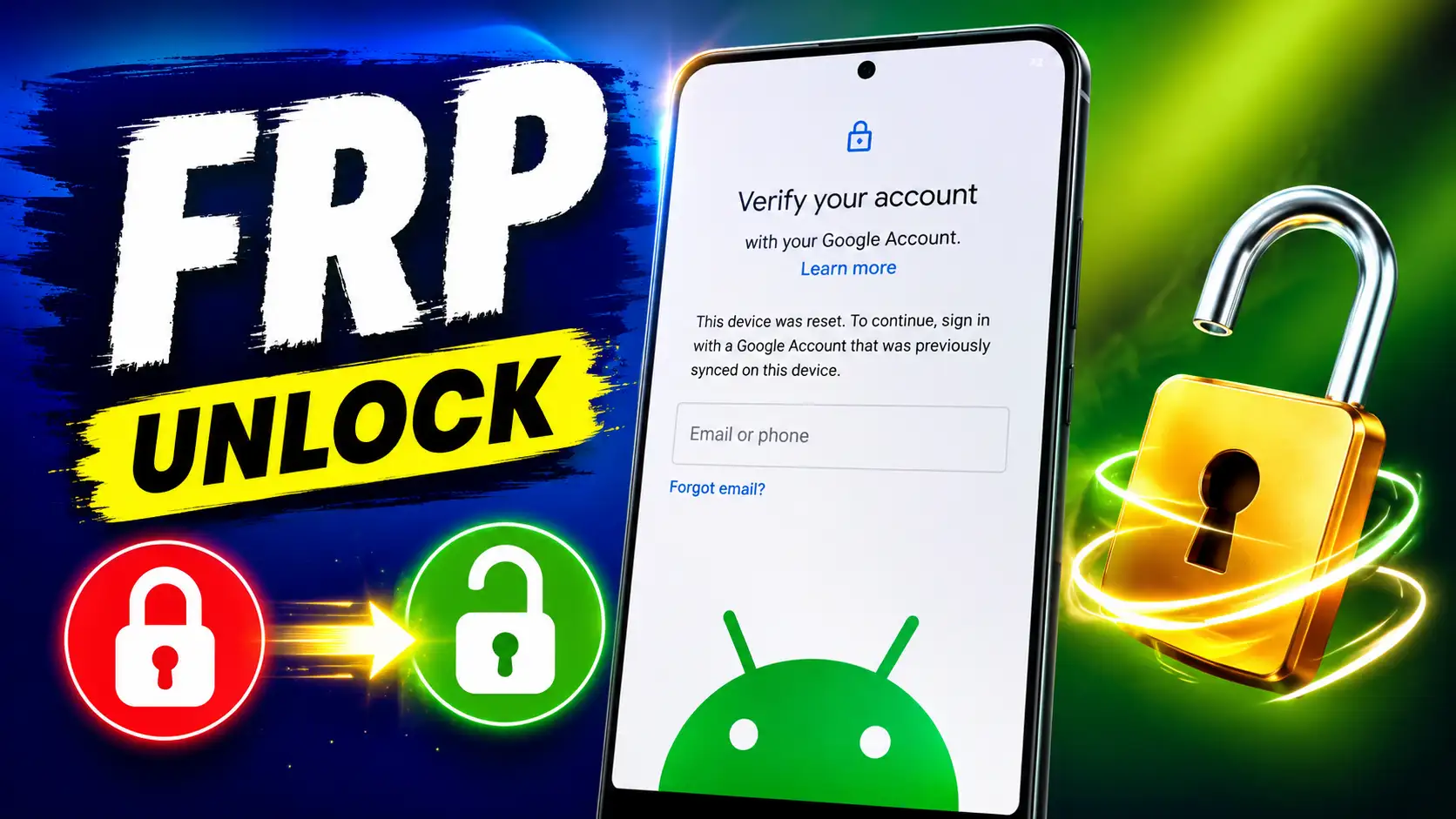
FRP bypass is the process of regaining access to a factory reset-protected Android device after it has been factory reset. Usually, if a phone is reset without removing the Google account, Android requires the previously synced Google account to verify ownership during setup.
If you do not have the correct account information, the setup process will not continue until you have verified it. A legit FRP bypass is usually accomplished by retrieving the correct Google account or using manufacturer-approved recovery methods to get back into your own device.
The goal of FRP is not to cause trouble for users but to stop stolen or lost devices from being used easily by someone who is not allowed to use them.
Read More: Samsung A10 FRP Bypass
Read More: Realme c11 frp bypass
What Is Factory Reset Protection (FRP)?
Factory Reset Protection is a security feature that was introduced in **Android 5.1 (Lollipop)** and is also present in later versions of Android.
FRP is automatically enabled when you add a Google account to an Android phone. If someone does a factory reset and doesn’t delete that account first, Android will ask for the credentials of the previous synced Google account before the phone can be used again.
This verification process helps ensure that only the rightful owner can reactivate the device after a reset.
Advantages of FRP
- Protects your personal information
- Prevents illegal activation of devices
- Decreases price of smartphone stealing
- Secures Google account information
- Provides an added layer of security during setup
These advantages have made FRP a standard security feature on nearly all Android smartphones.
Bypass frp apk
-
- Open
 Samsung Galxy Store
 - Open
 Google Quick Search Box
 - Open
 Settings App
 - Open
 Set Screen Lock
 - Open
 YouTube App
 - Open
 Samsung My Files
 - Open
 Chrome Browser
 - Open
 Samsung Internet Browser
 - Open
 Calculator
 - Open
 Alliance Shield
 - Open
 Android Hidden Settings
 - Open
 Login Google Account
 - Open
 Home Launcher
 - Open
 ADB
ADB - Open
 Google Maps
 - Open
 USB Settings
 - Open
 *#0*#
*#0*# - Open
 Google Assistant
 - Open
 Gmail
Gmail - Open
 S9 Launcher
 - Open
 Samsung Touch ID
 - Open
 Samsung Secure Folder
 - Open
 Samsung Smart Switch App
 - Open
 Samsung Dialer Call
 - Open
 Palm Store
 - Open
 Xiaomi ShareMe
 - Open
 Mi File Manager
 - Open
 Activity Launcher (Latest Version)
 - APK Activity Launcher (Old
Version Apk)
- Open
 EasyShare App
- APK
EasyShare App {Old Version Apk – Do Not Install New Version)
- Open
 Clone Phone OnePlus
 - Open
 OPPO Phone Clone
 - Open
 Alliance Shield on Galaxy Store
 - Open
 Files Shortcut on Galaxy Store
 - Open
 Accessibility
 - Open
 Motorola Moto
 - Open
 Moto Secure
 - Open
 Moto Hello You
 - Open
 Motorola Launcher
 - Open
 ASUS Phone Clone
- Open
FRP Bypass apk
- Alliance Shield.Apk
- Bar Settings.Apk
- Notification Bar.Apk
- Package Manager 70.Apk
- Package Disabler Pro.Apk
- Package Disabler Pro 13.5.Apk
- Google Account Manager 5.0.Apk
- Google Account Manager 6.0.Apk
- Google Account Manager 7.0.Apk
- Google Account Manager 8.0.Apk
- Google Account Manager 8-9-10.Apk
- FRP Bypass.Apk
- FRP Bypass Android 7.Apk
- Test DPC.Apk
- QuickShortcutMaker.Apk
- Apex Launcher.Apk
- Nova Launcher.Apk
- Menu Button.Apk
- ES File Explorer.Apk
- Settings.Apk
- HushSMS.Apk
- Phone Clone.Apk
- File Commander Manager.Apk
- Factory Test.Apk
- XShare App.Apk
- Activity Launcher.Apk
- Palm Store.Apk
Google FRP bypass?
There are several legit cases in FRP that users might need help with.
1. Forgot your Google Account credentials
And a lot of people factory reset their phone and then find out they don’t remember the email address or password associated with the device.
2. Bought a Second-Hand Phone
If the previous owner did not remove their Google account before selling the device, the new owner may encounter the FRP verification screen during setup.
3. Factory Reset Without Deleting Google Account
Typically, Factory Reset Protection will activate if you reset a phone through recovery mode, but before that, you should remove the Google account.
4. Password Updated Recently
If the password to the Google account was changed recently before the phone was reset, then Android may require additional verification for a short period of time before it will allow activation.
What is FRP?
Understanding how FRP works can help you avoid activation issues.
- Adding a Google account to an Android device.
- Factory Reset Protection is automatically turned on in the background.
- Device is reset without removing the Google account.
- Android detects the previous account during setup.
- During the setup wizard, you’re prompted to sign in with the same Google account you synced with before.
- After verification is successful, the device completes setup and is ready for normal use.
The process is automatic, and the user doesn’t have to manually turn on FRP.
Is FRP Bypass Illegal?
That depends on the situation.
It is usually appropriate to recover access if you are trying to regain access to **your own device** or a device you are authorized to repair.
But circumventing security protections on a phone you don’t own or are not authorized to service may be illegal and unethical.
Always make sure you have the legal right to access the device before trying any recovery procedure.
How To Get Back Into Your Device Safely
If you find yourself locked out of your own phone, then consider these options before you try any technical solutions.
Google Account recovery
If you forgot your password, go through Google’s official account recovery process to get access back. Once you have access to your account again, you can proceed to the device verification screen.
Get in Touch with the Previous Owner
If you bought a used phone, ask the previous owner to remove the phone from their Google account or sign in during setup and then properly remove the account.
Visit an authorized service center
If you are unable to recover your account, the device manufacturer or an authorized service center may be able to help you verify your proof of ownership.
Must keep proof of purchase
Receipts or purchase records can be used to prove ownership if you need professional help.
FRP bypass Without PC
Some users are looking for ways to do this without a computer. Depending on the model, Android version, and current security updates, some recovery options may also be available on the phone itself.
But newer Android versions are more secure, so the methods that used to work on older software are not always going to work anymore. The best approach is to recover your Google account or utilize manufacturer-assisted help, instead of using old or unofficial methods.
FRP Bypass using PC
In some repair situations, you can sometimes regain access to a device you own using a computer with official drivers or manufacturer service software.
How this is done depends on the make and model of the machine. Always verify the software you are going to use is appropriate for your device and follow the manufacturer’s instructions whenever possible. Avoid downloading tools from unreliable sources because they could jeopardize your privacy or the safety of your device.
Common Problems of FRP Verification
Users may encounter several issues during setup, such as:
- Incorrect password or Google account
- Issues with the internet connection
- The account is not recognized by the device.
- I recently reset my Google password.
- The verification screen keeps showing up.
- Interruptions caused by software updates
How to Avoid FRP Lock in the Future?
Follow these simple practices to prevent most of the FRP problems:
- Before doing a factory reset, delete your Google account.
- Make sure your recovery phone number and email are current.
- Keep your Google login information safe.
- Before you reset your device,
Make a backup of any vital files. - Only purchase used phones from reliable vendors, and make sure that all accounts have been deleted before making a purchase.
These steps can save time and reduce the risk of being locked out of your device.
Frequently Asked Questions (FAQ)
FRP stands for Factory Reset Protection, an Android security feature that helps prevent unauthorized use of a device that has been reset.
If you are the legitimate owner, the best way to do this is to verify your Google account or recover it using official Google account recovery options.
No, FRP doesn’t actually delete data. It only confirms ownership after a factory reset.
Factory Reset Protection is available on most Android devices running Android 5.1 and higher, although the implementation may differ slightly depending on the manufacturer
Google asks the account that was synced previously to verify that the device belongs to the rightful owner.
CONCLUSION
Factory Reset Protection (FRP) is an Android security feature that plays a crucial role in protecting personal data and deterring the unauthorized use of lost or stolen devices. FRP ultimately protects users and their data, although it can be frustrating if you forget your Google account credentials or buy a second-hand phone with an existing account.
If you see the FRP check screen, first try to recover your Google account or contact the previous owner if there is one. If more help is needed, contact the device manufacturer or an authorized service center. Understanding how FRP works and following best practices before resetting your device can help you avoid future activation issues while keeping your Android phone safe.