
 Advertisement
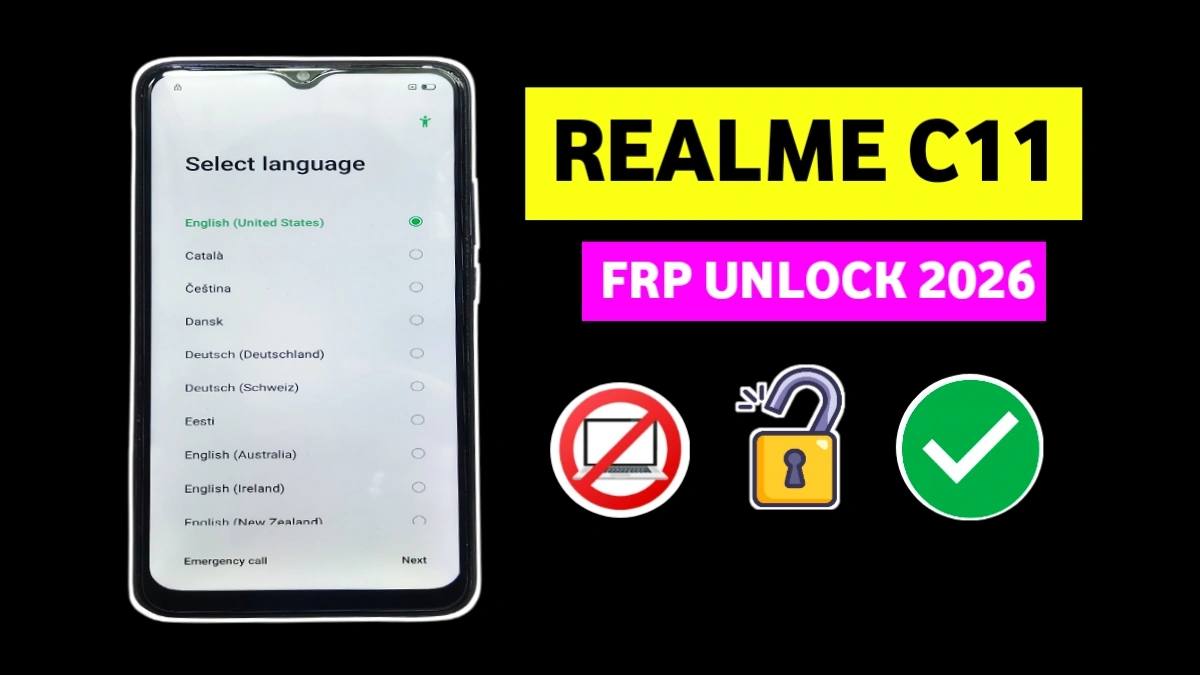
If you are stuck on the Google account verification screen on Realme C11 after a factory reset. This Realme C11 FRP Bypass After Reset guide 2026 is written only for people who want a real working solution.
Without a PC, this method is 100% tested, practical, and explained in simple language so anyone can follow it safely.
What Is FRP Lock on Realme C11?
FRP (Factory Reset Protection) is a security feature by Google that activates automatically when a device linked to a Google account is reset. On devices by Realme, this protection often blocks users who forget their Gmail ID or password after reset.
read More: SAMSUNG A51 ON – OFF PROBLEM SOLUTION
Realme C11 FRP Bypass After Reset (2026) – Without PC
In this guide, Realme C11 FRP Bypass After Reset is explained clearly, step by step, using only WiFi and system settings—no computer, no paid tools, and no risky downloads.
Requirements Before You Start
• Stable WiFi connection
• Fully charged battery
> Original Gboard keyboard
> 5–10 minutes of time
🧭 Step-by-Step FRP Bypass Method
Step 1: Connect to WiFi (Realme C11 FRP)
Turn on the phone and connect to a stable WiFi network.
From the WiFi screen, tap “Add network manually.”
2: Open Gboard Settings
• Tap the keyboard mic icon (top-right corner)
• Deny microphone permission twice
>When the popup appears asking for mic access, tap Allow
> Open Permissions → Gboard settings
Step 3: Access Phone Settings (realme c11)
Tap the Search icon in Gboard
Type Settings and search
Wait few until system menu open
Step 4: Reset System Settings
Scroll and select Reset system settings only
Confirm Yes on all permission prompts
Step 5: Erase All Data (realme c11 bypass)
Tap Erase all data
Confirm final erase
Phone will reboot and wipe data automatically
🎉 Final Result
After the final reboot, the FRP lock screen will be gone.
Now complete the normal setup, add a new Google account, and enjoy your phone.
⚠️ Important Note
This guide is intended only for device owners who have forgotten their own Google account. Misuse on stolen devices is illegal.
FAQ
FRP (Factory Reset Protection) is a Google security feature that activates after a reset if a Google account was previously added. On Realme C11 and it blocks access until the old Google ID is verified.
Yes. This method works on updated security patches because it uses built-in system and Gboard permissions, not third-party apps or exploits.
Absolutely. This guide is 100% without PC and You only need:
WiFi
Phone touch access
Default Gboard keyboard
No laptop, no OTG, no paid tool required.
No. This FRP bypass does not require APK files and downloads, or unknown sources. That makes it safer and more reliable.
The best method in 2026 is the WiFi + Gboard settings FRP bypass, because it works without flashing firmware or using risky third-party apps.
Yes. After successful Realme C11 Google account removal and the phone accepts a new Google account and FRP will not return unless you reset the phone again.
This happens when the phone is reset without removing the old Google account. The FRP lock activates automatically to protect the device.
No. This method does not flash firmware, unlock bootloader, or modify system files. It is one of the safest FRP bypass methods available.
















