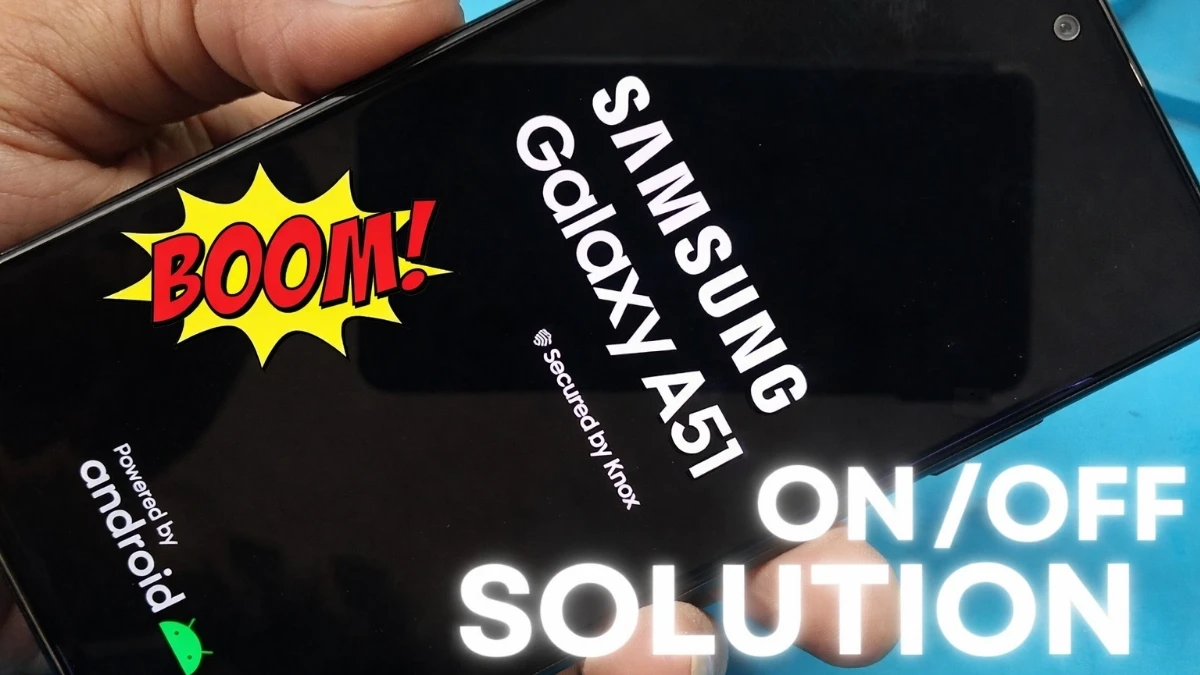
If you are facing the Samsung A51 on off problem solution search, you are not alone. Many users of the Samsung Galaxy A51 experience sudden power off, auto restart, or boot loop issues. However, the good news is that in most cases, this problem can be fixed without replacing the phone. In this guide, you will learn practical and real solutions that actually work.
🔍 Why Samsung A51 Turns On Off and Restart Automatically?
Before jumping to solutions, it is important to understand the root cause. Usually, this issue happens due to software bugs, battery problems, or hardware faults. Moreover, outdated system files or overheating can also trigger auto restart issues.
READ MORE: Mobile Charging Problem Solution
✅ Samsung A51 On Off Problem Solution (Step-by-Step)
Force Restart Your Phone
First of all, press and hold the Power + Volume Down buttons for 10–15 seconds. This clears temporary glitches and often solves minor restart problems instantly.
2. Check for Overheating
If your phone becomes hot quickly, the system may shut down automatically for protection. Therefore, remove the back cover, stop heavy apps, and let the phone cool down.
3. Boot into Safe Mode
Next, start your Samsung A51 in Safe Mode. If the phone works fine there, then a third-party app is the real reason. Uninstall recently installed apps one by one.
4. Update Software
Outdated firmware can cause serious stability issues. Hence, go to Settings → Software Update and install the latest update available for your device.
Advanced Fix If Problem Still Exists, Samsung A51 on off problem
Factory Reset (Last Software Option)
If nothing works, back up your data and perform a factory reset. This removes corrupted files that cause boot loops.
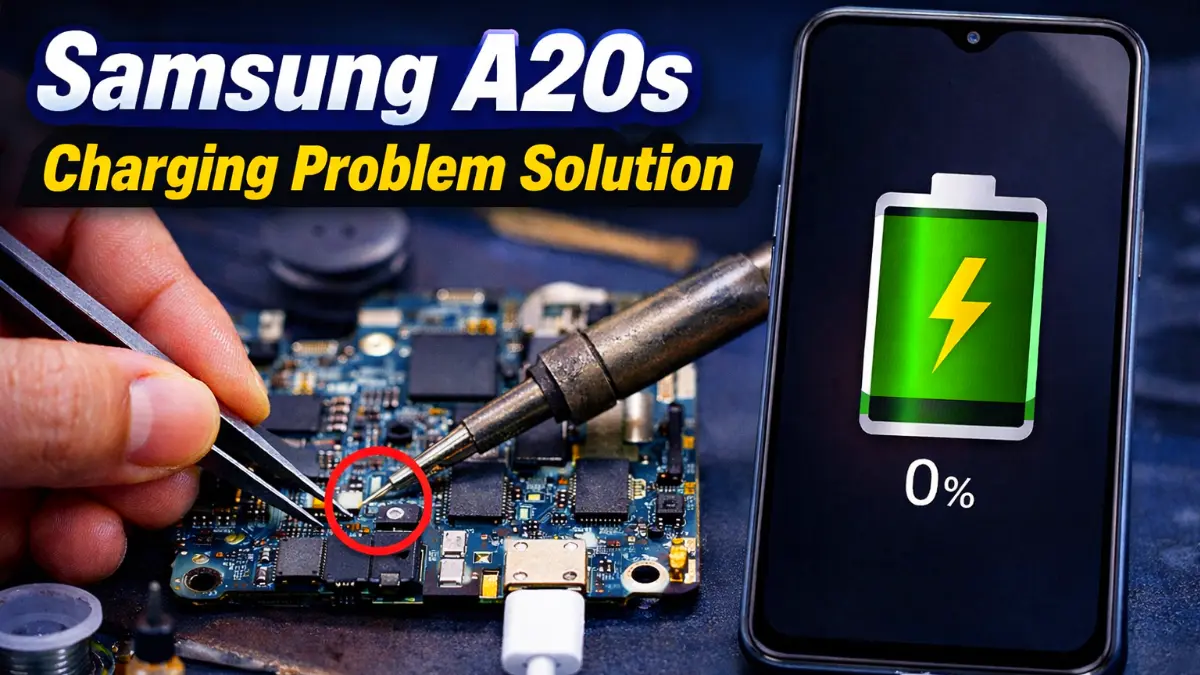
6. Battery or Power IC Issue or Display Issue or CPU Reboll issue
However, if the phone still turns off automatically, then it is likely a battery, power button, or power IC or Display(LCD), CPU Reboll hardware problem. In this case, professional repair is required.
📌 Final Verdict
The Samsung A51 on off problem solution depends on whether the issue is software or hardware-related. While most cases are fixed using Safe Mode or updates, persistent problems need expert repair. Acting early can save both time and money.
FAQ
The most common reason is a software bug, corrupted update, overheating, or battery issue or LCD, CPU Reboll. In many cases, recently installed apps or outdated firmware cause the Samsung A51 to restart continuously.
In most situations, it starts as a software-related problem. However, if the issue continues even after a factory reset, then it usually indicates a battery, power button, or power IC, LCD or CPU Reboll hardware fault in the Samsung Galaxy A51.
A factory reset can fix the issue only if it is software-related. Always back up your data before resetting. If the phone still turns off after reset, the problem is hardware-based.
The most common reason is a software bug, corrupted update, overheating, or battery issue. In many cases, recently installed apps or outdated firmware cause the Samsung A51 to restart continuously.
In most situations, it starts as a software-related problem. However, if the issue continues even after a factory reset, then it usually indicates a battery, power button, or power IC, LCD or CPU Reboll hardware fault in the Samsung Galaxy A51.
Absolutely. Overheating triggers automatic shutdown for protection. Heavy gaming, charging issues, or background apps may cause excessive heat.