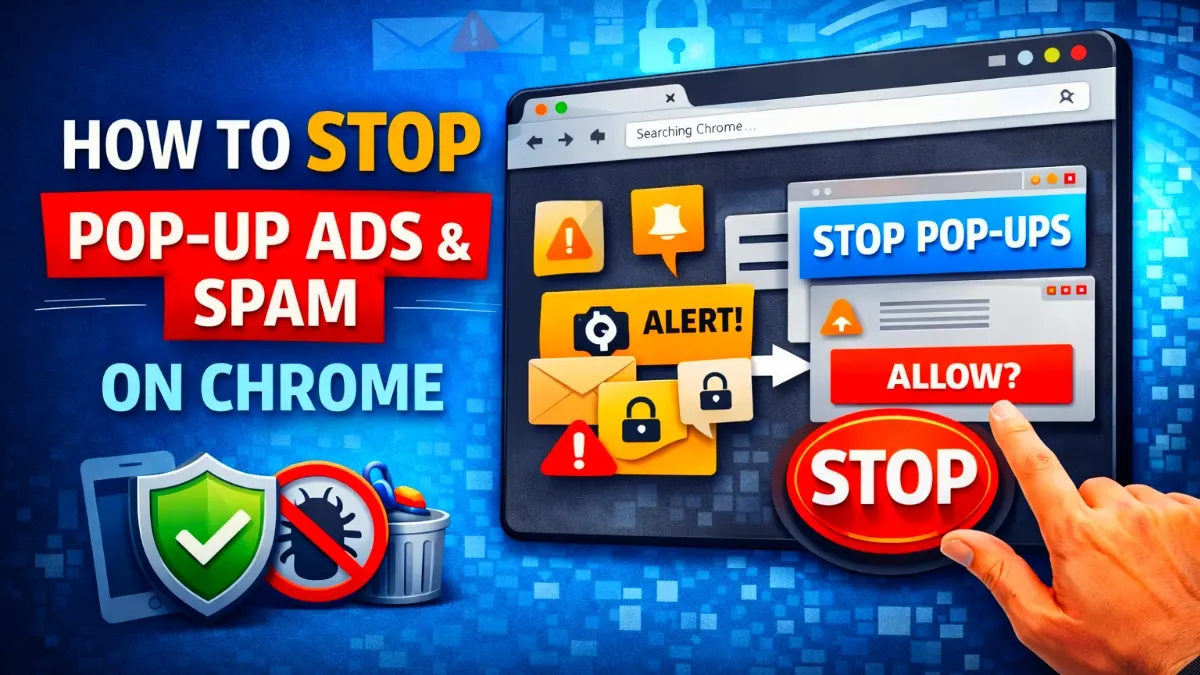
How to Stop Google Chrome Unwanted Ads & Adult Pop-Ups messages. It can be extremely frustrating, especially when they appear suddenly on your phone or computer. These ads usually don’t come from Chrome itself. Instead, they are caused by notification abuse, unsafe website permissions, or hidden adware apps. Fortunately, you can stop them completely by following the right steps.
First of all, understanding the source of the problem is important. In most cases, users accidentally allow notifications from unsafe websites. As a result, these sites start sending adult ads, fake alerts, and spam messages directly to the screen. However, with a few simple changes, you can regain full control of your browser.
Why Google Chrome Shows Unwanted Adult Ads
Google Chrome unwanted ads usually appear due to following causes:
👉 Allowing notifications from unknown websites
👉 Installing free apps with adware
👉 Visiting unsafe or adult websites
👉 Clicking misleading “Allow” buttons
First of all, identifying and blocking these sources is the key to a permanent solution.
READ MORE: MOBILE CHARGING PROBLEM SOLUTION
How to Stop Google Chrome Ads Fully
Remove Spam Notification Permissions
First, open Chrome settings and go to Notifications. Then, review all allowed websites carefully. After that, remove or block any suspicious or unknown sites. This single step stops most adult pop-ups instantly.
Block Pop-Ups and Stop Google Ads
Next, go to Site Settings and ensure Pop-ups and Redirects are blocked. At the same time, enable Chrome’s built-in ad blocking feature. As a result, intrusive ads will no longer interrupt your browsing.
Check and Remove Unwanted Apps
If ads appear outside Chrome, then an installed app may be responsible. Therefore, review recently installed apps and uninstall any unknown cleaners, launchers, or free VPNs. Additionally, running a trusted security scan helps detect hidden adware.
How to Prevent Adult Ads in the Future
To stay protected in future, never allow notifications from unfamiliar websites. Moreover, avoid downloading apps from untrusted sources. Keeping Chrome updated also improves security and blocks new threats automatically.
Final Conclusion
Finally, Google Chrome unwanted ads are caused by unsafe settings rather than the browser itself. With the right steps—such as managing notifications, blocking pop-ups, and removing adware—you can protect your device and browse without interruptions.
No. Google Chrome does not send adult messages or ads on its own. These notifications always come from third-party websites or apps that have permission to send alerts through Chrome.
To stop Google Chrome unwanted ads permanently, remove suspicious notification permissions, block pop-ups and redirects, uninstall unknown apps, and run a security scan. After completing these steps, adult pop-ups will stop completely.
If adult ads appear even when Chrome is not open, the issue is usually caused by an adware app installed on your phone. Removing such apps and scanning your device with a trusted antivirus will fix the problem.
No. Clicking adult pop-up ads is unsafe. These ads may lead to phishing websites, malware downloads, or fake alerts that can steal personal data. Always close them and remove the source immediately.
The most important settings are Pop-ups and Redirects (Blocked) and Ads (Blocked) under Chrome Site Settings. Also, disabling notification access for unknown sites is crucial.
Adult ads usually appear because you accidentally allowed notifications from unsafe websites. In some cases, adware apps installed on your device can also trigger these pop-ups. However, Google Chrome itself does not show adult ads by default.