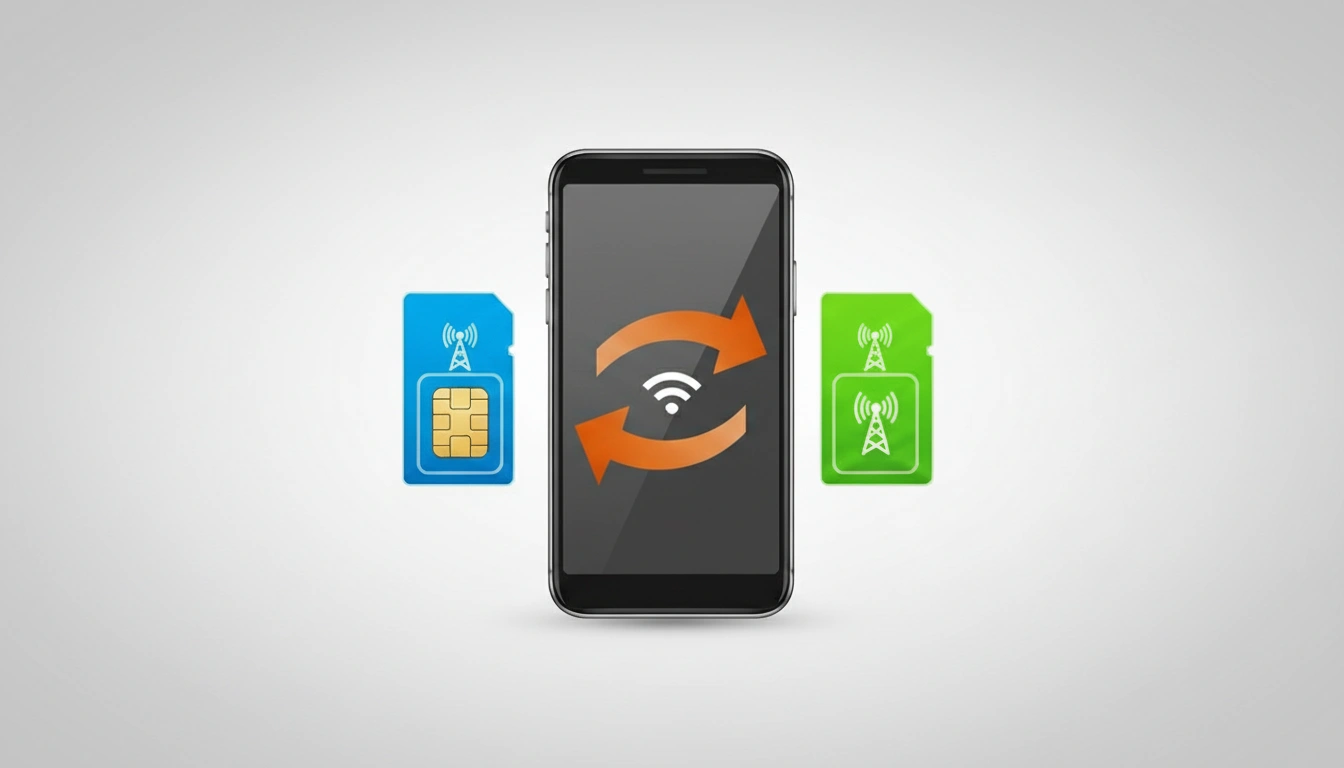
The Telecom Regulatory Authority of India has the facility for users to port out their phone numbers from one network to another. There are various prepaid and postpaid plans with distinct perks and validity at varying tariff costs provided by telecom service providers in India. Airtel, Jio, Vodafone Idea (Vi) and BSNL are the companies that provide clients options to get the best plan according to their demands and usage. But you may find that your current prepaid or postpaid plan does not fulfil your demands as often as you like or does not provide you the best value for money as you see it. There can be another telecom company offering exactly or near to what you actually need. In these circumstances, you can choose to migrate your existing number to a new network in a variety of ways.
This is a step-by-step guide to assist you in quickly moving your existing phone number from one network to another.
Read More: How to recover Deleted Photos on Android Phone
Eligibility for Porting Mobile Number From One Network to Another
To utilise the Mobile Number Portability (MNP) function, the Telecom Regulatory Authority of India (TRAI) claims the following are required:
- The activation in the current operator’s network is more than 90 days old.
- If you have a post-paid mobile connection, all outstanding dues for the TSP need to be settled.
- You have not applied for the change of ownership of your mobile number.
- Your phone number is not sub judice or has not been banned by the court of law in portability.
- Your phone number must not be under contract.
- The SIM for the phone number to be migrated has not been swapped or updated in the recent 7 days.
How You Can Port Your Mobile Number From One Network to Another
- Generate a valid Unique Porting Code (UPC) You can send an SMS from your phone number to generate the UPC.
- Copy the message below and send to 1900. PORT <space><10-digit phone number>
- You will receive the UPC code from the number 1901 that you will need to enter during the process.
- Then, go to the point of sale of the TSP of your choice, or visit the SUBRATA SERVICE CENTER fill out the Customer Acquisition Form (CAF), and the Porting Form.
- Complete the KYC process to pay for moving your number. You will get an SMS from the MNP service provider confirming the submission.
- You can also withdraw your porting request within 24 hours.
- Your number will be ported to the new network within 3 working days. You will also get a confirmation of the same by SMS within 4 hours.
- When you receive an SMS (after 3 days) about your new SIM with the same phone number, you must insert it in your handset.
- Your SIM will be activated after the verification process is complete.
FAQs
This facility lets you port your number effortlessly by sending a text message from your existing number.
If you’ve had your phone number for over 90 days, you can port your phone number from one network to another.
If you are not happy with the services you are provided, you can port your number to another TSP.