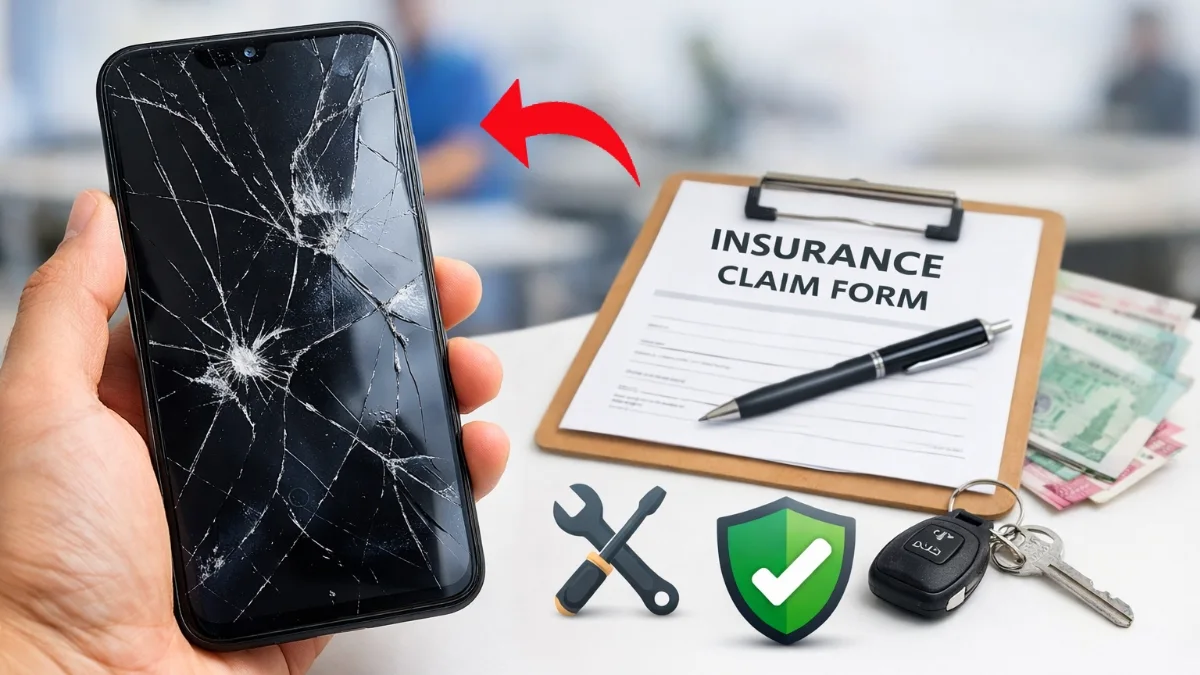
If your phone screen suddenly cracks or stops responding, understanding the Android screen damage insurance claim process can save you a lot of money and stress. Many users buy mobile insurance but fail to claim it properly due to lack of correct information.
This Android Screen Insurance Claim Process guide to explains the exact steps, so you can get your claim approved without delay.
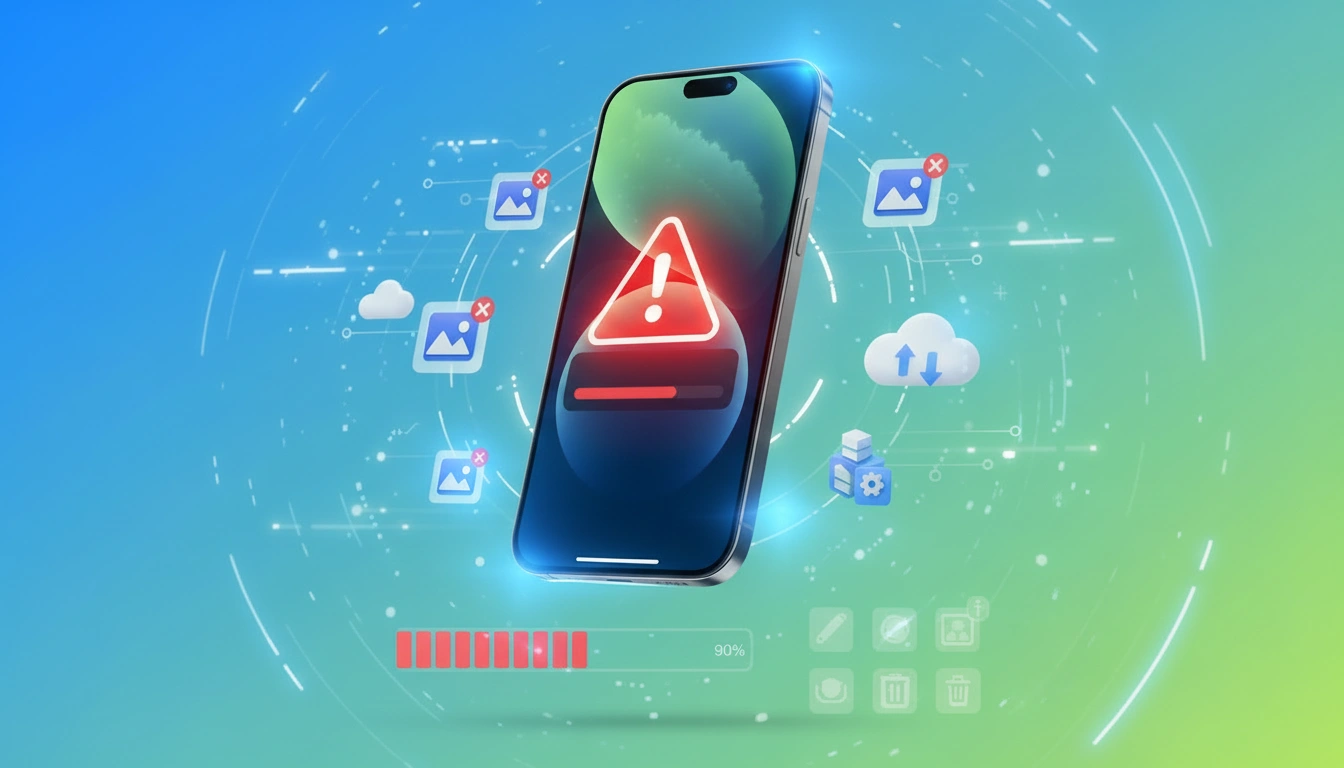
First of all, once your Android screen is damaged, stop using the phone immediately. Continued usage may worsen the damage and cause claim rejection. Next, open your insurance provider’s app or website and report the damage as soon as possible. Most insurers require damage reporting within 24 to 48 hours, so acting fast is extremely important.
How Android Screen Damage Insurance Works
Android screen insurance usually covers accidental cracks, display issues, and touch failure. However, it does not cover intentional damage or pre-existing issues. Therefore, always check your policy terms before filing a claim.
READ MORE: Mobile EMI Without Cradit Card
Android Screen Damage Insurance Claim Process (Step-by-Step)
Step 1: Register the Claim
Log in to your insurer’s app or website and select screen damage claim. Fill in basic details like IMEI number, damage type, and incident date.
Step 2: Upload Required Documents
You will need clear photos of the damaged screen, purchase invoice, insurance policy copy, and ID proof. Make sure images are clear, otherwise approval may get delayed.
Step 3: Device Inspection
After submission, the insurer may schedule doorstep inspection or ask you to visit an authorized service center. This step confirms genuine damage.
Step 4: Repair or Replacement (Android Screen Damage Insurance)
Once approved, your phone screen will be repaired at a partner service center or replaced based on policy coverage. In many cases, cashless repair is available.
Common Reasons for Claim Rejection
Although the process is simple, claims can be rejected due to delayed reporting, fake invoices, root access, or non-covered damage. Hence, always follow guidelines carefully.
Tips for Fast Claim Approval
Always keep your bill safe, avoid third-party repairs, report damage immediately, and read policy exclusions in advance. As a result, your claim approval chances increase significantly.
Final Conclusion
The Android screen damage insurance claim process is simple if you follow the correct steps and act quickly. From reporting the damage on time to submitting clear documents and completing inspection, every step plays a crucial role in claim approval. Many claims get rejected not because of policy issues, but due to late reporting, incomplete documents, or unauthorized repairs.
FAQ
You typically need:
• Mobile purchase invoice
• Insurance policy document
> Clear photos of the damaged screen
> IMEI number
• Valid ID proof
Missing documents may delay or reject the claim.
Yes. Even if the display works but has visible cracks or touch issues, you can still file a claim. However, the damage must be clearly visible during inspection.
Yes. Most insurers require damage reporting within 24–48 hours. Therefore, late reporting is one of the top reasons for claim rejection.
Some policies include a deductible fee (₹300–₹1,000). However, many premium plans offer cashless screen repair with zero upfront payment.
Most insurance plans allow 1–2 claims per year. Exceeding the limit will result in automatic rejection.
Yes, AMOLED and curved displays are covered if mentioned in the policy. However, repair cost limits may apply depending on your plan.