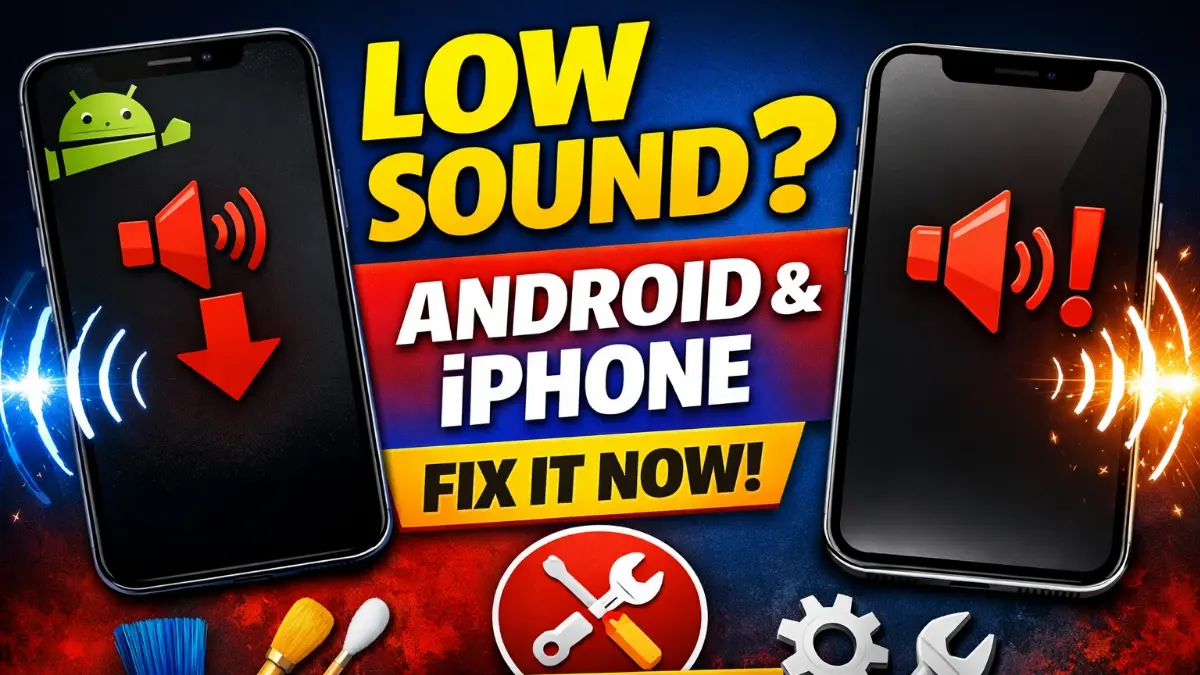
Low speaker sound on Android & iPhone is a very common problem that frustrates many users. Whether you are watching videos, attending calls, or listening to music, low volume can completely ruin the experience.
However, the good news is that in most cases, you don’t need any repair or technician help. Instead, a few simple settings changes and smart checks can solve the issue easily.
First of all, low speaker sound on Android & iPhone usually happens due to software settings, dust blockage, or app-related problems.
✅ Common Reasons for Low Speaker Sound
Before fixing the issue, let’s quickly understand why it happens.
🔹 Software & Settings Issues
Sometimes volume limit, mono audio, or sound balance settings reduce speaker output. In addition, silent modes or Bluetooth connections may also lower sound unexpectedly.
🔹 Dust or Dirt in Speaker Grill
Over time, dust accumulates in the speaker grill. As a result, sound becomes muffled and weak, even if the volume is full.
READ MORE: Phone Overheating Problem Solution
🔧 How to Fix Low Speaker Sound on Android & iPhone
🔹 Check Volume & Sound Settings
First, increase media volume fully. Then, disable Volume Limit, Mono Audio, or Sound Balance from accessibility settings. Also, make sure no Bluetooth device is connected.
🔹 Clean the Speaker Safely
Next, gently clean the speaker grill using a soft brush or dry toothbrush. Avoid water or sharp objects. This step alone fixes the issue for many users.
🔹 Restart Your Phone
After that, restart your device. This clears temporary bugs and refreshes system sound drivers.
🔹 Update the Software
Additionally, check for system updates. Many sound bugs are fixed through official updates on both Android and iPhone.
🔹 Test with Safe Mode / Default Apps
If the problem persists, test the speaker in safe mode or using the default music app. This helps identify whether a third-party app is causing the issue.
🎯 When Repair Is NOT Needed
If sound improves after cleaning, settings changes, or updates, then repair is not required. In fact, most low speaker sound issues are software-related, not hardware damage.
Dust, volume limit settings, or software bugs are the main reasons.
Yes, in most cases, simple cleaning and settings changes solve the problem.
Yes, updates often fix sound and performance bugs.