UPI Autopay allows consumers to make payments on their behalf and assists them in avoiding late fees and penalties. There are now numerous paid subscriptions. But keeping track of all the services you’re paying for each year or month might be tough. This can also cause consumers to forget they have a paid subscription, and it can lead to cancelations as well. The UPI Autopay function was introduced by the National Payments Corporation of India (NPCI) in 2020. UPI Autopay enables you to create e-mandates for recurring payments like cell bills, power bills, EMI payments, OTT subscriptions, insurance premiums, and mutual fund payments through any UPI application of your choice.
Here’s everything you need to know about UPI autopay regulations and recurring payments, their benefits, and how to set up using Google Pay and PhonePe.
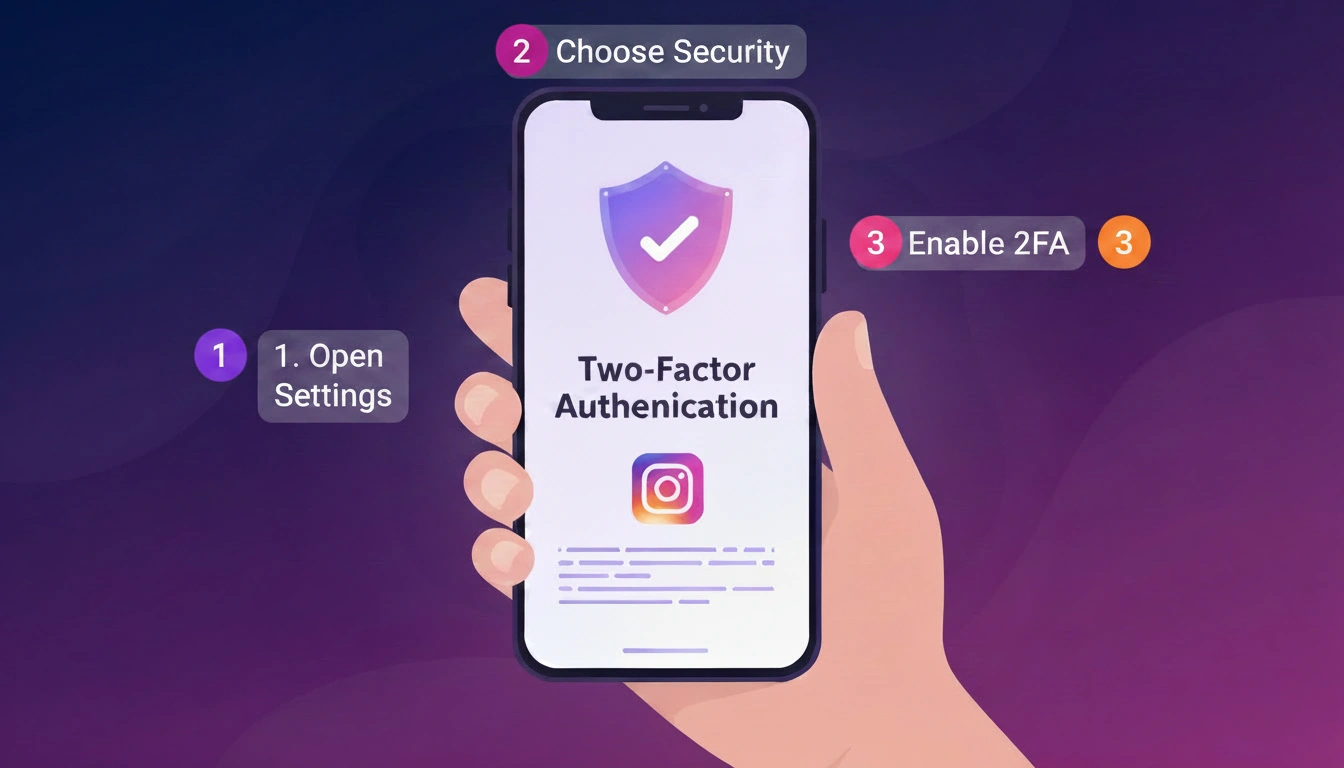
Read More: How to secure your Instagram Account
Advantages of UPI Autopay for Customers and Merchants
Setting up autopay obligations for recurring payments has many benefits. As a client, setting up autopay can help you avoid late fees and penalties by making timely payments on your behalf automatically. It also provides an easy and safe option to make recurring payments without having to make monthly or yearly payments manually.
UPI users can set up auto pay for credit card bill payment, mutual funds, and insurance up to a value of Rs. 100,000. You can change, cancel, suspend, or resume autopay effortlessly from the UPI app directly. Also, you can avoid the physical queues and make your payments immediately online every month or year. There’s no paperwork or documentation to set up autopay. You will also receive Pre-Debit Notifications (PDNs) at least 24 hours before autopay transactions occur.
Integrating autopay means timely payments from customers for merchants, and at the same time, you may offer greater services to your clients. It can also boost customer satisfaction and client retention while helping to develop trust with your customers.
How to Set Up Autopay Mandate for Repeating Payments on Google Pay
1. Tap to open Google Pay on your handset.
2. Tap on your profile image at the top-right of the screen.
3. Click on the Autopay option to expand the area.
4. Here you can choose a mandate from certain services to control Autopay. Tap on the Accept button to enable autopay for the service by selecting the mandate under the Pending section.
5. Or, touch Decline if you don’t want to set up autopay for a requested mandate.
6. Enter your UPI PIN to confirm your choice.
How to Create an Autopay Mandate for Recurring Payments on PhonePe
1. Open the PhonePe app on your phone.
2. Next, tap your profile photo at the top-left area of the screen.
3. Scroll down to the area under Payment Settings.
4. Next, tap the AutoPay button.
5. You will see a new screen. Here you can choose the mandate you want to be set up.
autopay to confirm the autopay request.
6. The app then asks you to enter your UPI PIN to authorize the autopay.
FAQ
Why should I set up UPI autopay for recurring payments?
Payments help you avoid late fees and penalties.
Can I schedule UPI autopay with any UPI application of my choice?
Yes, you can configure UPI autopay for regular payments using any UPI app of your choice, like PhonePe or Google Pay.
Can I cancel UPI autopay mandates for recurring payments?
Yes, you can cancel UPI autopay mandates for recurring payments at any point in time using the same UPI app through which you have set up the mandate.