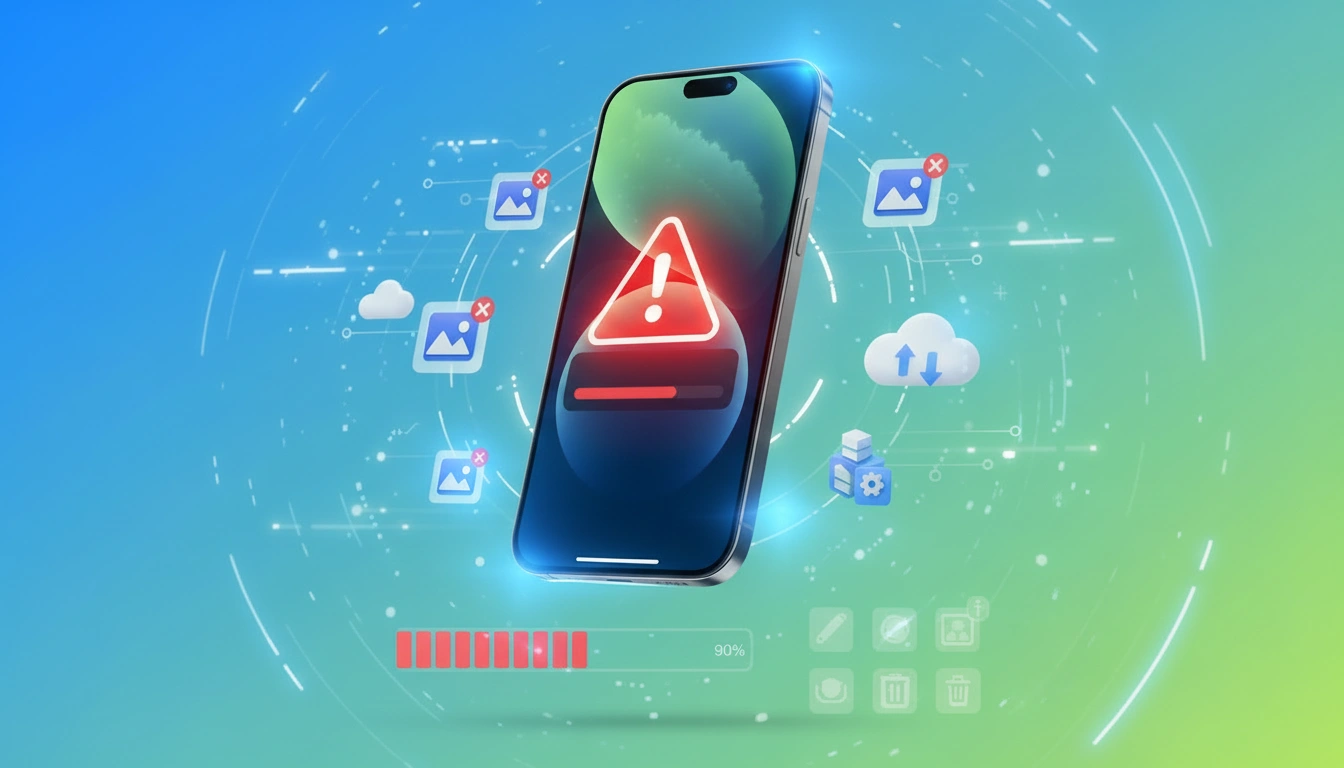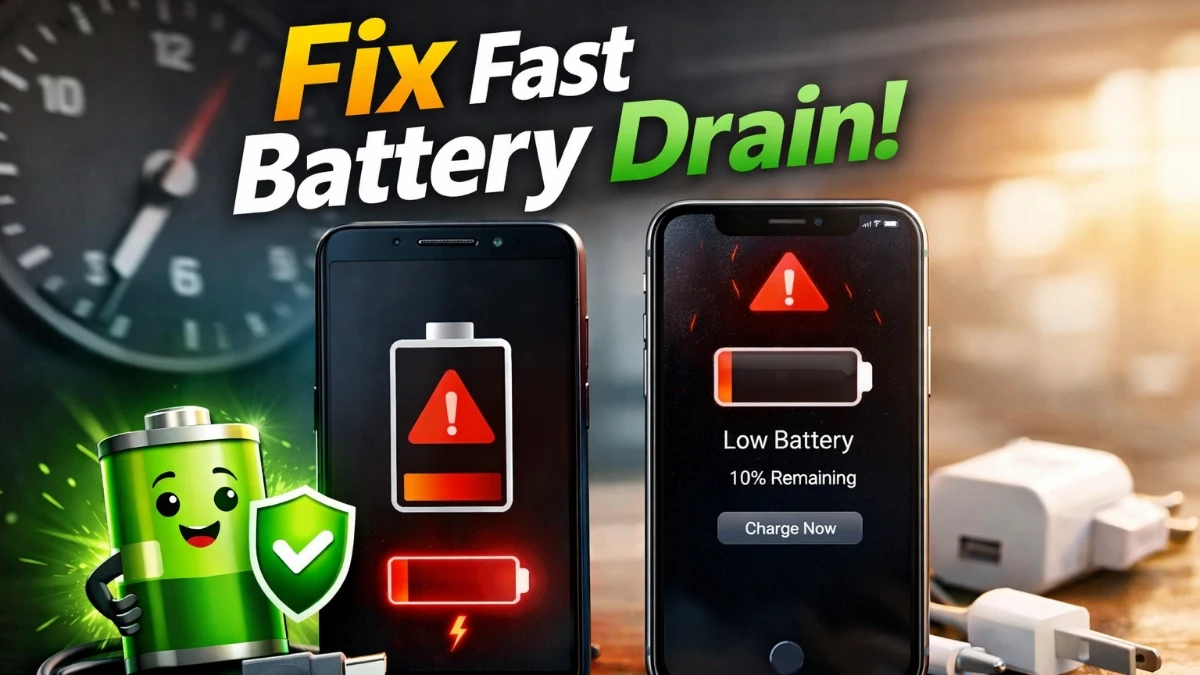
Mobile battery draining fast solution is one of the most searched problems today because almost everyone depends on their smartphone all day.
If your phone battery drops quickly even without heavy use, don’t worry. This guide explains real and practical solutions that work for Android and iPhone users.
Moreover, you don’t need any technical knowledge or battery replacement. Follow these smart steps, and fix mobile battery draining issue quickly.
🔋 Why Mobile Battery Drains Fast?
Before applying any solution, it is important to understand the real reasons.
• High screen brightness
• Background apps running constantly
> Poor network signal
> Old battery health
• Heavy apps and games
• Location, Bluetooth, and Wi-Fi always ON
🗣️ Because of these reasons, your phone consumes more power than needed.
READ MORE: Mobile Charging Problem Solution
⚡ Fix Mobile Battery Draining Fast issue (Best Working Methods)
✅ Reduce Screen Brightness (Most Important)
Firstly, lower your screen brightness or turn on Auto Brightness. Since the display uses the most power, this step can save up to 30% battery.
✅ Close Background Apps
Many apps keep running even when you don’t use them. Therefore, go to Battery Usage and restrict apps that consume more power.
✅ Turn Off Unused Features (fix mobile battery draining)
• Switch off GPS when not needed
• Disable Bluetooth & Wi-Fi when unused
• Turn off Hotspot
As a result, your battery will last much longer.
✅ Enable Battery Saver Mode
Both Android and iPhone offer Battery Saver / Low Power Mode. Activate it when your battery drops below 30%.
🔧 Advanced Battery Saving Tips
🔹 Update Apps & Software
Outdated apps often cause battery drain. So, keep everything updated.
🔹 Check Battery Health
If your phone is older than 2 years, battery health may be poor. In that case, replacement is the only long-term solution.
✅ Final Words
By following these mobile battery draining fast solutions, you can easily get longer screen time, better performance, and less charging stress every day.
If your phone battery is draining fast even when idle, background apps, poor network signal, automatic syncing, and location services are usually responsible.
Yes, in many cases. Software updates can fix bugs that cause abnormal battery consumption.
Normally, 3–5% battery drain per hour during light use is considered normal. If it drops 10–15% per hour without heavy usage, there may be a problem.
Gaming apps use high CPU, GPU, internet, and screen brightness simultaneously. As a result, your phone consumes more power than normal usage. Therefore, battery drain during gaming is faster compared to regular use.
It is not recommended. Playing games while charging increases heat, which may reduce battery lifespan over time. lso it can damage your phone permanently. For better battery health, avoid heavy gaming during charging.