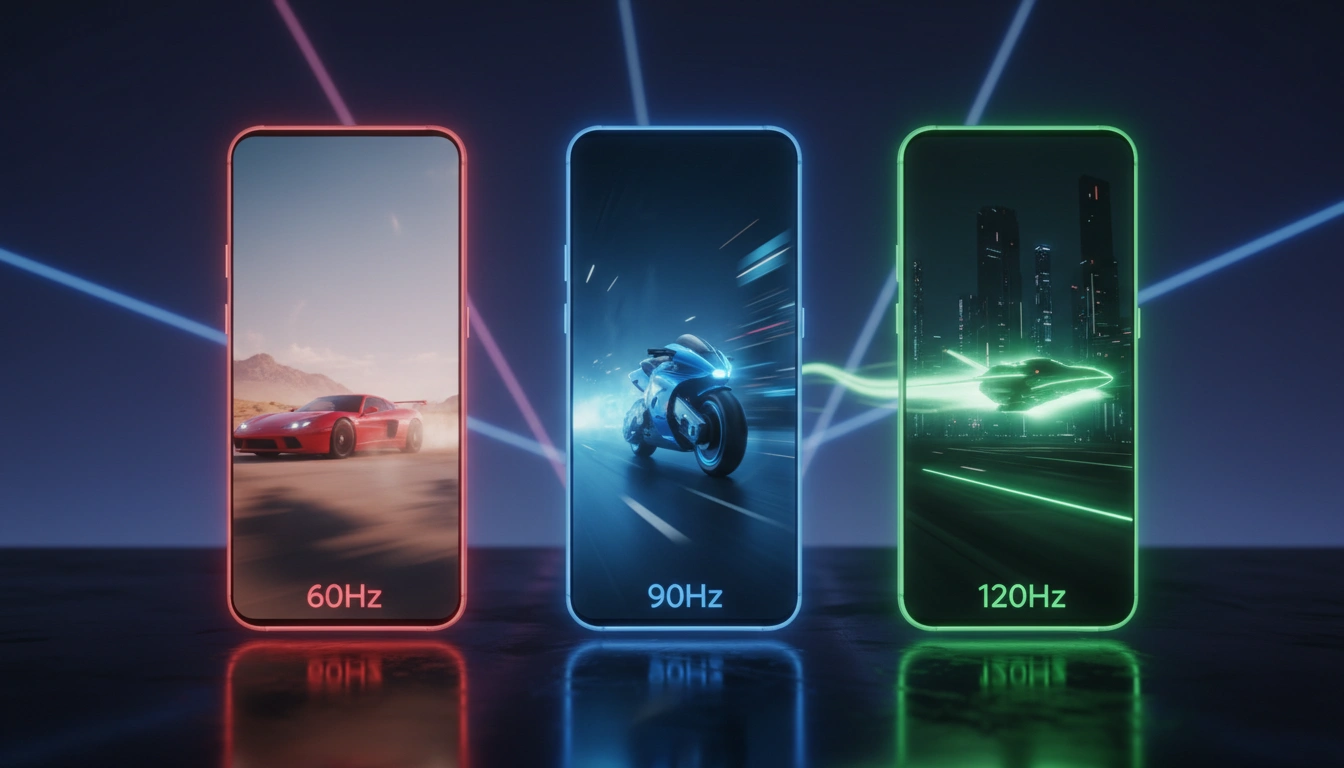
The refresh rate will affect how smoothly the content moves on the screen, especially while you’re scrolling or gaming. You’ve certainly seen 60Hz, 90Hz, or 120Hz on smartphone displays, but the numbers don’t always convey the whole story. The refresh rate is responsible for how swiftly content runs across the screen, which is why the difference might be evident whether scrolling, browsing apps, or playing compatible games. However, a faster refresh rate may impact battery consumption and not always improve the image of films. But how different are 60 Hz, 90 Hz, and 120 Hz in real life, and what refresh rate should you be looking out for on your next phone?
Read More: How to buy a refurbished Phone safely in india
What is refresh rate, and why is it important?
Refresh rate just shows you how many times your phone’s screen can refresh what you view in one second. It is measured in hertz, or Hz. So a 60 Hz display refreshes 60 times each second. 90Hz and 120Hz panels may refresh 90 and 120 times, respectively. The higher the number, the more often the screen can change. This can make stuff like scrolling and animations look. smoother;
You will appreciate this the most when there is movement on the screen. A higher refresh can make scrolling over a webpage, swiping through a social media feed, or moving between apps feel smoother. The screen refreshes around every 16.7 milliseconds at 60 Hz. At 90 Hz that’s 11.1 milliseconds, and at 120 Hz it’s roughly 8.3 milliseconds.
One thing to bear in mind is that refresh rate and frame rate are not the same thing. Refresh rate is what the display can do; frame rate is how many frames the phone or a game is spitting out every second. So a 120 Hz screen can display up to 120 frames per second, but it can’t generate more frames if the phone or game is only outputting 60 fps.
The refresh rate impacts how responsive a phone feels, but it’s not the only thing. Touch sampling rate and display response time can determine how quickly the screen responds to your input. So a faster refresh can make a phone feel smoother and more responsive, but it doesn’t tell you everything about the display.
60 Hz, 90 Hz, and 120 Hz Refresh Rates Compared
The main difference is how fast the screen can refresh what you see. 60Hz panels refresh 60 times a second and are good for ordinary work; however, quick scrolling may not look as fluid. At 90 Hz, the screen updates 50 percent more frequently than at 60 Hz, so scrolling and animations look smoother. A 120Hz display refreshes twice as often as 60Hz, so it can make fast-moving content and compatible games look smoother. The shift from 90 Hz to 120 Hz, meanwhile, is less perceptible.
There is also a timing discrepancy. The 60 Hz display refreshes every 16.7 milliseconds, vs 11.1 milliseconds at 90 Hz and 8.3 milliseconds at 120 Hz. These are the maximum refresh rate figures. A phone with an adaptive refresh rate can transition between rates depending on what is happening on screen. It will use higher rates for movement and lower rates when the screen is static.
How does the refresh rate affect daily use?
You’ll see the influence of refresh rate most easily when there’s a lot going on on screen. Scrolling across a webpage or social media feed, scrolling between apps, or navigating menus feels substantially better at 90 Hz or 120 Hz. If you are merely reading anything or looking at a photo, however, you probably will not notice much of a change.
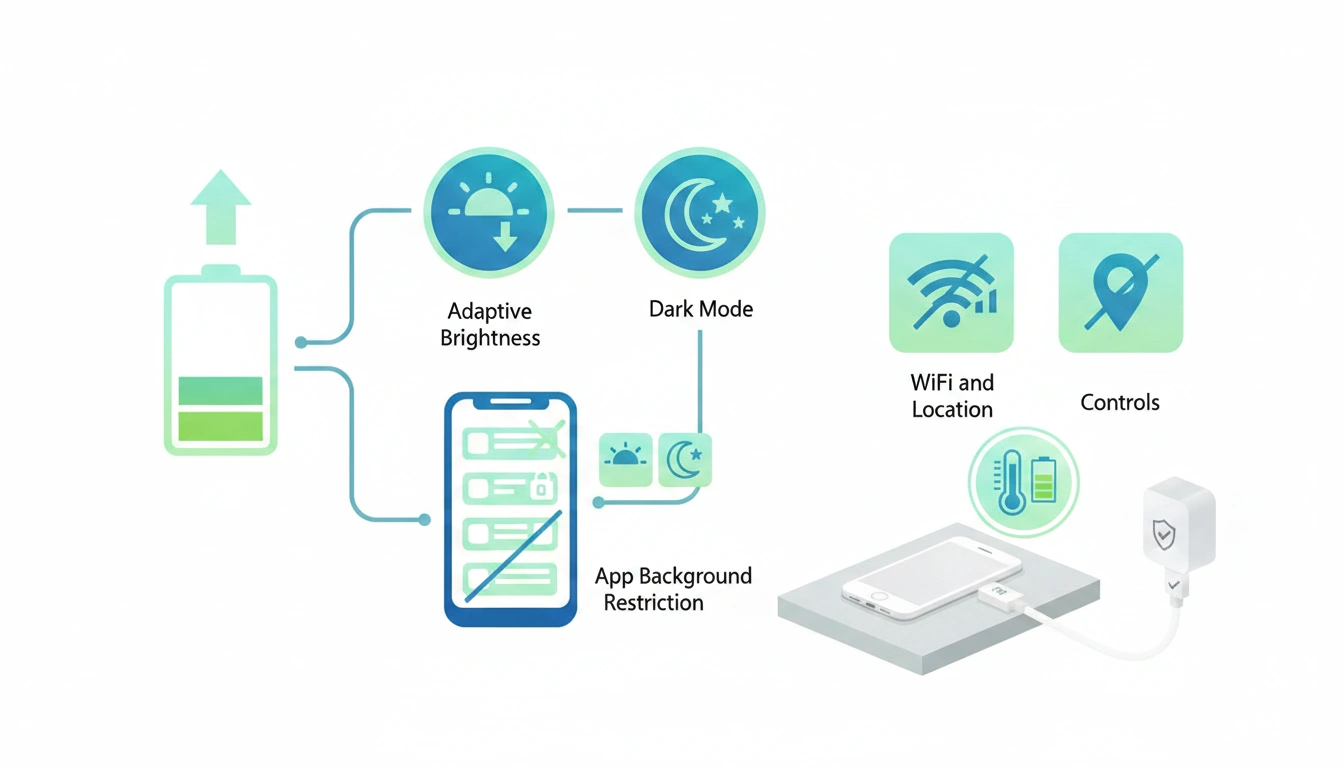
Battery life? Slightly more complicated. Higher refresh rates update the display more often and can consume more power. That’s where the adjustable refresh rate comes in. Your phone may bump up the refresh rate for smoother action and drop it when there’s not much motion on the screen.
90 Hz and 120 Hz are also useful for gaming. Also, if a game is capable of greater frame rates, a faster display can make the gameplay look smoother, especially during fast motions. But that’s just a small portion of the story. A 120 Hz screen cannot make a game running at 60 fps suddenly run at 120 fps.
It’s another matter watching videos. Most films, TV shows, and internet videos are not filmed at frame rates as high as 120 fps, so a 120 Hz display doesn’t immediately make the movie itself look better. You still get the benefit of the increased refresh rate while you’re navigating through a streaming app or its menus.
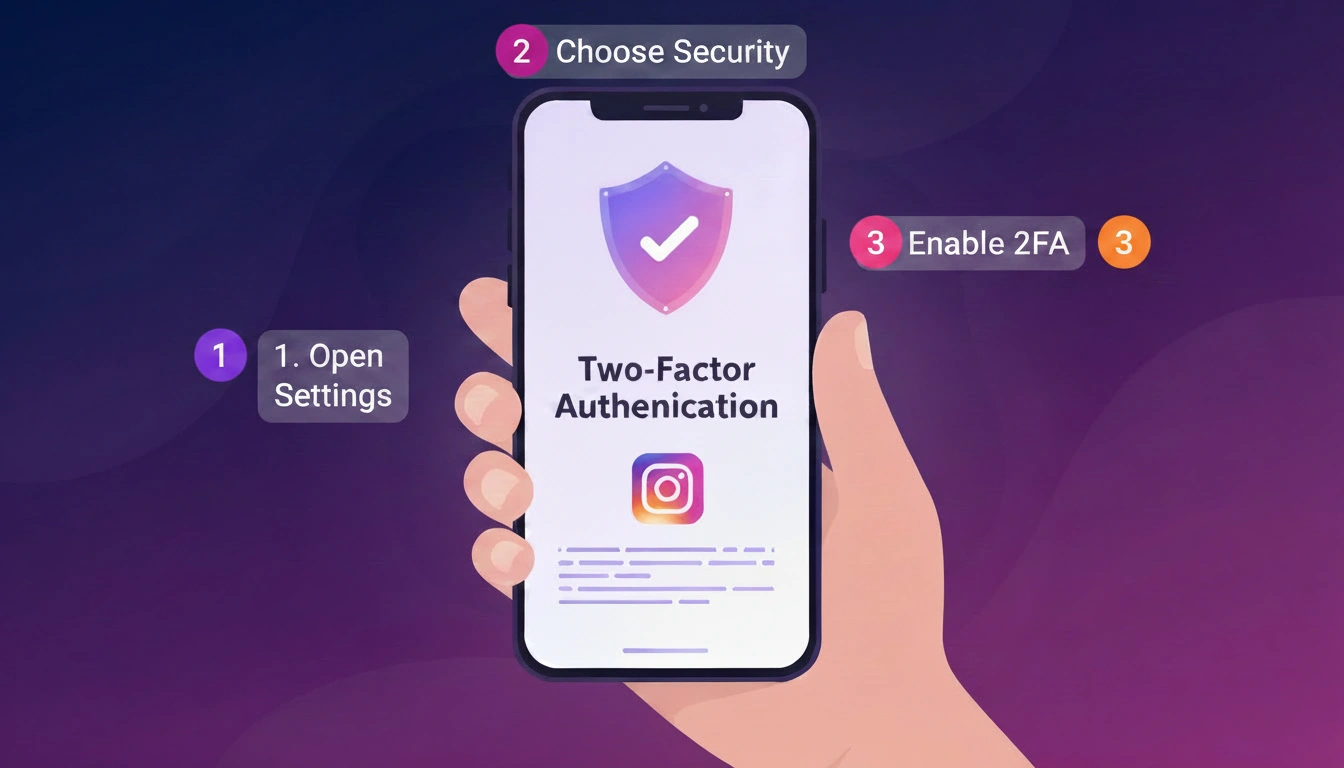
Read More: How to sequre your Instagram account using two factor authentication
What is the best refresh rate for your phone?
The appropriate refresh rate actually depends on what you use your phone for. If you just message, browse, call and utilize basic apps, 60 Hz can be just adequate. you want smoother scrolling and animations but don’t want to go all the way up to 120 Hz, 90 Hz is a suitable halfway ground.
If you scroll a lot or play games that can take advantage of higher frame rates, 120 Hz is worth a look. It gives you the smoothest experience of the three, although it can also use more power.
You could also check whether the phone has an adjustable refresh rate. This allows the display to change refresh rates based on what you are doing, which can help control battery usage.
And remember that the refresh rate is only part of the display experience. The panel ought to be bright enough, have good resolution, have good color reproduction, have good touch responsiveness, and have overall quality. So, if two phones have differing refresh rates, don’t make your choice between the two solely on that number alone.
FAQs
Yes, 120 Hz can make scrolling, animations, and supported games smoother.
No. Refresh rate is the ability of the display; frame rate is how many frames the gadget or game produces.
It can use more power, though adaptive refresh rates can cut consumption.