 Advertisement
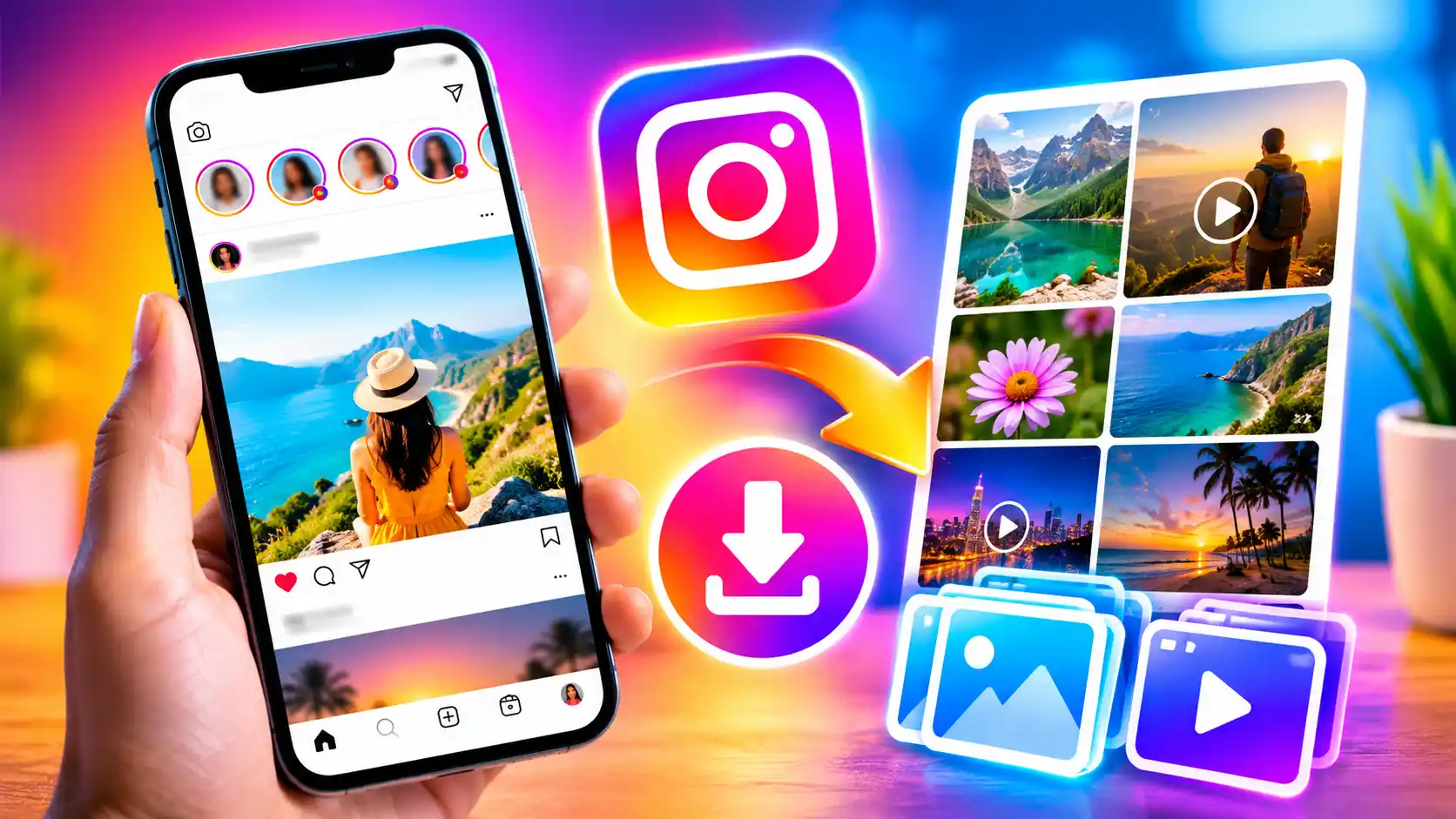
Instagram lets you download the photographs and videos you’ve uploaded on the social media platform to your phone. Instagram is rapidly becoming one of the most popular social media sites. Initially Instagram launched as photo-sharing software, but it has evolved over the years to include a variety of new capabilities, such as the ability to upload movies as Reels and post temporary content, including photos and videos. We put our stuff on Instagram and then delete it off our phones, usually because of space issues or whatever. But the social media platform does enable users to easily save photos and videos to their phone’s camera roll. You can also download your own Instagram stories that you posted or are going to post.
Read More: How to recover a hacked Facebook Account
If you’re looking to save your photos and videos to your smartphone from Instagram, we’ve written up a step-by-step guide for you.
How To Save Your Instagram Photos And Videos From Posts To Your Phone
- Open Instagram on your phone.
- To view your profile, tap your profile picture, which may be found in the bottom right section of the screen.
- Now select a photo or video you posted that you want to download.
- Then, click on the share button.
- Locate and click on the Download icon.
- The snapshot or video will be automatically saved in your phone camera roll.
- Alternatively, you can allow automatic downloading of photographs and videos you publish by pressing on the additional options tab in the top-right corner on your profile page.
- Next, scroll down to the Your App and Media section.
- Select the archiving and downloading option.
- Toggle saving to the camera roll on or off.
How to Download Instagram Photos and Videos from Stories on a Phone
- Open Instagram on your mobile.
- In the Story section, tap the profile photo displayed on the top-left corner of the screen.
- Tap the screen repeatedly until you find the story you want to save to the camera roll on your phone.
- Open the More menu by touching the three dots in the bottom left corner of the screen.
- Now, click on the Save button.
FAQs.
Yes, you may download your images and videos from the Instagram apps for Android and iOS.
Read More: How to free up storage on an android phone
No, you cannot download Instagram photographs and videos on desktop. But you can move files from your mobile.
Yes, you can save the photos and videos you have archived on Instagram from the Archived posts section in the app.