How to hard reset Samsung phone is one of the most searched queries by Samsung users in 2025. Many people face issues when their phone is locked, frozen, or not switching on properly. A hard reset (also called factory reset) helps to restore your Samsung smartphone to its original settings by erasing all data, apps, and personal files. This method is especially useful if you forgot your lock password, PIN, or pattern. In this guide, I will explain step by step how to hard reset Samsung phones safely, even when locked or unresponsive.
What is Hard Reset in Samsung Galaxy ?
A hard reset in Samsung phones means wiping all the data by using recovery mode instead of normal settings. It is very helpful when:
- You forget your screen lock PIN, password, or pattern.
- Your phone is stuck or frozen.
- You want to erase data before selling your phone.
- The device encounters software glitches.
By performing hard reset Samsung phone, your device will return to its original system condition just like when it was new.
How to do When Phone is lock
- First, switch off your Samsung phone.
- Press and hold the Volume Up button and Power button together.
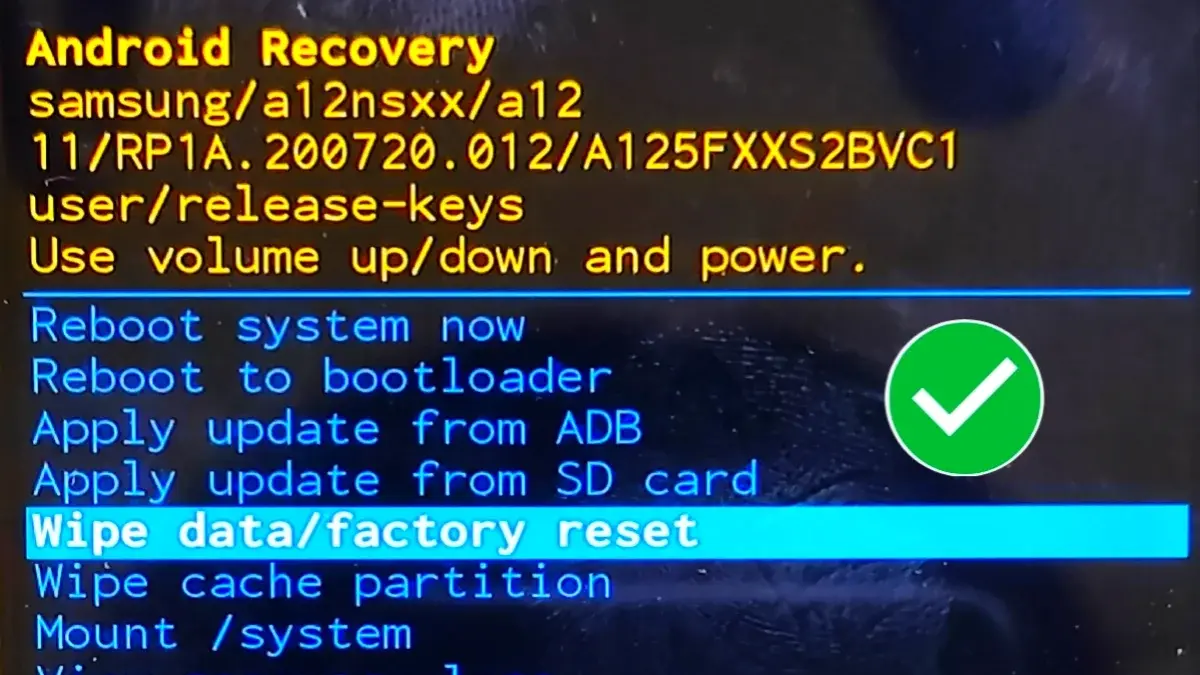
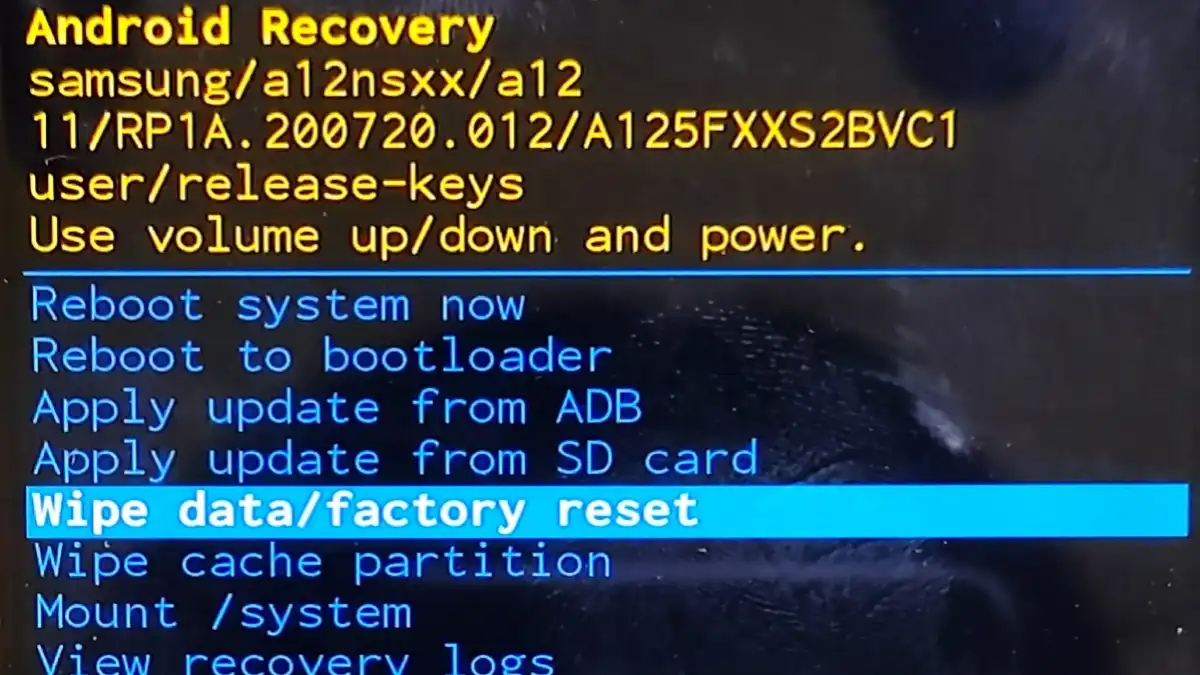
- Wait until the Samsung Recovery Mode appears.
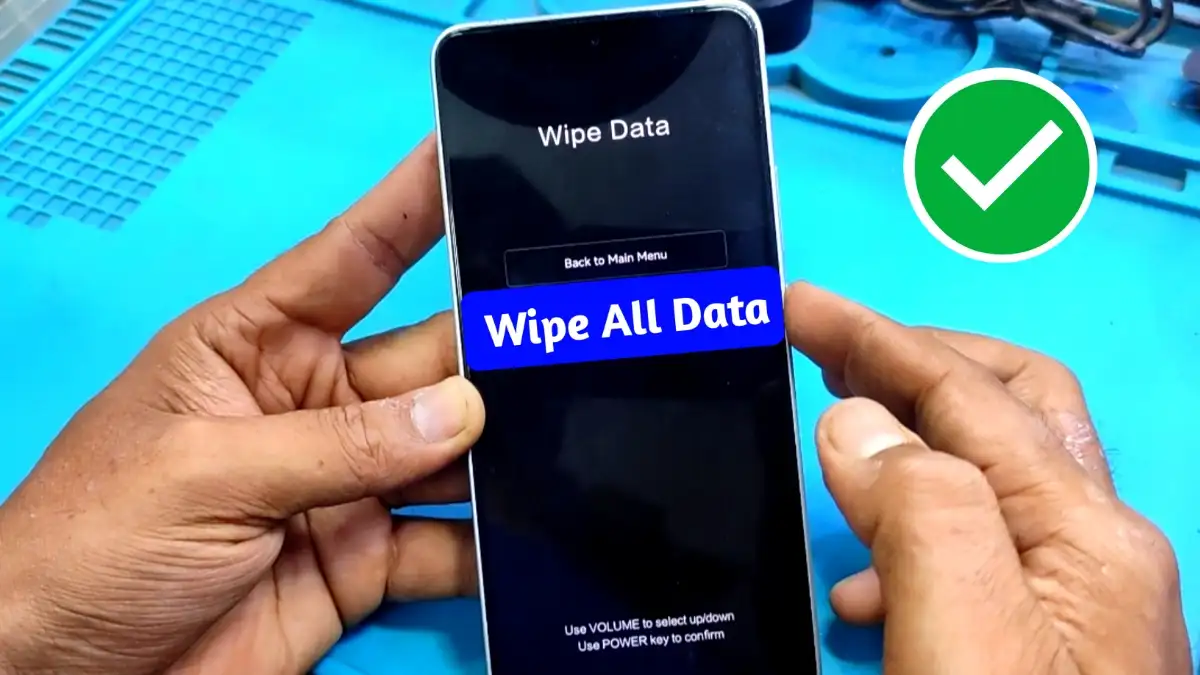
- Use the volume buttons to navigate and select Wipe Data/Factory Reset.
- Confirm your choice with the Power button.
- Once complete, select Reboot System Now.
- Your phone will restart fresh and clean.
This is the easiest way to hard reset Samsung phone when it is turned off.
How to unlock When Samsung Galax Phone is Locked
Sometimes the phone does not switch off when locked. In that case, follow these steps:
- Press and hold Volume Up + Volume Down + Power button to force restart.
- Once the phone reboots, immediately press and hold Volume Up + Power button.
- Recovery Mode will appear on screen.
- Now select Wipe Data/Factory Reset and confirm.
- After formatting, select Reboot System Now.
This method will help you factory reset Samsung phone without password successfully.
Read More: FRP APK Download
How to Hard Reset Samsung Galaxy with Charging Cable/PC
If the phone does not power off normally, you can try this:
- Connect your Samsung phone to a charger or a PC with a USB cable.
- Ensure proper drivers are installed on your computer.
- Then press Volume Up + Volume Down + Power button together until the phone restarts.
- Continue with Volume Up + Power button to enter Recovery Mode.
- From the options, choose Wipe Data/Factory Reset.
- Confirm and reboot the phone.
This is another reliable method of performing a hard reset Samsung smartphone when the usual steps fail.
Precautions Before factory Reset Samsung
- Backup all your important contacts, photos, and files.
- Remove your SIM and memory card before formatting.
- Ensure the phone is at least 50% charged, or keep it connected to power.
- Remember, all data will be deleted permanently after the reset.
Benefits of Reset Samsung Galaxy phone
- Resolves unwanted lagging issues.
- Fixes app crashes and minor bugs.
- Removes any forgotten lock screen password.
- Makes the phone look new and fresh again.
A Samsung hard reset is like a quick solution to many hidden issues that affect your device’s performance.