
 Advertisement
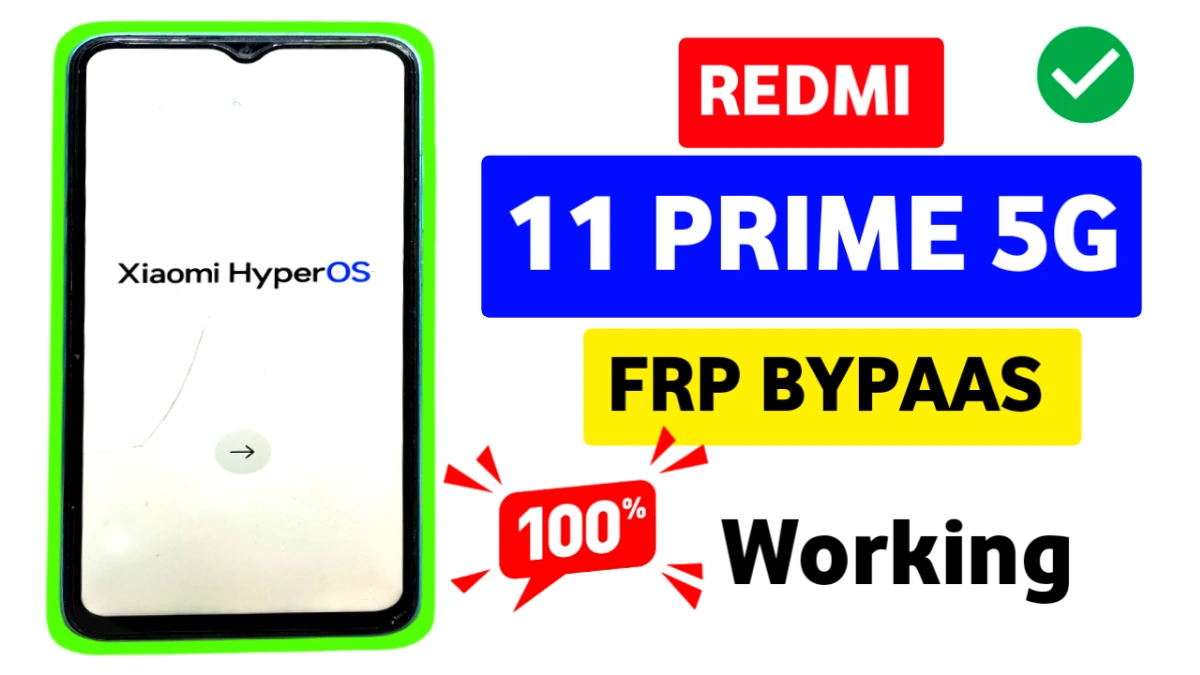
If you are searching for Redmi 11 Prime 5G FRP bypass, you are not alone. Many users face Google account lock after a factory reset on MIUI 13, MIUI 14, or the latest HyperOS.
In this guide, we explain real and practical solutions that users are actively searching for, without confusion or misleading tricks.
What Causes FRP Lock on Redmi 11 Prime 5G?
FRP lock usually appears when:
Reset without removing the Google account
The device runs MIUI 13, MIUI 14, or HyperOS
Android version is 13 or 14
The original Google ID and password are forgotten
Once locked, the phone asks for the previously synced Google account during setup.
Redmi 11 Prime 5G FRP Bypass Compatibility
✔ Supported Software Versions
MIUI 13 FRP Bypass
MIUI 14 FRP Bypass
HyperOS FRP Bypass
Android 13 FRP
Android 14 FRP
Compatibility depends on security patch level and system updates.
Method 1: Activity Launcher Method (FRP Bypass)
Initial Setup (Common for Both Methods) Frp Bypass Redmi 11 Prime 5G
First, connect your phone to a Wi-Fi network.
On the Wi-Fi screen, tap Add Network, then click the Settings (gear) icon.
Open Keypad Theme, download and apply any theme.
After applying, tap the Share option and choose Google Image.
Now tap the 3-dot menu on the top-right and select Terms & Conditions.
This will open Google Chrome access.
In Chrome, search for “Subrata Service Center”, open the website, tap the 3-dot menu, and select FRP Bypass APK Download.
From there, tap the Settings icon to enter phone settings.
Main Method:
Open Settings → Apps → Manage Apps
Search for and install Activity Launcher
Open Activity Launcher and type Second Space
Tap Second Space and Launch Activity
This method gives direct access to system features blocked by FRP.
Method 2: Second Space FRP Bypass (Final Unlock)
After launching Second Space, tap Create Second Space
Continue setup and skip password/fingerprint
Enter the Second Space environment
Restart your phone normally
Once the phone reboots, FRP lock will be removed successfully, and you can set up your device like a new phone.
Final Words
This Redmi 11 Prime 5G FRP Bypass method works on:
MIUI 13 / MIUI 14
HyperOS
Android 13 & Android 14
No PC required, no flashing, and no risky tools. Just follow each step carefully and patiently.
If you want the latest FRP bypass APKs, updates, or video tutorials, visit Subrata Service Center regularly.
Yes, MIUI 14 is possible
Yes, Hyperos frp supported
Yes, Android 14 will work successfully
The Activity Launcher method is safe if used correctly,
Yes
FRP bypass is legal only for your own device or with proper ownership proof. It should not be used on stolen or unauthorized phones.
Read More: Vivo FRP Bypass Android 15 2025
















