
 Advertisement
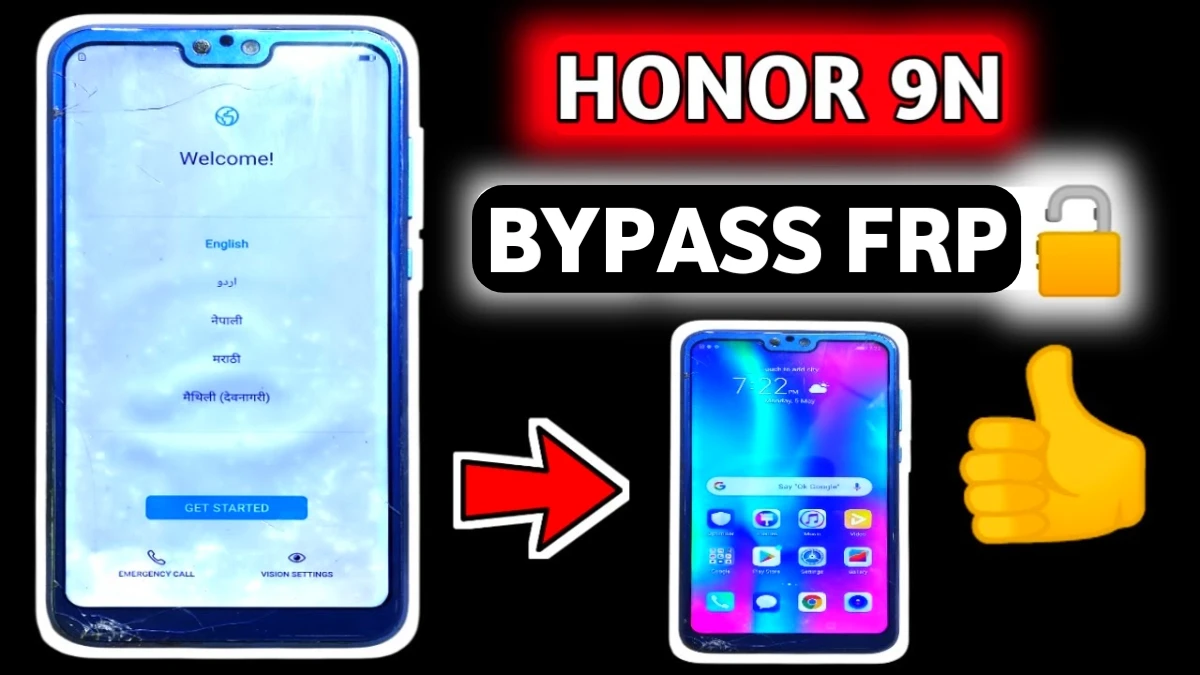
If you recently reset your phone and got stuck on the Google account verification screen, this guide will help you. In this tutorial, you will learn how to bypass Google Account on Honor 9N without PC (2026 method) using a simple trick. Many users face this issue after a factory reset because of Factory Reset Protection (FRP), a security feature that protects Android devices.
However, if you forgot the previous Google ID, you may not be able to continue the setup process. With this step-by-step method, you can remove Google Account after factory reset, fix the Google Account verification problem, and successfully unlock your Honor 9N.
This guide is written in simple language so anyone looking for Google Account Recovery, Android phone unlock service, or Google Account verification bypass can easily solve the problem.
Read More: Bypass Google Verification on Honor 9 lite
What is FRP Lock on Honor 9N?
FRP (Factory Reset Protection) is an Android security system that prevents unauthorized access after a phone is reset. When the device restarts, it asks for the previously synced Google account.
If you forget the account details, you cannot continue the setup process. In that situation, users search for solutions like:
• Google Account Verification Fix
• Remove Google Account After Factory Reset
> Android FRP Unlock Tool
> Mobile Phone Unlock Software
The method below helps you bypass this lock without using a computer.
Bypass Google Account on Honor 9N Without PC – Step-by-Step Guide
Follow the steps carefully to complete the Honor 9N Google Account verification bypass.
Step 1: Connect WiFi
First connect the Honor 9N with a mobile hotspot WiFi connection.
Step 2: Enter Recovery Mode
Now switch off the phone.
Press and hold Volume Up + Power Button together.
When the phone starts booting, release the Power button but keep pressing Volume Up until the EMUI Recovery Menu appears.
Step 3: Enable Safe Mode (Bypass Google Account on Honor 9N)
In the recovery menu, select Safe Mode. The phone will automatically restart and boot into Safe Mode.
Step 4: Start Device Setup (bypass google honor 9n)
Now begin the setup process:
• Tap Get Started
• Tap Next
• Allow required permissions
> Skip Insert SIM Card
> Skip Data Import
Step 5: Disconnect Internet Trick
When the WiFi screen appears, the phone will already be connected to the hotspot.
Now follow this trick:
- Tap Next
2. Immediately turn off the hotspot from the other phone
3. The device will show Checking for updates
Soon you will see the message:
“Couldn’t connect to the internet”
Tap OK. If any error occurs then repeat this process 2–3 times.
Step 6: Skip Google Verification
After the error bypasses the check, the Google Services screen will appear.
Now follow these steps:
• Tap More
• Tap Accept
• Skip Device Protection
> Select No Thanks for Enhanced Services
> Skip User Experience Program
Complete the remaining setup steps.
Now the Honor 9N Google account bypass process is completed, but the phone is still in Safe Mode.
Final Step: Reset Phone Again
To finish the process completely:
- Open Settings
2. Tap System
3. Tap Reset
4. Select Reset Phone
The phone will erase all data and restart.
After rebooting, complete the setup normally. The Google account verification screen will not appear anymore.
Final Words
This Honor 9N FRP bypass without PC method (2026) is one of the easiest ways to solve the Google account sign-in problem after a factory reset. It works without any Android FRP unlock tool, mobile phone repair software.
If you work in mobile phone repair or Android phone unlock services, this trick can be very useful for solving FRP issues quickly.
Faq
Yes, you can bypass Google Account on Honor 9N without PC using the safe mode internet disconnect trick explained in this guide. This method works without using any Android FRP Unlock Tool, mobile phone unlock software, or computer.
Yes, the Honor 9N FRP bypass without PC (2026) method works on many EMUI based Huawei and Honor devices running Android 8 or Android 9. However, the steps may slightly vary depending on system updates.
Yes, this method is safe if you are the real owner of the phone. It does not require installing any unknown apps or mobile phone repair software. The process simply skips the Google account verification step during setup.
Yes, many technicians use mobile phone unlock software and repair tools to remove FRP locks quickly. However, the Honor 9N FRP bypass without PC method is useful because it works without any extra tools.
This happens because of Google Account Verification (FRP). If a device is reset without removing the previous Google account, Android asks for the same account again to verify ownership. It protects the phone from unauthorized access.
















