
 Advertisement
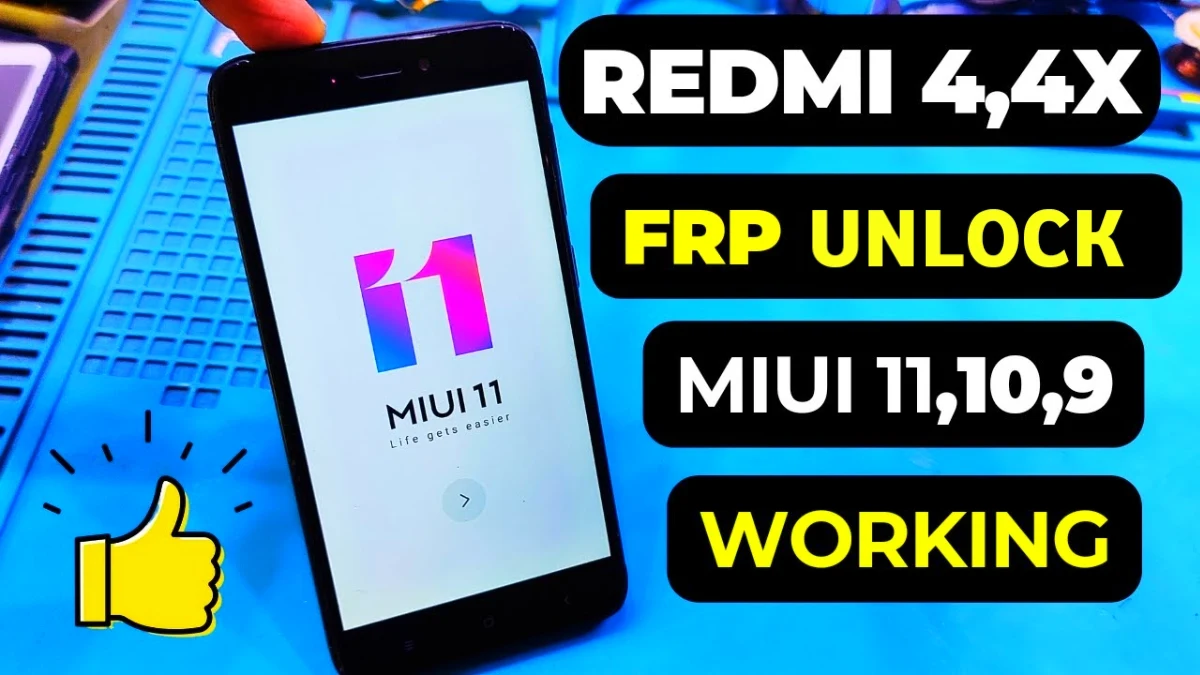
If your phone is stuck on Google account verification after a factory reset, this guide will help you complete Redmi 4 FRP Bypass without PC after factory reset easily. Many users face this problem when they forget their Google account password or purchase a second-hand device.
Factory Reset Protection (FRP) is a security feature designed to protect Android devices. However, when you forget login credentials, the phone becomes unusable. In this guide, you will learn a simple method to remove Google account after factory reset, fix the Google Account Sign-In problem, and unlock your Redmi device without a computer.
This method works for Android FRP unlock solutions, and it does not require any mobile phone unlock software or external tools.
Read More: Realme C11 Bypass Google Verification
What is FRP Lock on Android?
FRP (Factory Reset Protection) is a security feature in Android devices. When a device is reset, it asks for the previously synced Google account.
This helps prevent unauthorized access, but sometimes genuine users get locked out. In that situation, users search for solutions like:
• Google Account Recovery
• Google Account Verification Fix
> Android Phone Unlock Service
> Google Account Verification Bypass
Redmi 4 FRP Bypass Without PC (Step-by-Step Guide)
Step 1: Connect to WiFi
First, go to the WiFi setup page and connect your device to a stable internet connection.
Step 2: Open YouTube Link
Tap Add Network and type www.youtube.com in the SSID section.
Press and hold the text until options appear, then tap the link icon. This will open the YouTube application.
Step 3: Open Chrome Browser
From YouTube, choose Chrome browser and tap Accept & Continue, then allow all permissions.
Step 4: Visit the Website (Redmi 4 Frp bypass)
In Chrome search, type Subrata Service Center website and open the site.
Tap the three-dot menu on the right side. Tap the three-dot menu on the right side.
Step 5: Open Settings Shortcut
On the website you will find several APK files and shortcuts.
Tap the Settings shortcut icon, and the phone settings will open instantly.
Enable Second Space Feature
Step 6: Go to Special Features
Inside settings, open Special Features.
Step 7: Enable Second Space (Redmi 4 frp)
Tap Second Space and turn it on.
Wait while the device creates a new user space.
Step 8: Skip Password Setup
When the password setup page appears, tap Skip.
The device will now enter Second Space mode.
Final Step to Remove FRP
Restart the phone.After reboot, the device will open normally without Google verification.
Congratulations 🎉
Your Redmi 4 FRP bypass without PC is successfully completed.
Final Words
This method is a simple solution for users who want to remove Google account after factory reset without using any Android FRP unlock tool or mobile phone repair software.
If the problem still continues, you can try Google Account Recovery or visit a professional Android phone unlock service center.
FAQ
After a factory reset, Android activates Factory Reset Protection (FRP). This security feature asks for the previously used Google account to prevent unauthorized access. If you forget the account details, the device stays locked on the Google verification screen.
Yes, you can remove Google account after factory reset without a PC using simple methods like opening Chrome from YouTube and accessing phone settings. This allows you to bypass the verification screen and unlock the device.
To perform Redmi 4 FRP bypass without PC, connect the phone to WiFi, open a browser through the YouTube link trick, access the device settings, enable the Second Space feature, and then reboot the phone. After restarting, the device opens normally and the Google account verification screen is removed.
Google Account Verification is a security system called Factory Reset Protection (FRP). When someone resets the device, the phone asks for the previously synced Google account to confirm the owner. This protects the device from unauthorized access.
Yes, if you forgot your Google account password, you can use Google Account Recovery to reset it or perform an FRP bypass method to remove the Google verification screen.
Yes, Most Redmi 4 FRP bypass methods work on Android versions commonly installed on the device. However, frp bypass will work all the android version on this Device.
















