 Advertisement
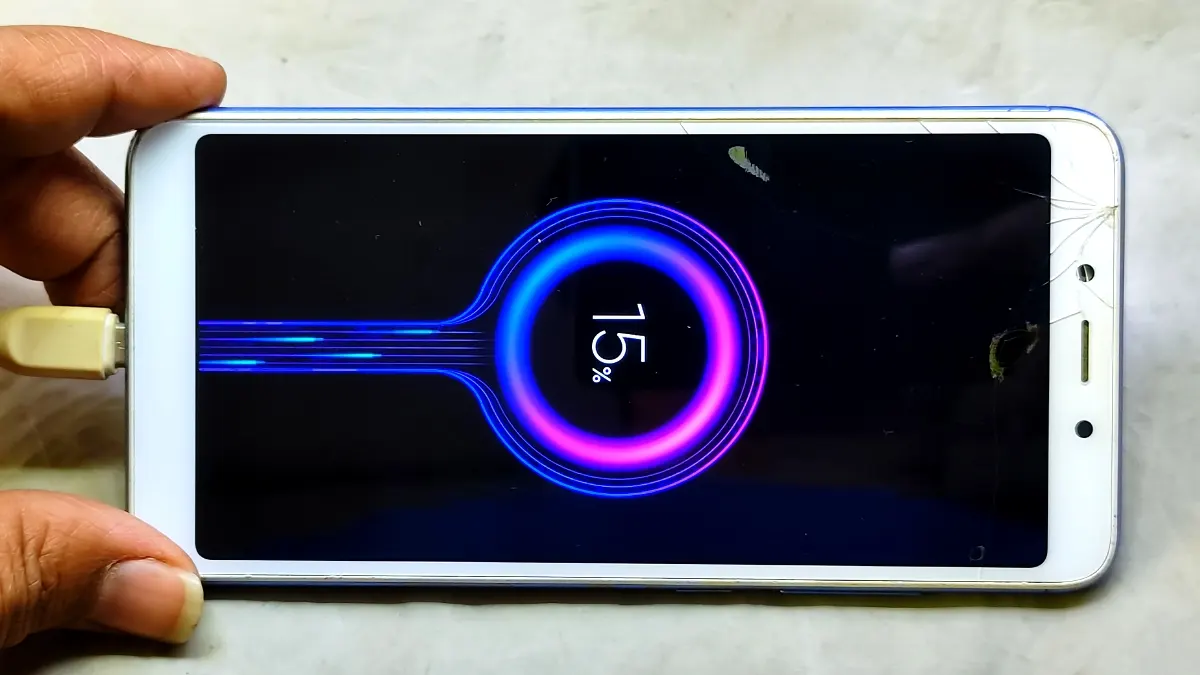
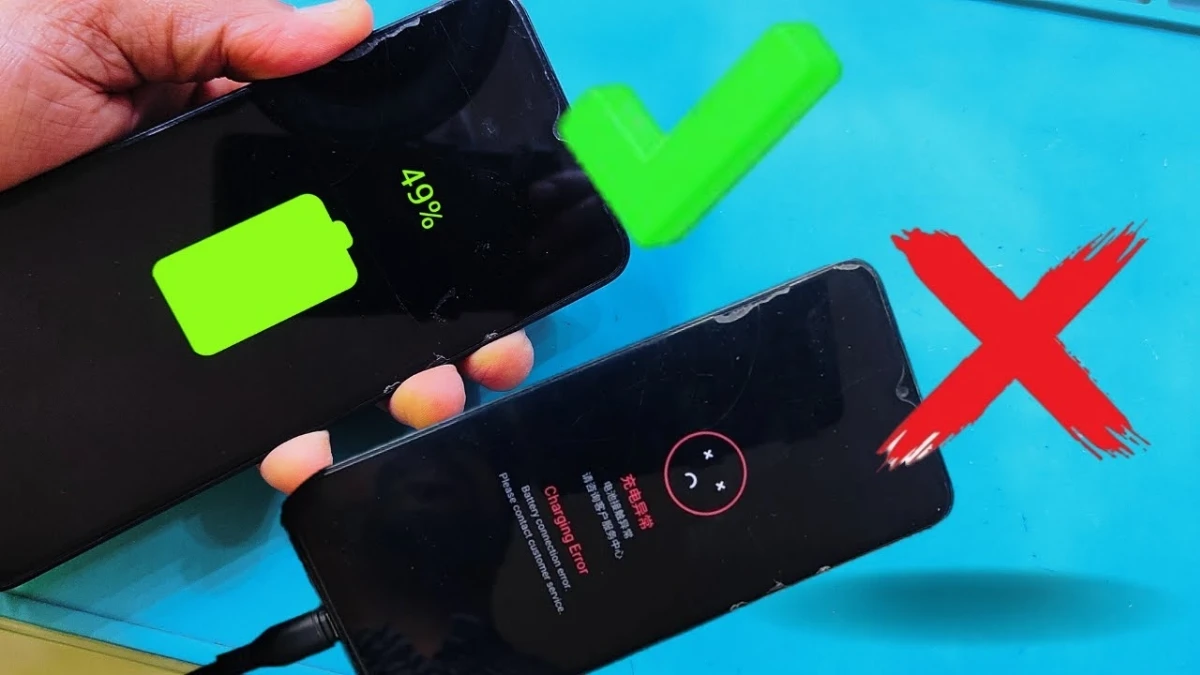
If you are facing the Realme C33 charging error problem, then this guide will help you fix it step by step. Many users notice that their phone shows charging but stops after some time, or displays a battery error message. However, this issue is mostly hardware-related and can be solved with proper checking and repair.
Read More: Samsung A51 ON OFF Problem Solution
🔍 What is Realme C33 Charging Error Problem?
The charging error usually happens when the phone shows charging inconsistently. Sometimes it takes amperes and suddenly drops, or shows battery error notifications. In most cases, the issue is related to the connector, battery, or internal lines like ID and thermal lines.
⚙️ Main Causes of Charging Error
🔌 Connector Fault
First of all, a damaged or dry battery connector can cause unstable charging.
🔋 Battery Issue (Realme C33 Charging Error)
Sometimes, the battery itself creates the error due to improper voltage flow.
🔧 ID Line & Thermal Line Problem
If there is missing voltage in the ID line or thermal line, the phone may stop charging automatically.
🛠️ Step-by-Step Solution Guide
Step 1: Resolder Battery Connector
Firstly, clean and resolder the battery connector pins. This often fixes loose connection issues.
Step 2: Replace Connector (Realme C33 Charging Error)
If the problem still exists, then you should replace the connector. In most cases, replacing the connector solves the issue completely.
Step 3: Check Voltage Lines
Next, check the ID line, ISP line, and thermal line voltage using proper tools.
Step 4: Test Battery
Finally, if the issue continues, try replacing the battery to confirm the fault.
✅ Final Result (Realme C33 Charging Error)
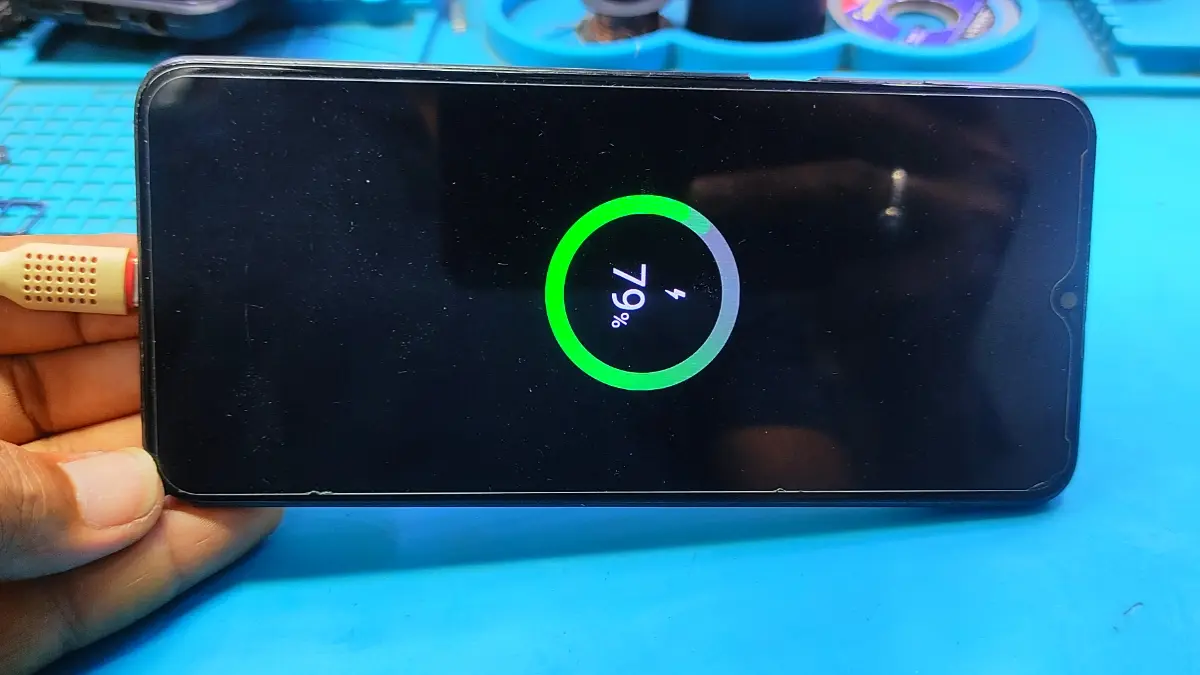
After replacing the connector, the charging becomes stable. The percentage increases normally, and the phone takes proper amperes without dropping.
💡 Pro Tips
• Always use original parts for replacement
• Avoid overcharging
> Clean connector regularly
> Handle motherboard carefully
🏁 Conclusion (Realme C33)
In conclusion, the Realme C33 charging error problem is mostly caused by connector or line faults. Therefore, by following this step-by-step method, you can easily fix the issue and restore proper charging performance.
FAQ
usually happens due to a faulty connector, damaged battery, or missing voltage in the ID and thermal lines. In most cases, replacing the connector fixes the issue quickly.
First, clean the charging port and check the cable. If the issue still continues, then resolder the battery connector. However, for a permanent fix, connector replacement or technician-level repair may be required.
The best solution is to replace the battery connector. Because in most cases, the connector becomes dry or damaged, which leads to charging fluctuation and errors.
This happens when the phone is not receiving stable amperes. As a result, faulty connector pins or line voltage issues can interrupt the charging flow.
Mostly, the problem is a hardware issue. Software rarely causes this type of charging instability.
Yes, absolutely. Once the faulty connector, battery, or line issue is fixed properly, the charging problem will be completely resolved.