
 Advertisement
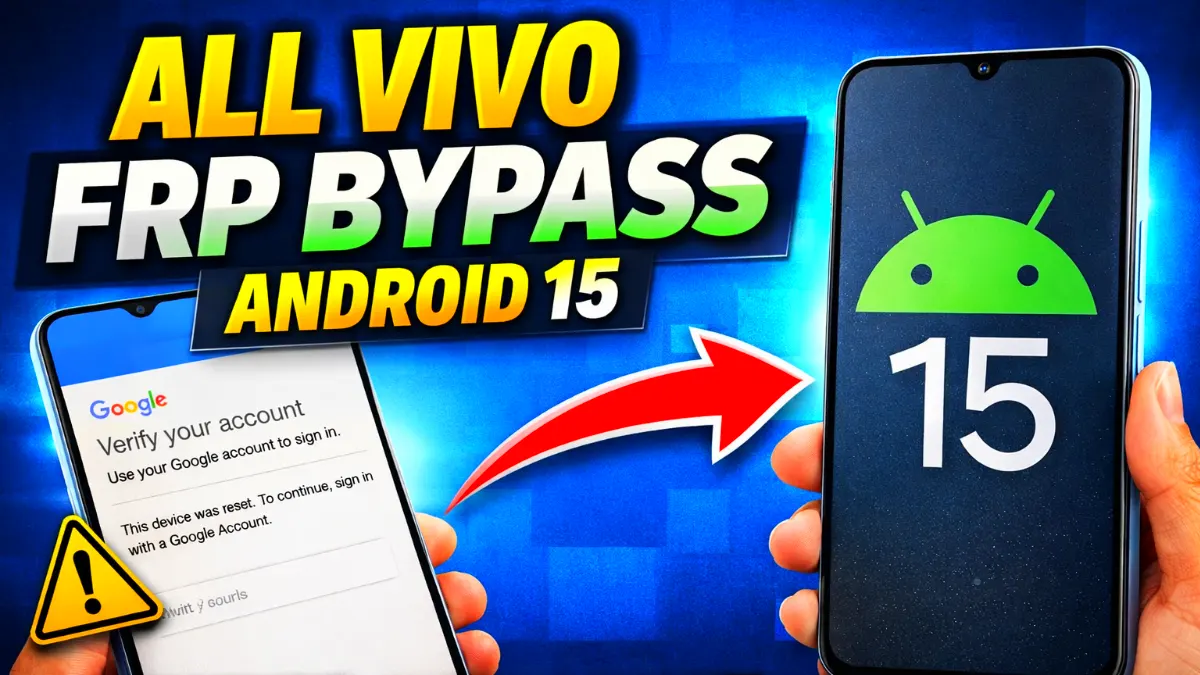
If you are searching for All Vivo FRP Bypass Android 15, this guide will help you unlock your device easily after a factory reset. Many users face Google Account Verification problems when they forget the previously synced Google account. Because of Factory Reset Protection (FRP), the phone asks for the old account before allowing access.
However, by following this latest Vivo Android 15 bypass method, you can successfully remove the lock and regain full access to your phone. Moreover, this method works without a computer and uses simple accessibility features.
This tutorial is useful for people looking for Android Phone Unlock Service, Google Account Verification Fix, or Remove Google Account After Factory Reset solutions.
Read More: Unlock FRP Realme C11 100% Working
What is All Vivo FRP Bypass Android 15?
All Vivo Bypass Android 15 is a process used to remove the Google account verification lock from Vivo smartphones running Android 15. When FRP is enabled, the device requires the previously synced Google account after a reset.
How to All Vivo FRP Bypass Android 15 (Step-by-Step)
1. Connect to WiFi
First, connect the locked Vivo phone to a stable WiFi network.
2. Enable TalkBack
Press Volume Up + Volume Down together to turn on TalkBack.
3. Open Screen Search
Next, draw an “L” shape gesture on the screen and select Screen Search.
4. Access Braille Keyboard (Vivo FRP Android 15)
Tap the keyboard globe icon, then type letters A, B, C, and D using the Braille keyboard method.
5. Open TalkBack Settings
After that, open Settings and disable TalkBack using the volume keys shortcut.
6. Enable Accessibility Menu
Go to Accessibility → Accessibility Menu → Turn On Shortcut and allow all permissions.
7. Open Easy Share
Now open Google Assistant and say “Open Easy Share.”
8. Transfer Activity Launcher (Vivo FRP Android 15)
Using another phone:
1. Install Easy Share
2. Download Activity Launcher APK
3. Transfer the file to the locked Vivo phone
9. Install Activity Launcher
install and open the APK, then follow this path:
Android Setup → Setup Wizard Orchestrator → Launch Activity → Guest Mode
Your phone will open in normal mode.
Final Step – Complete Setup
Go to Settings → Users & Accounts → Multiple Users → Exit Guest Mode.
Return to Setup Wizard Activity, then launch the first option and continue the setup offline.
Finally, the Vivo Android 15 FRP Bypass process is completed successfully.
Conclusion
This method is one of the best All Vivo Bypass Android 15 solutions for users facing Google account verification problems. It works without a PC and uses simple accessibility features.
It is especially helpful for mobile technicians, Android repair professionals, and users searching for Mobile Phone Repair Software, Google Account Recovery, or FRP unlock solutions.
















