 Advertisement
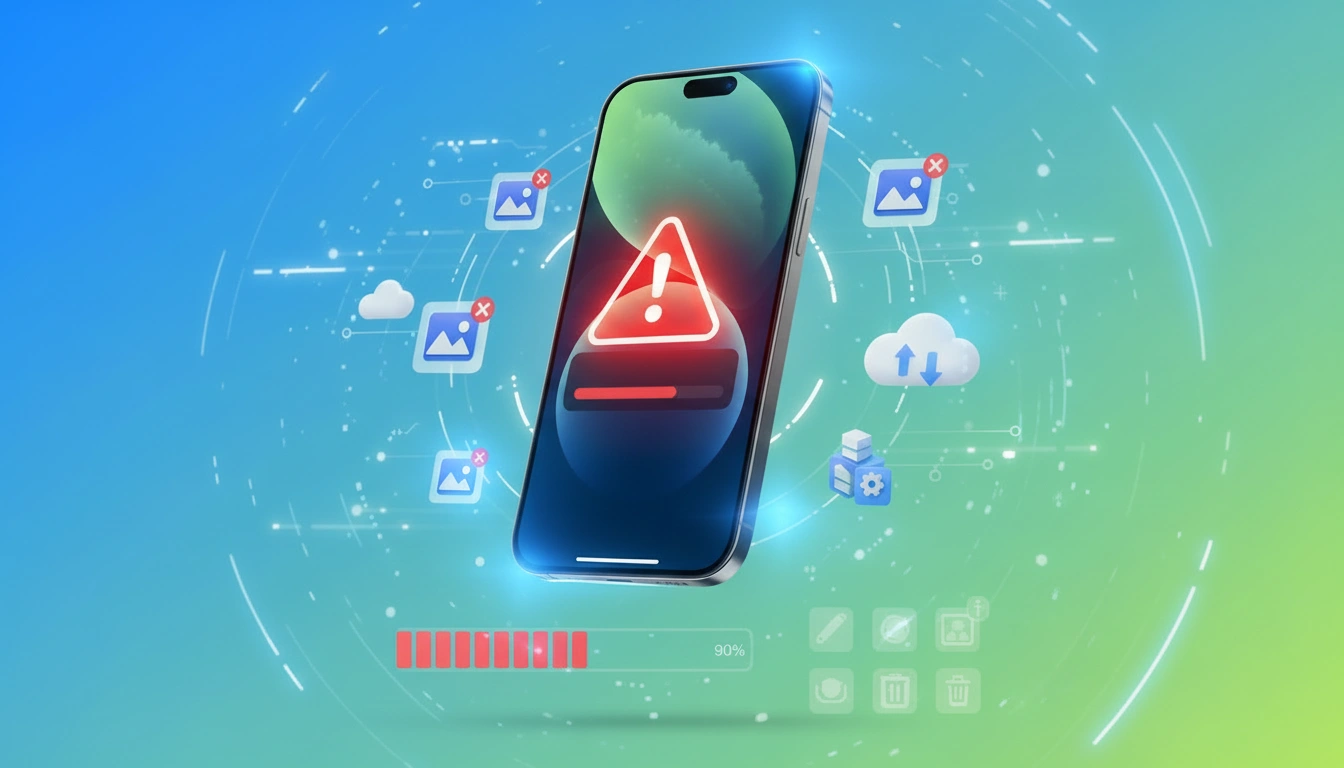
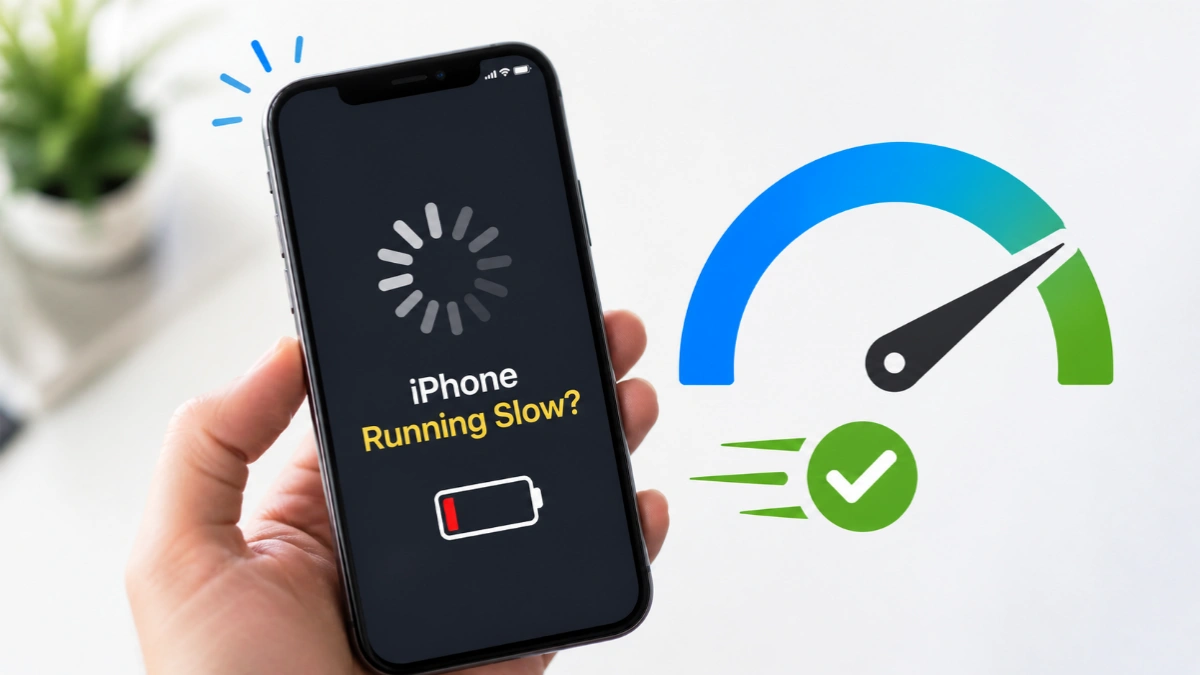
If your iPhone running slow has become frustrating, you’re not alone. Many users notice their iPhone lagging over time, whether it’s app delays, slow internet, or freezing screens. However, the good news is that most of these problems can be fixed easily without buying a new device.
Why Is Your iPhone Running Slow?
There are several reasons why your iPhone may feel sluggish. First of all, low storage space is one of the biggest causes. When your device is nearly full, it struggles to handle temporary files efficiently.
Moreover, outdated iOS versions can also reduce performance since updates often include speed improvements and bug fixes. In addition, background processes like apps refreshing continuously can slow things down significantly.
Furthermore, battery health plays a crucial role. If your battery capacity drops below 80%, your iPhone may automatically reduce performance to prevent unexpected shutdowns.
Read More: Declined Loan Application Reasons Solution
8 Ways to Fix a Slow iPhone
✅ 1. Restart Your iPhone
Sometimes, a simple restart clears background glitches and boosts speed instantly.
✅ 2. Free Up Storage Space
Delete unused apps, duplicate photos, and junk files. Always keep at least 10% storage free.
✅ 3. Update iOS ( fix iPhone running slow )
Go to Settings → General → Software Update and install the latest version for better performance.
✅ 4. Turn Off Background App Refresh
This reduces unnecessary background activity and improves speed.
✅ 5. Disable Low Power Mode
While useful for saving battery, it can slow down your device.
Advanced Tips for Better Performance
✅ 6. Fix Network Issues
Slow internet can feel like a slow phone. Reset Wi-Fi settings if needed.
✅ 7. Check Battery Health
If battery health is below 80%, consider replacing it for better performance.
✅ 8. Factory Reset (Last Option) (iPhone running slow)
If nothing works, resetting your iPhone can solve deep software issues—but don’t forget to back up your data first.
Final Thoughts
In conclusion, if your iPhone running slow, it doesn’t always mean you need a new phone. With the right settings, updates, and storage management, you can easily bring your iPhone back to life and enjoy a smooth, fast experience again.
FAQ
If your iPhone slow suddenly, it’s usually due to low storage, background apps, outdated iOS, or poor battery health. However, sometimes a simple restart can fix temporary glitches instantly.
Yes, low storage is one of the biggest reasons behind an iPhone running slow. When your storage is almost full, your device cannot handle temporary files efficiently, which causes lag and slow performance.
Yes, Factory reset should be your last option. It can fix deep software issues, but it will erase all data. Always back up your data before resetting.
If your iPhone is still slow despite enough storage, possible reasons include:
• Weak internet connection
• Background processes
° Battery degradation
° Software bugs