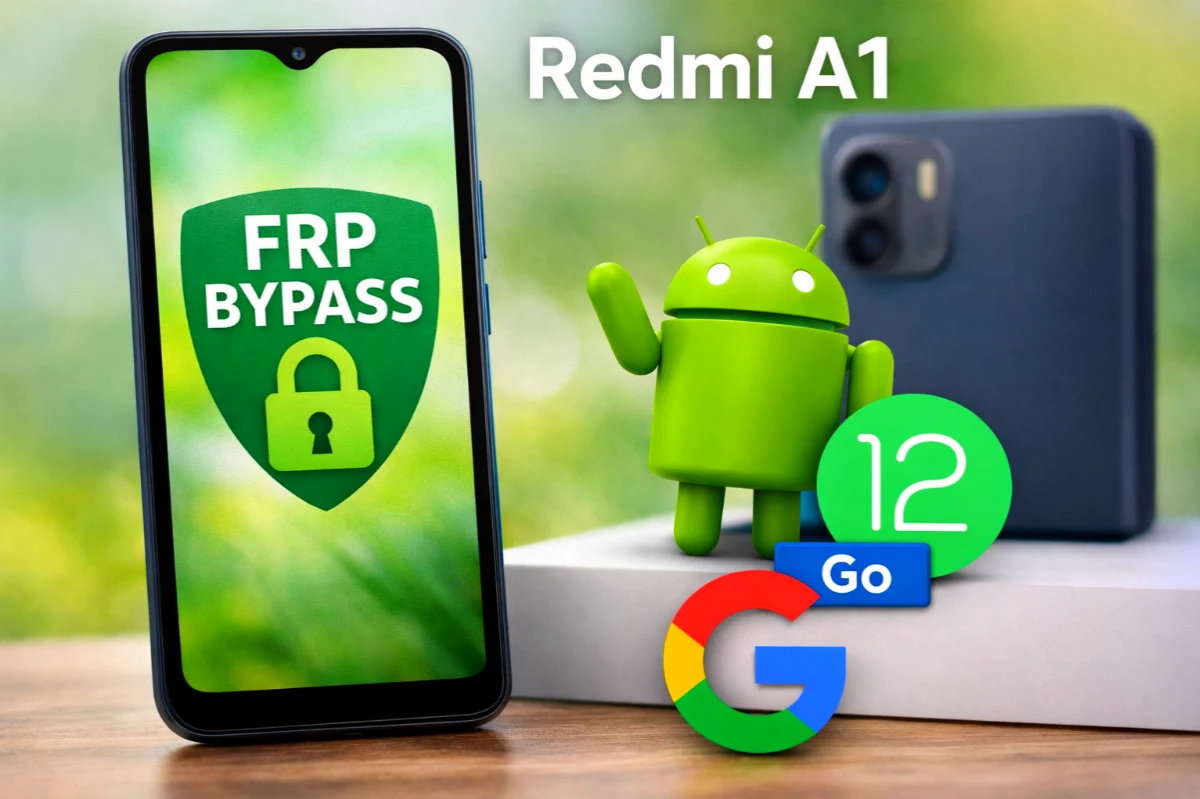
If you are looking for a Redmi A1 FRP Bypass Android 12 Go Edition solution, you are in the right place. Many users face a Google account verification lock after resetting their phone. Because of Factory Reset Protection (FRP), the device asks for the previously synced Google account. However, using the correct method, you can bypass this lock easily.
In this Redmi A1 FRP Bypass Android 12 Go Edition guide, we will explain a simple and practical process that technicians and mobile repair professionals use. Moreover, this method works without using complicated tools.
Read More: Vivo Y21e Bypass Google Verification
What is Redmi A1 FRP Bypass Android 12 Go Edition?
FRP Redmi A1 Android 12 Go Edition is a process that removes the Google account verification screen after a factory reset. Normally, FRP protects your phone from unauthorized access.
However, if you forget your Google account credentials, you may need a bypass method or Google Account Recovery option to access your phone again.
Preparation Before Starting
Before starting the bypass process, make sure:
• Your phone has at least 50% battery
• You connect to a stable WiFi network
• You carefully follow each step
These small preparations will make the process smoother.
A1 FRP Bypass Android 12 Go Edition – Easy Step-by-Step Guide
Follow these steps carefully:
Step 1: Enable TalkBack Mode
- First connect the phone to WiFi.
2. Press Volume Up + Volume Down together to enable TalkBack.
3. Go to Vision Settings → TalkBack and turn it ON.
Step 2: Activate Voice Commands
1. Draw an L-shape pattern on the screen.
2. Allow all permissions.
3. Select Use Voice Commands.
4. Open Google Go from the keyboard menu.
5. Choose language English and tap Done.
Now the voice command menu will start working.
Step 3: Open Phone Settings (Redmi A1 FRP Bypass)
Say “Open Settings” using voice command.
The Phone Settings page will open instantly.
Then follow these steps:
• Go to Accessibility
• Open TalkBack
• Turn TalkBack OFF
Next, enable the Accessibility Menu Shortcut.
Step 4: Disable Important System Apps
- Go to Apps → See All Apps
2. Tap the 3-dot menu → Show System Apps
3. Find Android Setup → Force Stop
4. Scroll down and Disable Google Play Services
Then go back to the home screen.
Step 5: Continue Phone Setup (Redmi A1 FRP Bypass)
- Tap Start → Next
2. Accept Terms & Conditions
3. When Getting Your Phone Ready appears, go back to WiFi menu
4. Choose Offline Setup
Step 6: Open Chrome Browser
Now:
- Tap the Accessibility Menu Shortcut (green icon)
2. Select Assistant
3. Try several times until Settings popup appears
4. Open Help → support.google.com
Then: (Redmi A1 FRP Bypass)
• Tap 3 dots
• Select Open Browser Tab
• Google Chrome will open
Step 7: Enable Google Play Services
In Chrome:
- Search Google Maps
2. Open Google Maps
3. Tap Skip Sign In
A popup will appear asking to Enable Google Play Services.
Simply tap Enable.
Step 8: Finish Setup
Finally:
- Return to WiFi setup screen
2. Choose Offline Setup
3. Complete the remaining setup steps
✅ Congratulations! Your Redmi A1 Android 12 Go Edition FRP lock is now successfully removed.
💡A1 FRP Bypass Android 12 Go Edition Tips
• Always remember your Google account login details
• Use Google Account Recovery if possible before bypassing
• Follow each step carefully to avoid errors
This professional Redmi A1 FRP bypass Android 12 Go Edition method is widely used by mobile technicians.
FAQ
A1 FRP Bypass Android 12 Go Edition is a method used to remove the Google account verification lock after a factory reset. When FRP protection is active, the phone asks for the previously synced Google account. This bypass method helps users access the device again if they forget their account credentials.
Yes. In most cases, the Redmi A1 FRP bypass Android 12 Go Edition guide works without a PC. The process uses accessibility features, Google Assistant, and system settings to remove the Google verification lock.
After resetting the phone, Factory Reset Protection (FRP) activates automatically to protect the device from unauthorized access. Therefore, the phone requires the previously used Google account. If you forget the login details, you may need Google Account Recovery or an FRP bypass method.