
 Advertisement
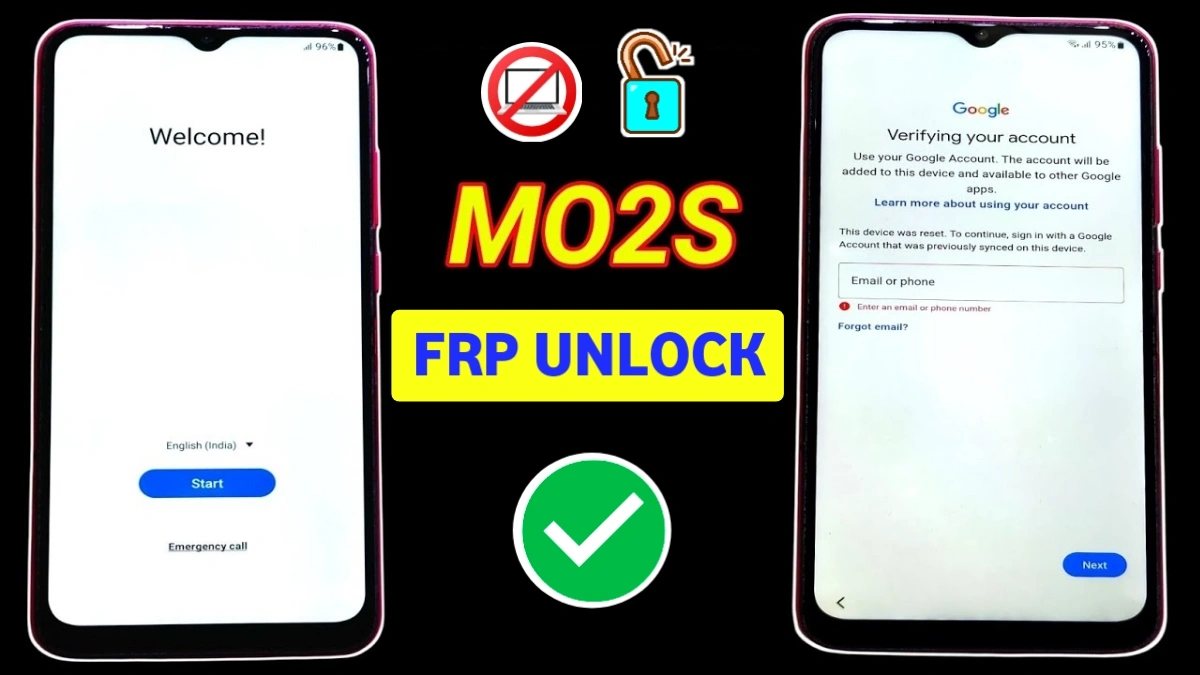
If your phone is stuck on Google account verification, this Samsung Galaxy M02s FRP Bypass guide will help you unlock the device easily. Many users face the Factory Reset Protection (FRP) lock after performing a factory reset and forgetting the previously synced Google account.
Fortunately, there is a simple method to complete the Samsung Galaxy M02s FRP Bypass after reset (2026) without PC. By carefully following the steps below, you can remove the Google verification screen and access your device again.
This guide is designed for users who are searching for a real and working FRP unlock solution for the Galaxy M02s.
What is Samsung Galaxy M02s FRP Lock?
FRP (Factory Reset Protection) is a security feature developed by Google for Android devices. It automatically activates when a Google account is added to the phone.
However, after a factory reset, the device may ask for the previously synced Google account before allowing access. If you forget those credentials, the phone becomes locked on the Google verification screen.
READ MORE: Samsung Galaxy J5 FRP Bypass After Reset
Samsung Galaxy M02s FRP Bypass Without PC (2026 Method)
Follow the steps carefully to unlock your device.
Step 1: Connect to WiFi
First, turn on your phone and connect it to a stable WiFi network.
Step 2: Enable TalkBack
Next, press Volume Up + Volume Down together to activate TalkBack.
After that, draw an “L” shape gesture on the screen.
If the gesture does not work, simply turn TalkBack off by pressing the same volume buttons again.
Step 3: Open Keyboard Settings (samsung galaxy m02s)
Now go to the Google account login page.
- Tap on the Email or Phone field
2. The keyboard will appear
3. Tap the Settings icon on the keyboard
Step 4: Reset Keyboard Settings
Inside keyboard settings:
1. Scroll down and select Reset to Default Settings
2. Tap Erase Personalised Predictions
3. Tap Reset Keyboard Settings
Repeat the Erase + Reset process three times.
Step 5: Change Language Settings
Now follow these steps:
1. Go to Languages and Types
2. Tap Manage Input Languages
3. Enable
English (US)
English (UK)
Then go back.
Step 6: Check for Updates (samsung galaxy m02s frp)
Now tap the three dots menu and select Check for Updates.
Download updates for:
• English (India)
• English (UK)
• English (US)
Wait until the download is completed.
Step 7: Reset Keyboard Again
After the update:
Go back to Reset to Default Settings
Tap Erase Personalised Predictions
Tap Reset Keyboard Settings
Complete the Setup
Now return to the FRP home screen and continue the setup.
Allow permissions and proceed through the setup process. You will now see the WiFi Skip option.
Tap Skip and finish the remaining setup steps.
Finally, the Samsung Galaxy M02s FRP Bypass will be completed successfully and your phone will open normally.
Final Words
The Samsung Galaxy M02s FRP Bypass after reset (2026) without PC method is one of the easiest ways to unlock your device. By following the steps correctly, you can remove the Google verification lock without using any external software or computer.
If you found this guide helpful, make sure to bookmark it for future reference or share it with others facing the same FRP problem.
Faq
FRP (Factory Reset Protection) is an Android security feature introduced by Google to protect smartphones from unauthorized access. When a device is reset, the system asks for the previously synced Google account. If the credentials are forgotten, the phone remains locked on the Google verification screen.
You can complete the Samsung M02s FRP Bypass without PC by using built-in phone settings like TalkBack and keyboard settings. After connecting to WiFi, access the keyboard settings, reset the personalized predictions, update languages, and then continue the setup process until the Skip option appears.
Yes, the method described in this guide is safe if performed correctly. It uses only the device’s internal settings and does not require any third-party software or tools. However, this process should only be used on devices that you legally own.
This happens because of Factory Reset Protection (FRP). When a Google account is added to a device like the Samsung Galaxy M02s, the system stores the account information. After a factory reset, the device asks for that account to confirm the original owner.
Yes. After completing the FRP bypass process, you can remove the previous Google account and add a new one. Once a new account is added, the phone will work normally without asking for the old credentials.
Most Samsung Galaxy M02s FRP bypass methods work on Android 10 and Android 11. However, the exact steps may slightly change depending on the latest security patch update.
If the method does not work, try restarting the phone and repeat the process carefully. Also ensure that the device is connected to a stable WiFi network and all language updates are downloaded correctly.
















