
 Advertisement
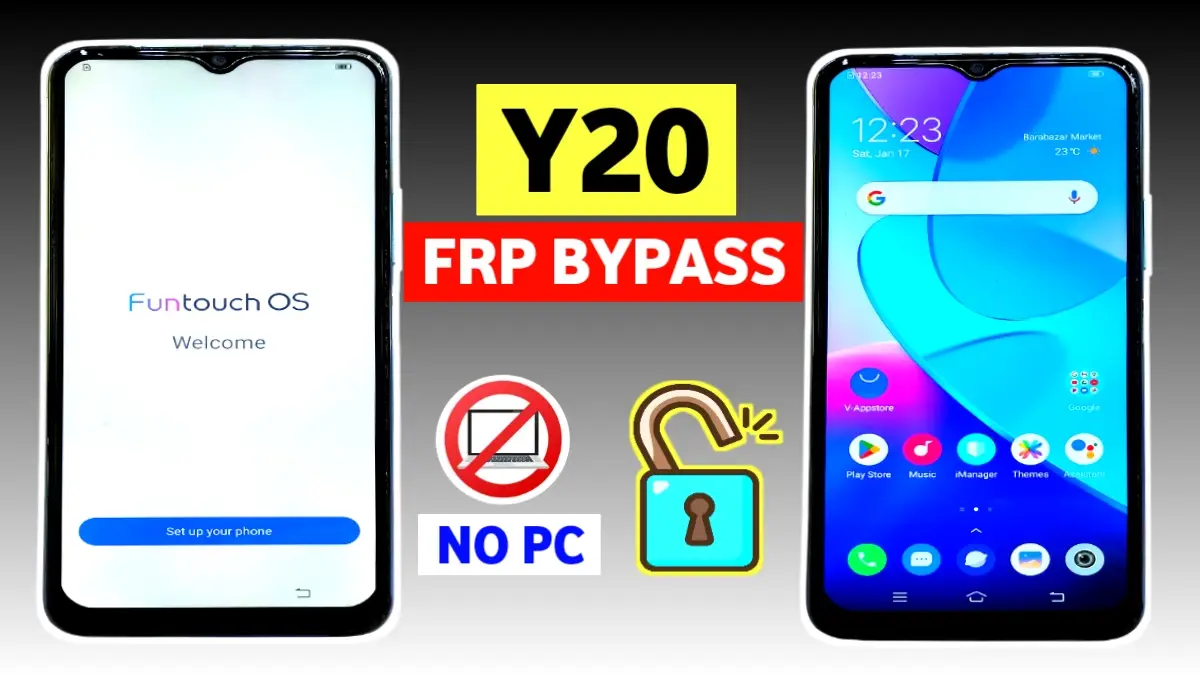
If you are searching for the Vivo Y20 FRP bypass without PC, then you are in the right place. This tutorial explains the exact working method to remove Google account verification from your Vivo Y20 after a factory reset.
Many users get stuck on the FRP lock screen, but thankfully, this process allows you to unlock the phone step by step without needing any computer or flashing tools.
What is Vivo Y20 FRP Lock?
FRP (Factory Reset Protection) is a security feature designed to protect your phone. However, if you forget your Google account or buy a second-hand Vivo Y20, it becomes a problem. Therefore, you need a reliable and tested Vivo Y20 FRP bypass without PC method to access your phone again.
Step-by-Step Vivo Y20 FRP Bypass Without PC
- Connect to WiFi
First of all, turn on your Vivo Y20 and connect it to a working WiFi network. Without internet, this bypass will not work.
2. Enable TalkBack ( Y20 frp bypass)
After that, press the Volume Up + Volume Down buttons together to turn on TalkBack mode. Then, draw an “L” pattern on Talkback screen to open voice commands.
3. Open Google Assistant & YouTube ( Y20 bypass)
Next, use voice commands and say “Google Assistant”. When Google Assistant appears, immediately say “Open YouTube”. Now, YouTube will open together with the Vivo browser.
4. Disable TalkBack
Once the browser opens, press the Volume keys together again to turn off TalkBack so you can navigate easily.
5. Open Vivo Store
Then, in the Vivo browser search bar, type “Vivo Store” and open it. then phone V-appstore will open Inside the store, search for activity launcher.
Install Activity Launcher for FRP Bypass Vivo Y20
6. Download & Install Activity Launcher
Afterwards, search for Activity Launcher inside the V-Appstore. Install and open the app.
7. Open Factory Test / Engineer Menu
Inside Activity Launcher, search for Factory Test, open it, and then tap on the Engineer Menu located in the top-right corner.
8. Go Back & Initialize Language
Finally, click the Back to Home option, then select Initialize to English. After restarting, the FRP lock will be removed successfully.
Final Result for
Your Vivo Y20 FRP bypass without PC is now complete. You can set up your phone normally and use it again. This method is simple, safe, and works perfectly on the latest 2026 security patch.
If this tutorial helped you, share it with others so they can also unlock their Vivo Y20 without PC.
Read more: Vivo FRP BYPASS Android 13
It is a method to remove the Google account verification lock from a Vivo Y20 phone after a factory reset, without using any computer. This process uses TalkBack, Google Assistant, Vivo Browser, and Activity Launcher.
Yes, this tutorial works on most latest security patch updates.
Because FRP lock is activated automatically when a Google account is added. Therefore, after a reset, the phone asks for the same Google account for security purposes.
Yes, all previous data will be erased because the phone was factory reset. This process only helps you regain access to your device.
You need to install Activity Launcher from the Vivo App Store (V-Appstore) to open the hidden Factory Test / Engineer Menu.
















