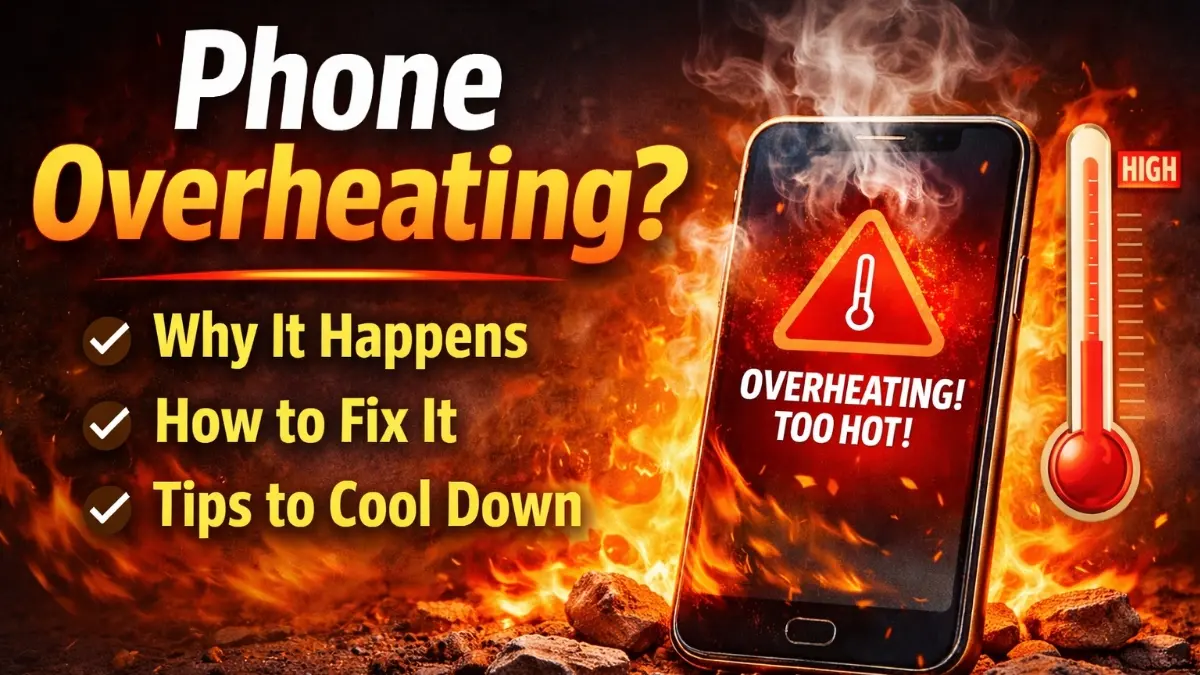
Phone overheating problem is one of the most common issues smartphone users face today. Whether you are gaming, charging, or simply scrolling social media, sudden heat can be frustrating and risky
More importantly, continuous overheating can damage your battery, reduce performance, and even damage your phone also.
However, the phone overheating problems can be fixed easily once you understand the real cause.
🔍 Why Does Phone Overheating?
There are several reasons behind phone overheating, flow and chek step by step for solution.
🔹 Heavy Usage Apps
Running high-performance apps like games, video editors, or GPS navigation for a long time forces the processor to work harder. As a result, heat builds up quickly.
🔹 Overheating While Charging
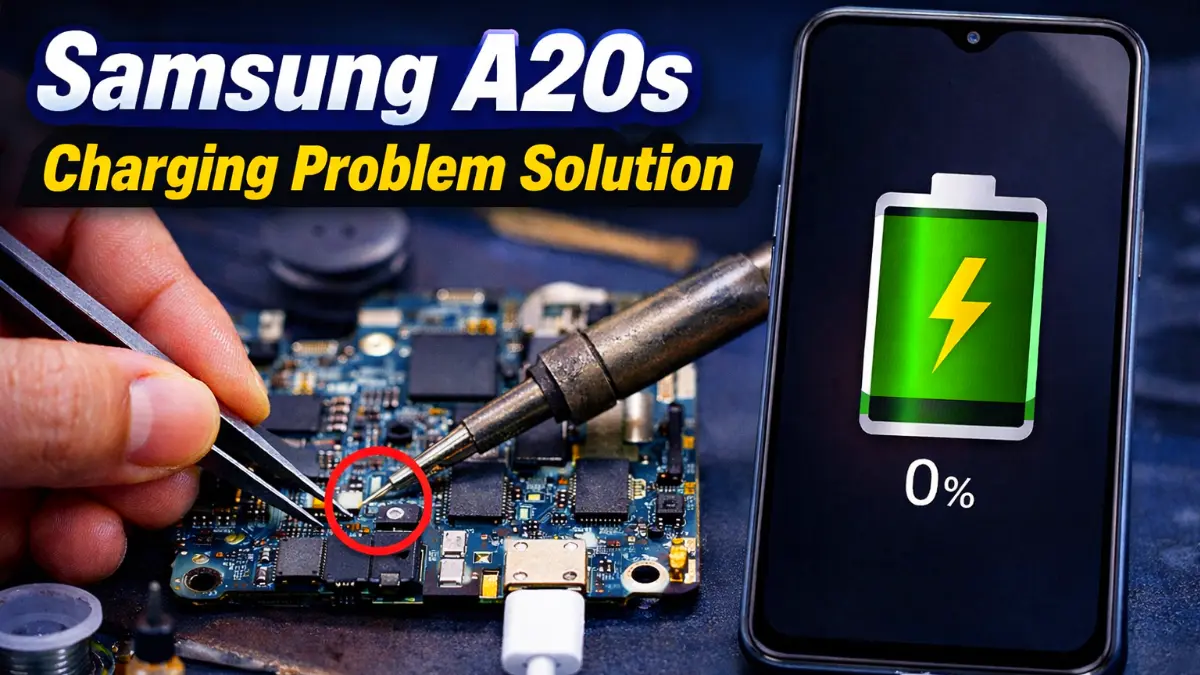
Using your phone while charging is a major cause of phone overheating problem. Especially fast chargers and cheap cables can generate excessive heat.
🔹 Background Apps & Malware
Too many apps running in the background consume CPU and RAM continuously. In addition, malware or unsafe apps can silently cause overheating.
READ MORE : Mobile Charging Problem Solution
🛠️ Best Solutions for Phone Overheating Problem
✅ Stop Using Phone While Charging
First of all, avoid gaming or watching videos while charging. This simple habit can instantly reduce overheating.
✅ Remove Phone Case Temporarily
Sometimes, thick covers trap heat. Therefore, removing the case helps your phone cool down faster.
✅ Close Background Apps (phone overheating problem)
Go to settings and close unnecessary apps. This reduces processor load and improves temperature control.
✅ Update Software Regularly
Outdated software often contains bugs that cause overheating. So, always keep your phone updated.
✅ Factory Reset Phone (Phone Overheating Problem)
Meanwhile, factory reset of format data can hitting down your phone also.
⚠️ When Overheating Is Dangerous
If your phone overheats even during idle mode, restarts automatically, or shows temperature warnings, then hardware issues like battery damage may exist. In such cases, visiting a professional service center or subrata service center is highly recommended.
✅ Final Thoughts
In conclusion, phone overheating problem is serious but solvable. By following the right steps and changing small habits, you can protect your smartphone, battery, and data. Most importantly, early action prevents permanent damage and costly repairs.
This usually happens because background apps are running continuously, system updates are stuck, or malware is present. In some cases, an old or damaged battery can also cause phone overheating even in idle mode.
Phone overheating while charging mostly happens due to fast charging, using the phone during charging, poor-quality chargers, or damaged charging cables. Always use an original or certified charger to avoid overheating.
To cool down your phone:
Stop using it immediately
Remove the phone cover
Close all background apps
Turn on airplane mode for a few minutes
Avoid placing the phone in a fridge, as sudden temperature change can damage internal parts.
Yes, in many cases. Software updates often fix bugs, optimize performance, and improve temperature control. Keeping your phone updated can reduce overheating issues.