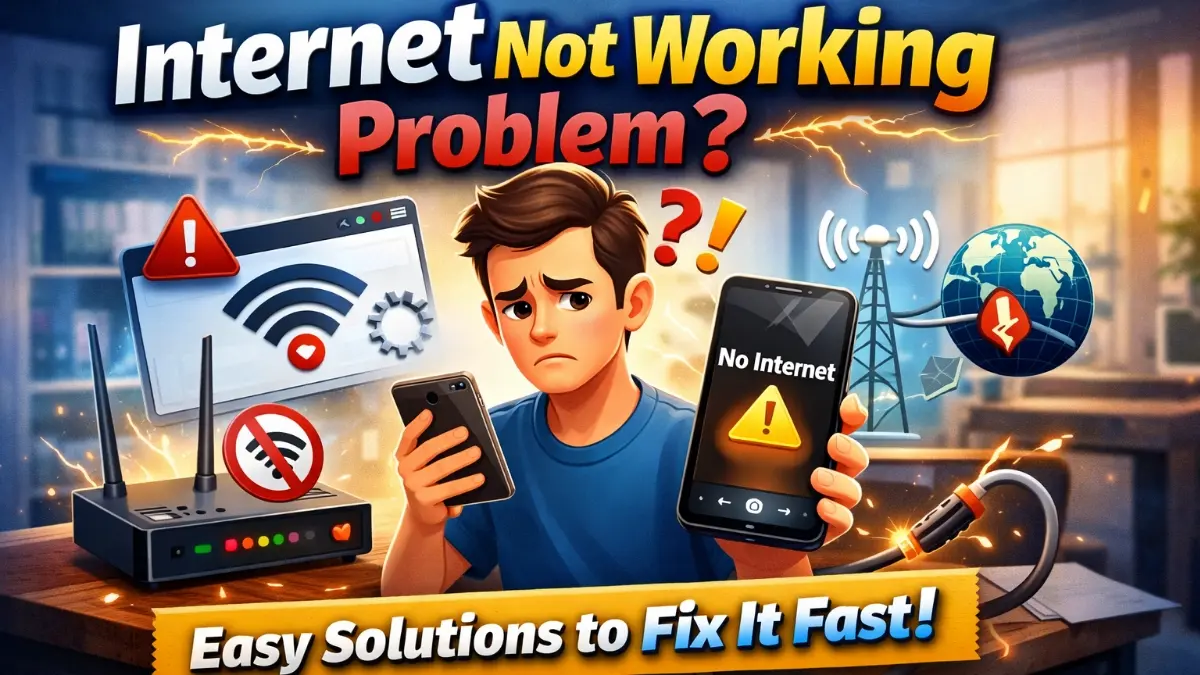
internet not working problem can be extremely frustrating, especially when you need to attend online classes, work from home, or browse important information. Whether your WiFi is connected but not working, or your mobile data suddenly stops.
In this guide i will help you find the internet Not Working Problem and fixing the actual solution.
🔹 Common Reasons Behind Internet Not Working Problem
Before jumping to solutions, let’s first understand why the internet stops working.
Network Signal Issues
Sometimes, weak signals or network congestion can interrupt your connection. This usually happens in crowded areas or during peak usage hours.
Router or Modem Problems
If your router is overheated, outdated, or incorrectly configured, the internet may stop working even though WiFi is connected.
Device-Related Errors
In many cases, the issue is not the network but your smartphone, laptop, or PC settings needs to be right setting.
READ MORE: Mobile Charging Problem Solution
🔹 How to Fix Internet Not Working Problem (Step-by-Step)
Now, let’s move forward with practical solutions that actually work.
Restart Your Device or Router
First of all, restart your phone, computer, and WiFi router. This simple step solves most internet issues instantly.
Check Airplane Mode & Data Settings
Make sure Airplane Mode is turned off. Also, verify that mobile data or WiFi is enabled properly. Sometimes, mobile data limit reached the maximum limit is the main causes of Internet Not Working Properly. So, data setting up set nicely.
Forget and Reconnect WiFi Network
Go to WiFi settings, forget the connected network, and reconnect by entering the password again. This often fixes authentication errors.
Reset Network Settings (Internet Not Working Problem)
If the problem continues, resetting network settings can remove corrupted configurations without deleting personal data.
🔹 When Internet Still Not Working
Contact Your Internet Service Provider
If none of the above solutions work, then the issue may be from your ISP side. Therefore, contacting customer support is the best option.
🔹 Final Thoughts
In conclusion, an internet not working problem is usually caused by minor settings or temporary network issues. However, by following the steps above, you can fix most problems without technical help. As a result, you save both time and frustration.
First, turn Airplane Mode on and off. Then, check mobile data settings and network mode (4G/5G). If the problem continues, reset network settings or restart your phone to refresh the connection.
Slow or non-loading internet can be caused by weak signals, background apps using data, or ISP issues. Clearing browser cache and closing unused apps can improve internet speed.
This usually happens due to DNS issues, router errors, or temporary network problems. Even if WiFi shows “Connected,” the internet may not work. Restarting the router and reconnecting the network often fixes this issue.
Restart the router clears temporary bugs, refreshes the IP address, and reconnects to the ISP server. This is one of the most effective and simple solutions.
Check APN settings, network mode, and data limit settings. Also, ensure your data pack is active. Resetting network settings often solves this issue.
Yes. Resetting network settings only removes saved WiFi passwords, Bluetooth connections, and network preferences. It does not delete personal data.