 Advertisement
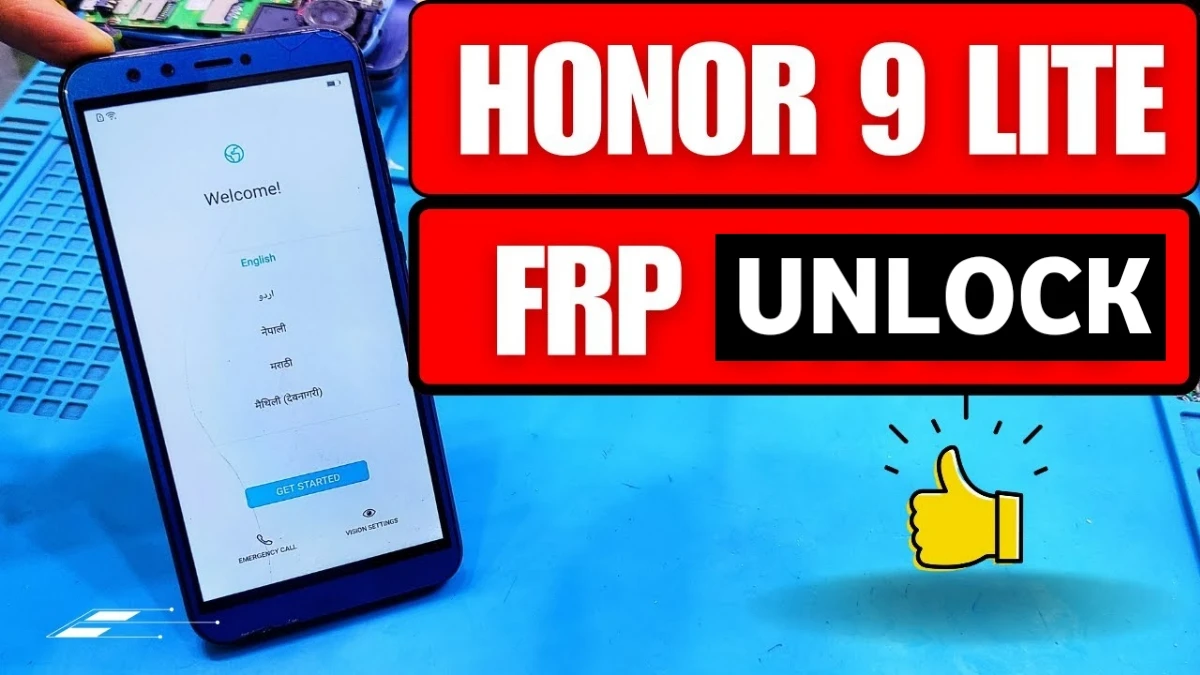
If your phone is stuck on the Honor 9 Lite FRP Bypass After Factory Reset Without PC screen, don’t worry. Many users face this problem when their device asks for the previous Google Account verification after a reset.
However, by following the correct steps you can easily fix the issue. This guide explains a simple method to complete the Google Account Recovery process and bypass the FRP lock without using a computer.
So, carefully follow the steps below and you will be able to use your phone again.
READ MORE: POCO M6 PRO 5G Google Account Verification Bypass
What is FRP Lock in Honor 9 Lite?
Factory Reset Protection (FRP) is a security feature added to Android devices. It helps protect your phone from unauthorized access.
However, sometimes users forget their Google account credentials after resetting the phone. As a result, the device asks for the previously synced account.
In that situation, you need a proper Google Account Verification Fix method to unlock the phone.
Honor 9 Lite FRP Bypass Without PC – Step by Step
Follow the instructions carefully to complete the process.
Step 1: Connect WiFi
First, connect your phone to a stable WiFi network.
Step 2: Enter Recovery Mode (Google Account Recovery)
Next, switch off the phone completely.
Then press and hold the Power button + Volume Up button together.
When the phone starts booting, release the Power button but continue pressing the Volume Up button until the EMUI Recovery Menu appears.
Step 3: Factory Reset the Device (honor 9 lite)
Now follow these steps:
- Use the Volume Down button to select Wipe data / Factory Reset
2. Confirm the option by typing yes
3. The factory reset process will start
This process may take a few minutes, so wait patiently until it finishes.
Step 4: Wipe Cache Partition (honor 9 lite frp bypass)
After the reset completes:
• Select Wipe Cache Partition
• Wait until the formatting process finishes
This helps remove temporary files and improves the reset process.
Step 5: Reboot the Device
Now select Reboot System Now from the recovery menu.
Your phone will restart and take a few minutes to turn on.
Final Setup to Complete Android FRP Unlock
After the device starts:
1. Tap Get Started (honor 9 lite)
2. Allow all permissions
3. Accept the Terms of Use
4. Insert SIM or tap Skip
5. When the Data Import Menu appears, select Cloud Backup
Now the WiFi page will appear again.
At the same time, you will see a Skip option on the left side.
Tap Skip, then continue.
Next:
• Skip Connect to Network
• Skip Device Protection
> Enable services in Enhanced Services
> Complete the rest of the setup
Finally, your Honor 9 Lite FRP Unlock will be successfully completed.
Conclusion
The Honor 9 Lite FRP Bypass After Factory Reset Without PC method is simple if you follow the steps correctly.
Moreover, this guide helps users who are stuck on the Google Account verification screen and need a quick Google Account Recovery solution.
Therefore, carefully complete each step to remove the FRP lock and access your phone again without any problem.
Faq
FRP (Factory Reset Protection) is a security feature on Android devices that protects your phone after a factory reset. If someone resets the phone without removing the Google account, the device will ask for the previously synced account during setup. This is why users need a proper Google Account Verification Fix method to access the device again.
Yes, you can complete Honor 9 Lite FRP Bypass After Factory Reset Without PC by using the recovery menu and correct setup steps. This method allows users to unlock the device and skip the Google verification screen without using a computer or special software.
Your phone asks for the previous Google account because of the Factory Reset Protection security system. This system is designed to prevent unauthorized access if the device is lost or stolen. To use the phone again, you must complete Google Account Recovery or follow an FRP bypass solution.
If the method does not work on your device, you can try another Google Account Verification Fix or update your phone software. Sometimes Android security updates change the bypass method, so using an updated guide can help solve the issue.
Yes, if you remember your account information, you can recover it using the Google Account Recovery page. After recovering your password, simply log in with the same account during phone setup to remove the verification lock.