 Advertisement
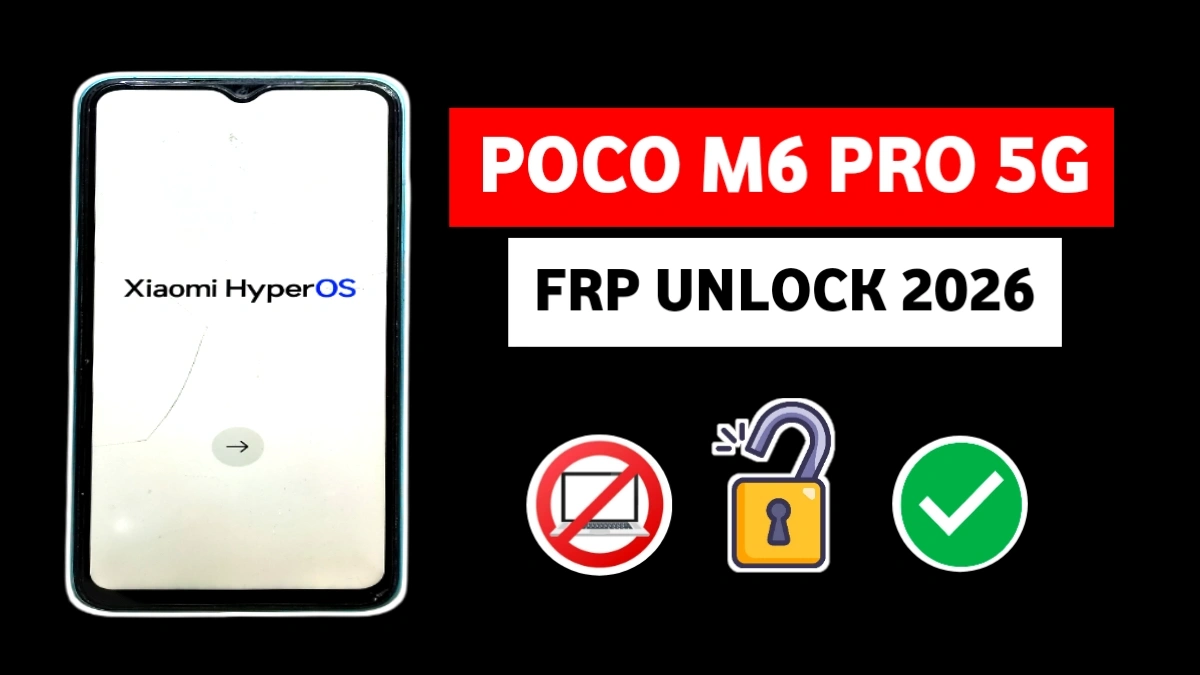
If your POCO M6 Pro 5G is stuck on Google verification after reset, this guide will help you complete the POCO M6 Pro 5G FRP Unlock After Factory Reset easily. Many users face this issue after a hard reset, especially when they forget their previously synced Google account.
However, don’t worry — by following the correct method step by step, you can bypass FRP lock safely without using a computer.
Read More: Samsung Galaxy A10 FRP Unlock 2026
POCO M6 Pro 5G Unlock FRP – 100% Working Guide Step by Step Without PC
Step 1: Connect to WiFi & Access Feedback Menu
First, connect your phone to a stable WiFi network.
Then:
1. Tap Add Network in the WiFi list.
2. Click on Network Name, then tap the gear icon.
3. Scroll down and select More.
4. Tap Feedback.
Now a Gmail welcome screen appears. Click Skip, then tap Learn More.
After that, open the three-dot menu and choose Send Feedback, then select Go to Legal Help.(POCO M6 Pro 5G FRP Unlock)
Step 2: Open YouTube & Enable Accessibility
Inside Legal Help, a YouTube video guide will appear.
1.Tap the Play button.
2. Press the three dots → Share.
3. The YouTube app will open.
4. Go to Settings → Accessibility.
5. Enable Accessibility Menu Shortcut.
As a result, the Accessibility Menu becomes active. Now tap Google Assistant from Accessibility and say:
👉 “Open Share”
Immediately, the Share menu will appear.
📲 Step 3: Transfer Required Apps (poco m6 pro frp)
Next:
1. Select Receive to open the barcode scanner in ShareMe.
2. From another phone, install Activity Launcher and ShareMe.
3. Send Activity Launcher to the locked phone.
4. Install and open Activity Launcher.
🔐 Step 4: Enable Second Space Feature
Inside Activity Launcher:
1. Tap the search icon.
2. Type Second Space.
3. Open it and tap Turn On Second Space.
4. Allow required permissions.
Now the Second Space feature opens successfully. Finally, reboot the phone.
🎉 After restart, your POCO M6 Pro 5G FRP lock will be removed successfully.
FAQ
You can complete POCO M6 Pro 5G Unlock After Factory Reset (2026) Without PC by using WiFi settings, Feedback option, YouTube access, Accessibility menu, and the Second Space feature. This method does not require flashing tools or a computer.
Currently, there is no free official Xiaomi tool available publicly for FRP bypass. However, this manual method works without paid software or professional unlocking services.
Local mobile repair shops may charge ₹300 to ₹1500 depending on your area. Using this guide, you can remove FRP lock at home for free without paying service charges.
Yes, if your POCO M6 Pro 5G is stuck on Google verification, you can bypass it using the Second Space trick explained above.
It works on most 2026 security patch updates. However, Xiaomi may patch vulnerabilities in future updates, so always check your MIUI version before starting.
FRP removal is legal only if you are the original owner of the device and forgot your Google account credentials. Unlocking stolen devices is illegal.
This method may also work on some Xiaomi and POCO models running similar MIUI versions, but steps can vary depending on the Android security patch.