 Advertisement
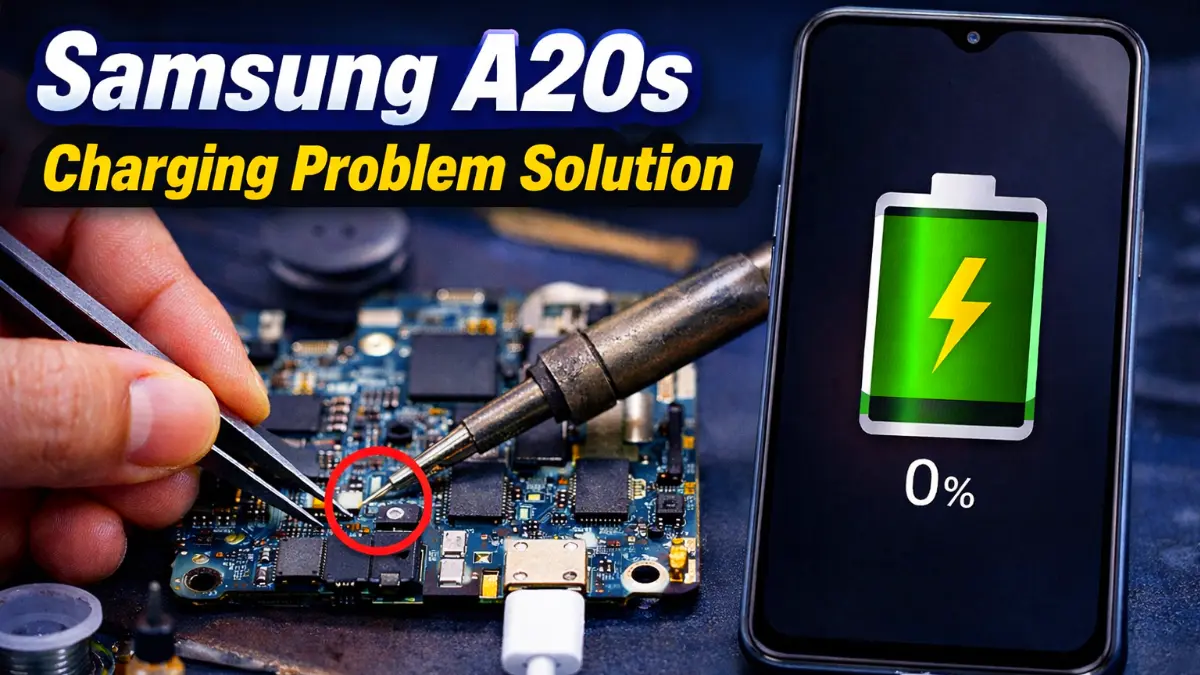
If you are facing a Samsung A20s Charging Problem, this step-by-step repair guide will help you understand the real solution. Many Samsung Galaxy A20s users notice that the charging logo appears but the battery percentage does not increase. In this article, we will explain the professional Samsung A20s Charging Problem solution used by technicians. By following these steps carefully, you can identify whether the problem is related to the sub-board, flex cable, or charging section.
What is Samsung A20s Charging Problem?
A20s Charging Problem usually occurs when the phone shows the charging icon but the battery does not increase properly.
For example:
• The charging logo appears
• But the phone charges very slowly
• Ampere reading shows very low current (around 0.5A)
Because of this low current, the device cannot charge normally.
Read More: Samsung A51 On Off Problem Solution
Samsung A20s Charging Problem – Step-by-Step Professional Repair Guide
Step 1: Check the Voltage
First, check the Sub-to-Main voltage supply.
After connecting the charger, the phone should normally receive around 5.0V supply.
However, during testing we noticed that the voltage was not reaching the main board properly. This indicates that the power supply path from the sub-board to the main board is interrupted.
This is an important step in professional Samsung A20s Charging Problem diagnosis.
Step 2: Charging Test Point Jumper
Next, we created a soft jumper on the charging test point.
This step helps confirm the real cause of the problem.
If the phone starts charging after making the jumper, then the issue is usually related to:
• Sub-board
• Flex cable
However, if the phone still does not charge, then the technician should inspect:
• Charging section
• Charging IC
This is one of the most effective A20s Charging Problem tips used by mobile repair professionals.
Step 3: Check the Charging Result
After making the soft jumper, the results became clear.
First, the charging logo appeared.
Then the battery percentage started increasing.
For example:
• Charging showed 1%
• Then it increased to 2%
This confirmed that the Samsung A20s charging system started working properly.
Ampere Test Result (Samsung A20s Charging Problem )
To confirm the repair, we checked the ampere again.
Previously the phone was drawing 0.5A, which is insufficient.
However, after the repair the device started drawing around 1.12A, which is normal charging current.
Final Fault Found
After completing all tests, the actual issue was identified.
The main cause of the Samsung Charging Problem was the:
👉 Sub-Board Flex Cable
Instead of replacing the flex cable immediately, a soft jumper fix solved the issue successfully.
Conclusion
Now you know how to Samsung A20s Charging Problem fix using professional diagnostic steps. By checking the voltage, performing a charging test point jumper, and measuring ampere consumption, technicians can quickly identify the real fault.
If your device shows charging but the battery does not increase, this guide can help you find the correct solution.