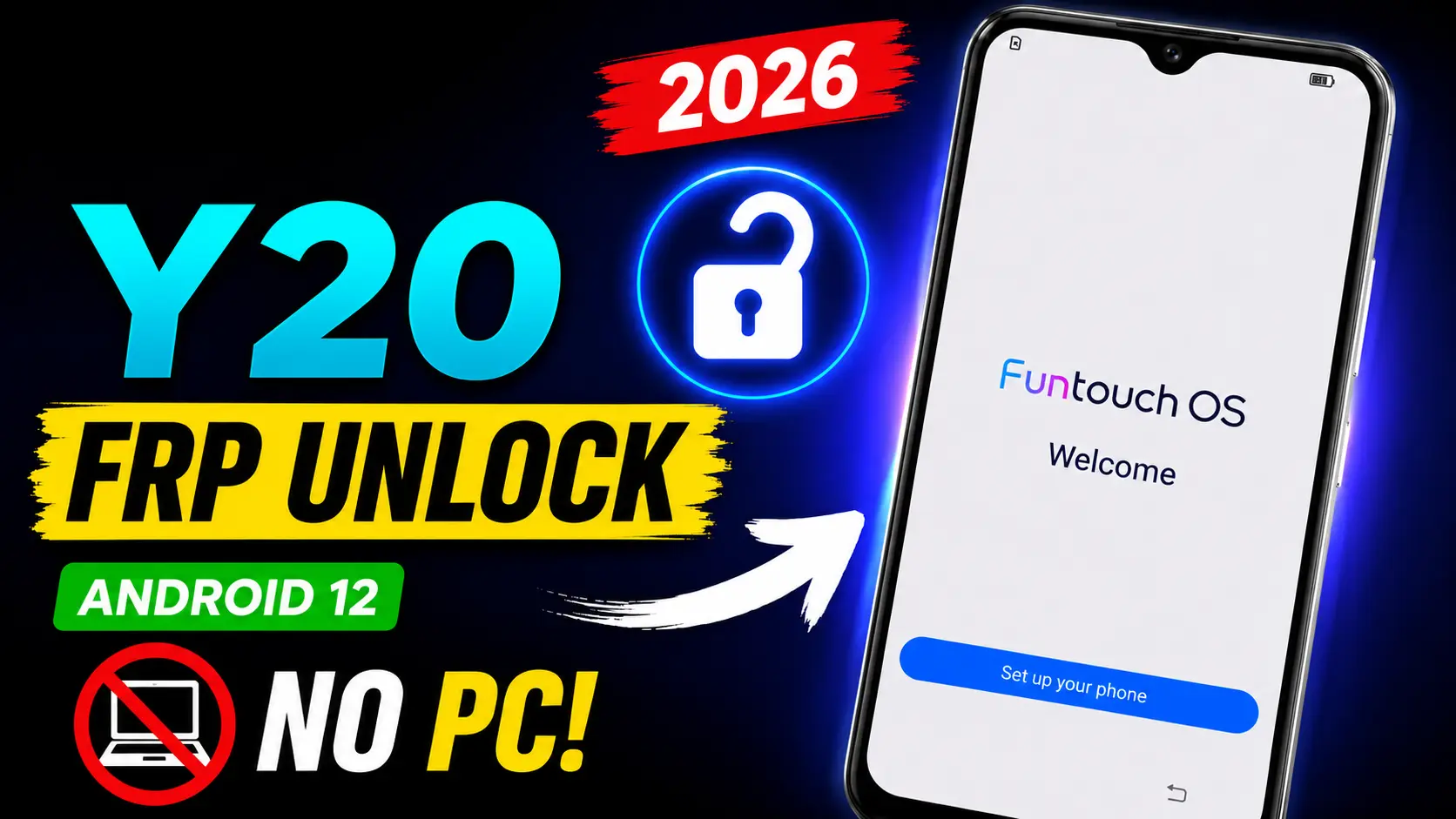
Factory Reset Protection (FRP) is one of the major security features in the smartphones running Android OS. The device used in this case is the Vivo Y20 Android 12 FRP Bypass. Your personal information is protected if your phone is lost or stolen. But many real users cannot access their own devices after doing a factory reset and forgetting the previously linked Google account.
If you are encountering issues with the Google Account Verification screen in your Vivo Y20, don’t panic. In this tutorial you will learn about FRP, why it happens and the official ways to restore access without a PC. This article is about legitimate account recovery ways to assist you in gaining access to a device you own.
Read More: Data Recovery Services
What is Factory Reset Protection (FRP)?
Factory Reset Protection, or FRP is a security feature added by Google with Android 5.1, and it’s still here with Android 12.
Adding a Google account to your Vivo Y20 will enable FRP automatically. If you conduct a factory reset on the device without removing that Google account, Android will ask for the same account credentials when setting up the device.
FRP is short for Factory Reset Protection. It’s a built-in protection to prevent unwanted access to your phone once it’s been reset.
Why FRP Lock on Vivo Y20?
If you see the Google verification page, then:
You wipe from recovery mode.
You’ve forgotten your Google account password.
You bought a second-hand Vivo Y20, but the prior owner didn’t delete their account.
This is a software reset of your phone.
In certain cases, Android will request the Google account that was previously associated with the device before it will allow setup to proceed.
Vivo Y20 Android 12 FRP Bypass
The Vivo Y20 continues to be a favourite among smartphone users, thanks to its reliability and easy-to-use software. Like every Android device, it is secured with Google’s security features to protect user data.
“Does your phone not work after the reset and ask for the previous Google account? It doesn’t mean your phone is damaged. That only implies Android is verifying who owns it before it will give access.
Before Vivo Y20 FRP recovery process
Before attempting to get back into your Vivo Y20, be sure you have:
- A decent Wi-Fi connection.
2. Battery level > 50%
3. Previously used email address on device.
4. Your password for that Google account, if you remember it.
5. If you forget your password, access your recovery phone number or recovery email.
6. Proof of purchase may be requested.
Such things can help make the rehabilitation process that much easier.
Official FRP Bypass Methods without PC
If you own the device, these are the most secure and dependable methods for doing so.
1. Sign in using a Google Account previously paired
The quickest way is to make use of the same Google account you used before the factory reset.
Once you have the correct email address and password, Android will verify that you are the owner and let you set up the phone.
2. Change Google Account Password
If you’ve forgotten your password, you can restore your Google account via Google’s official account recovery method with another device with internet connectivity.
After you have successfully changed your password, you may have to wait before you can try signing in on the reset phone. Google sometimes enforces a short security pause after password changes.
3. Recover a lost Gmail address
Many people remember their password but forget the Gmail address associated with the phone.
You can utilise Google’s account recovery tools to locate your account using recovery information, including:
- Recovery phone number
2. E-mail address for recovery
3. Your account name
Once you have selected the relevant account, sign in during setup.
4. Ask the Former Owner (Vivo Y20 Android 12 FRP Bypass)
If you bought the second-hand Vivo Y20 and it asks for someone else’s Google account, then contact the prior owner.
They are able to:
- Setup: Enter account details. Remove the device from their Google account.
2. This is the quickest legitimate way to get used to phones.
5. Go to an authorised Vivo Service Center
If you are the legal owner of the account and you cannot restore it, go to an authorised Vivo service centre.
What to bring:
- Original sales slip
2. Recent picture ID
3. The device itself.
Once they confirm you are the owner, the service centre will be able to tell you what assistance alternatives exist.
What If You Forgot All Your Memories?
Forgot your email address and password? No problem.
You’ll first:
- Recover your Google Account or Gmail
2. Forgot password?
3. With your spare phone number.
4. By using your recovery email.
5. Check devices you are already signed in on.
Typically, Google’s account recovery process can get users their accounts back.
Common problems and solutions with FRP
Phone no internet
Or:
- Rebooting the router.
2. Getting closer to the Wi-Fi source.
3. Trying a different wifi.
Account verification requires Internet access.
Verification Failing Still
Possible reasons are:
- The password is incorrect.
2. Incorrect Google account
3. Typing mistakes
4. temporary network issues,
Confirm your credentials and be into the account you had previously attached to the phone. Message: “This Device Was Reset”
This is the standard FRP verification screen
All it implies is Android is asking you to verify you own it before you finish setup.
Forgot Gmail Password
Use the official Google account recovery tools to generate a new password.
If this works, note there could be a lag in security until the new password takes effect on the device you reset it from.
i bought a second hand vivo y20
If the old owner’s account is still on the device:
- Please contact the seller.
2. Ask to delete the associated Google account.
3. Never pay anyone who claims to “unlock” the phone without first proving ownership.
How to avoid Vivo Vivo Y20 Android 12 FRP in future
Before the factory reset, the Vivo Y20
- Press on Settings and delete your Google account.
2. Save important files.
3. Confirm your account was deleted.
4. Store your Gmail password safely.
5. Make sure you update your recovery phone number.
6. Turn on recovery email options.
By following these simple procedures you are able to avoid account verification problems in future.
Why FRP by Google
FRP helps to safeguard the users from illegal access.
Even if a phone gets stolen and factory reset, it cannot be used without the owner’s Google account.
This security feature will help to:
- Protect your personal photos.
2. Reliable contacts.
3. Don’t get identity theft.
4. Reduce cell-telephone theft.
5. Protect critical data.
FRP can be a pain if you forget your account. But it does provide useful protection to bona fide owners.
How to buy second-hand phones – Top tips
Before you purchase a secondhand Vivo Y20:
- Make sure that the former owner has deactivated his/her Google account.
2. Initial setup before payment.
3. Do not display the verification screen to Google.
4. If possible, ask for the original sales receipt.
These actions lessen the chance of running into FRP after you purchase.
Frequently Asked Questions
How to Unlock FRP Vivo Y20 Without a PC?
If you are the real owner, you may be able to get access again by logging in with the Google account that was previously synced on the phone or recovering that account through the official Google recovery method.
Can FRP be removed by factory reset?
If your device was previously associated with a Google account, then no FRP is enabled following a factory reset.
I forgot my Google account password. What do I do?
Follow Google’s official account recovery procedure to recover your password, then log in using the recovered account.
Do all Android devices have FRP?
Most contemporary Android handsets come with Factory Reset Protection enabled by default as a security feature after adding a Google account.
Final Thoughts
The FRP lock on the Vivo Y20 operating on Android 12 is a security feature that prevents unwanted access to your data. If you have forgotten your credentials, it is frustrating, but the safest thing to do is to access the Google account that was attached to the device or restore that account through Google’s official recovery process.
If you cannot restore your account, save all the documents that prove that you are the owner of the account and go to an authorised Vivo service centre to be assisted. Following these legitimate actions will assist in ensuring that your device remains secure while rightful owners are able to recover access.
If you know how FRP works and take precautions, like deactivating your Google account before factory resetting and keeping your recovery information up to date, you can avoid future lockouts and use your Vivo Y20 with confidence.