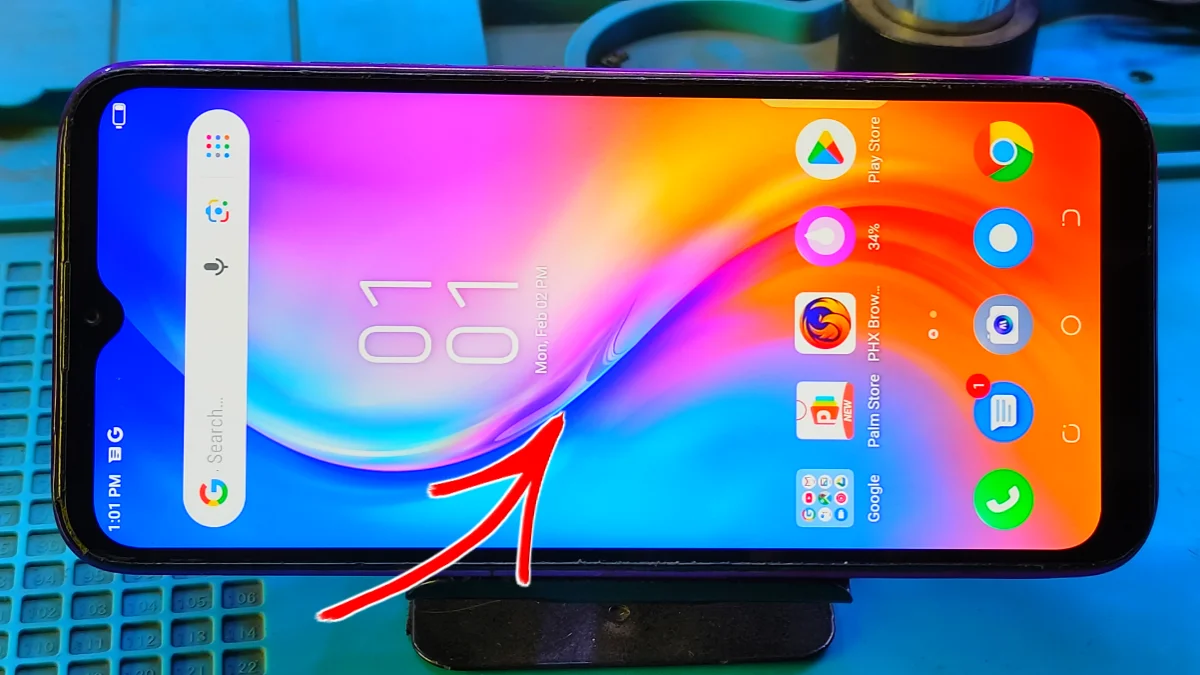
A mobile screen problem solution is every smartphone user searches for when their phone suddenly starts showing display issues. Whether your screen is flickering, showing green lines, going black, or not responding to touch, these problems can be stressful.
In this guide, you will learn practical and proven mobile screen problem solution for common mobile screen problems.
🔹 Common Mobile Screen Problems
Screen Flickering or Flashing
Screen flickering usually happens due to software bugs, incompatible apps, or display setting issues. Sometimes, low brightness or power-saving modes can also cause this problem.
Solution: (mobile screen problem)
👉 Restart your phone
👉 Update system software
👉 Remove recently installed apps
👉 Adjust brightness settings
Read More: Mobile Charging Problem Solution
Green Line Mobile Screen Problem
Green or vertical lines often indicate display panel damage or loose display connectors. This issue is common after phone drops or water exposure.
software update can issues green line
In recent times most of the cases, If the green line appears even during boot or upgrade system, so the display needs replacement.
Black Screen but Phone Is On
If your phone ringing or vibrate but the screen stays black. The issue may be Display or display ic failure or system crash.
Solution: (mobile screen problem)
• Force restart the phone
• Charge for atleast 10 minutes and retry
• Visit a service center or subrata service center if the issue continues
Touch Screen Not Working (mobile screen problem)
Unresponsive touch screens are often caused by screen protectors, dirt, moisture, or internal damage.
Solution:
👉 Remove screen protector
👉 Clean the screen gently
👉 Restart the device
🔹 When You Visit Service Center?
If the mobile screen problem continues after basic troubleshooting, you have to need professional expert repair is the safest option. So, visit a service center or subrata service center for mobile repair low cost and excellent services.
🔹 Final Thoughts
A mobile screen problem solution depends on identifying the correct cause. While minor issues can be fixed at home, hardware-related problems required expert Technician. Always back up your data and avoid using damaged screens to prevent accidents.
The most common mobile screen problems are screen flickering, green lines on display, black screen issues, and unresponsive touch screens. These problems usually occur due to drops, water damage, software bugs, or display panel failure.
Yes, some mobile screen problems can be fixed without replacing the display. Issues like flickering, touch delay, or black screen caused by software errors may be solved by restarting the phone, updating software, or removing faulty apps. However, physical damage usually requires screen replacement.
A green line on the mobile screen is usually caused by AMOLED panel damage, display connector issues, or internal hardware faults. In most cases, this problem cannot be fixed by software and requires professional display repair.
If the phone is on but the screen stays black, it may be due to system crash, or display failure. If force restart does not work, visiting a service center or subrata service center is recommended.
Yes, low-quality or damaged screen protectors can cause touch screen problems. Removing the protector and cleaning the screen.
Yes, water damage is a major cause of mobile screen problems. It can lead to flickering, lines on screen, ghost touch, or complete display failure. Immediate repair increases the chances of saving the screen.