
 Advertisement
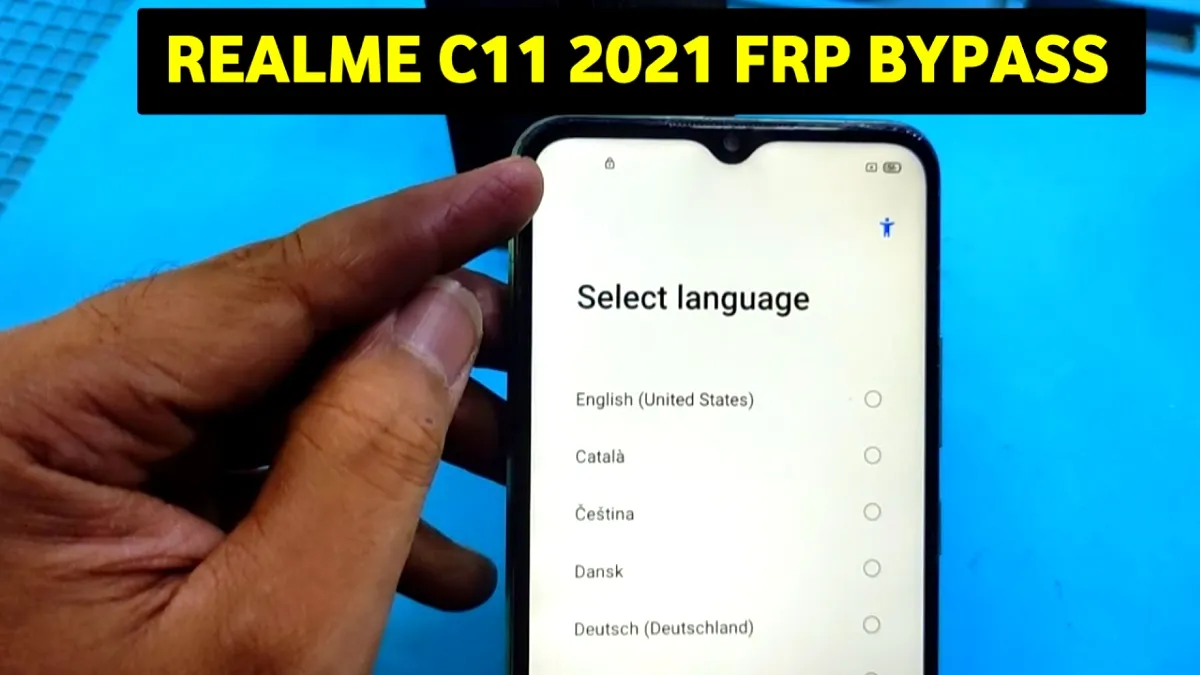
Looking for a working method for Realme C11 FRP Bypass in 2025? Follow this step-by-step guide to unlock Realme C11 & C11 2021 using Voice Assistant keyword disable method. Safe, simple, and updated solution for FRP reset.
If you are searching for a realme c11 frp bypass solution in 2025, this guide is specially created for you. Many Realme C11 and Realme C11 2021 users face Google Account lock after resetting the device. When FRP stops you from accessing your phone, a simple and updated method can help you unlock it safely. In this article, you will get a fully working, easy-to-follow FRP bypass method using Voice Assistant Keyword Disable to open security settings, restore settings, erase all settings, and complete the setup without Google verification.
FRP Bypass APK Download
What Is Realme C11 FRP Bypass?
FRP (Factory Reset Protection) is a security feature on Android devices like the Realme C11 and C11 2021, designed to protect your phone from unauthorized access after a factory reset. However, legitimate users may get locked out when they forget their Google account details. The Realme C11 FRP bypass lets users safely unlock their phones without hacking or complicated software.
Why Choose the Realme C11 FRP Bypass 2025 Method?
This method leverages the voice assistant keyword functionality to access phone security settings. It guides you to erase all settings and perform a factory reset directly from within the device’s accessible menus—ensuring you regain control with minimal hassle. This process works perfectly for Realme C11 models, including the 2021 version, making it a reliable solution in 2025.
Step-by-Step Guide To Unlock FRP
- Start the Setup Process (frp bypass)
Connect to WiFi and add advance wifi password with press any keyword
- Disable Voice Assistant (frp bypass)
Now voice assistant keyboard will appare, you have to disable it not allow to permission
- Keybord Disable Trick (frp bypass)
When settings open, disable the keyword detection.
This will redirect you to Phone Settings.
- Enter Security Settings (frp bypass)
From settings, go to:
Additional Settings → Backup & Reset → Erase All Settings
- Restore Default Settings
Select Erase All Settings → Confirm the action → The device will restart.
- Final Factory Reset
After reboot, go to settings again and tap:
Factory Reset → Erase All Data
- Setup Without FRP
Now complete the setup normally.
Your C11 FRP Bypass is completed.
Conclusion – 100% Working FRP Method
This updated 2025 trick works perfectly on Realme C11 and Realme C11 2021. You don’t need a PC, APK, SIM trick, or OTG. Just follow the Voice Assistant method to access settings and reset the phone easily.
FRP (Factory Reset Protection) is a Google security feature. After a factory reset, the phone asks for the previously used Google account to protect the device from unauthorized use.
FRP lock usually appears when:
• The phone factory reset without removing the Google account
• You buy a second-hand phone and the previous owner’s account is still active
• The device reset using recovery mode
Yes, on some Android versions, FRP bypass is possible without using a PC. However, the method may not work on all software updates or security patch levels.
• Android 10 and Android 11 → Some methods may work
• Newer security updates → FRP bypass may be blocked
















